
SHAKIR ANSARI

Custom AI Automation for Small Business Operations

Small business owners don’t need another all-in-one platform. They need fewer repetitive tasks, faster customer responses, and smoother day-to-day operations—using the systems they already have.

SHAKIR ANSARI builds custom AI automation that connects your existing tools, automates customer communication, keeps your data up to date, and reduces admin work with AI-powered workflows and integrations.

Result

More time for customers, growth, and real operations—without the constant manual busywork.

Fewerrepetitive tasks
Fastercustomer responses
Smootherdaily operations
Manual admin work

Why Small Businesses Struggle With Manual Admin Work

Most small businesses run on a tight team and a lot of context switching. Daily tasks quietly drain hours.

Manually copying leads between tools
Updating CRM fields after emails and calls
Responding to repeat customer questions
Following up leads at the wrong time or not at all
Producing weekly reports from multiple sources
Scheduling appointments and confirming details manually
Business-first automation

What Is AI Automation for Small Business?

AI automation uses AI-powered tools, workflows, chatbots, agents, and integrations to automate repetitive processes and improve response times across your business.

Lead handling, routing, and follow-ups
Customer support automation
AI CRM updates
Email and messaging workflows
Reporting and data processing
Appointment booking, confirmations, document generation, and internal workflows

Important: this is designed to work alongside your current stack—not force you to replace it.
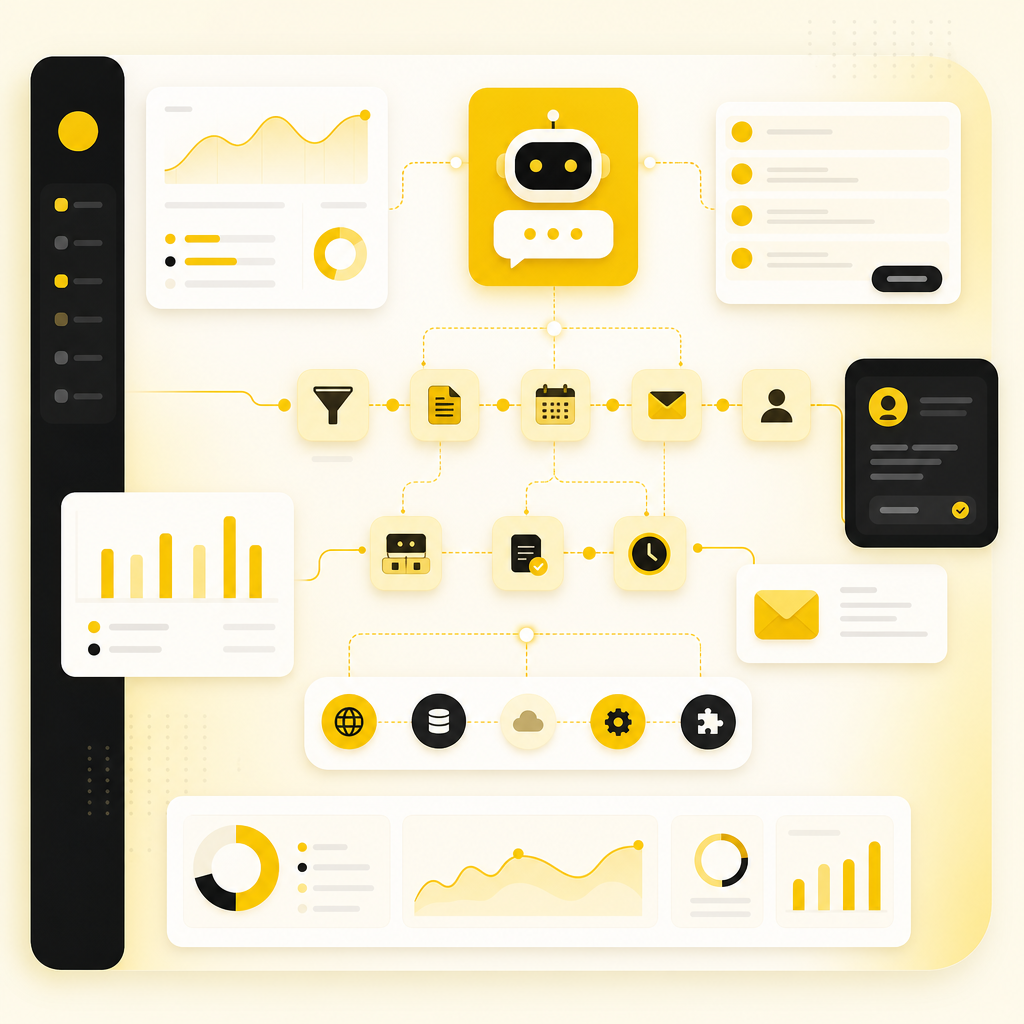
Dashboard-style illustration of AI automation workflows connecting CRM, support, email, reporting, and integrations.
Business benefits

Save Time, Reduce Repetitive Work, Improve Efficiency

When AI automation is implemented correctly, small businesses usually see quick wins.

1

Save hours every week

Automate tasks that happen daily—without delays, missed steps, or manual copying.

2

Respond faster

Chatbots and workflow automations can respond in minutes, not hours.

3

Keep CRM data accurate

With AI CRM workflows, your CRM stays up to date automatically based on real interactions.

4

Improve team productivity

Less manual admin work means your team can spend time on selling, service, and delivery.

5

Connect tools

APIs and integrations unify scattered systems into one operational flow.

Real day-to-day work

Practical AI Automation Use Cases

Common workflows built for small business teams, focused on measurable outcomes.

Automate Lead Intake and Follow-Up

Problem: Leads come in from forms, ads, emails, or chat—then disappear into inbox chaos.

  • Capture lead details automatically
  • Classify intent
  • Send the right follow-up
  • Create tasks and route to the right person or stage

Outcome: fewer lost leads and faster conversion.

Customer Support Automation

Problem: Customers ask similar questions repeatedly.

  • AI chatbot answers FAQs instantly
  • Collects missing info
  • Creates support tickets only when needed
  • Escalates with full context

Outcome: faster responses without burning out your team.

AI CRM Updates

Problem: Your CRM becomes outdated because data is entered manually after every interaction.

  • Update contact stages
  • Log call and email notes
  • Create CRM records from forms and chat
  • Flag high-intent leads

Outcome: more accurate pipelines and less admin.

Email Workflows and Notifications

Trigger emails, send confirmations and reminders, notify internal teams, and draft replies for approval when needed.

Outcome: consistent communication at scale.

Reporting and Data Processing

Pull data from your systems, clean and summarize it, generate a ready-to-review report, and send it to stakeholders automatically.

Outcome: faster decisions with less effort.

Appointment Booking and Documents

Book appointments from inbound requests, confirm with customers, generate documents, and route documents to the right workflow step.

Outcome: smoother operations from request to delivery.
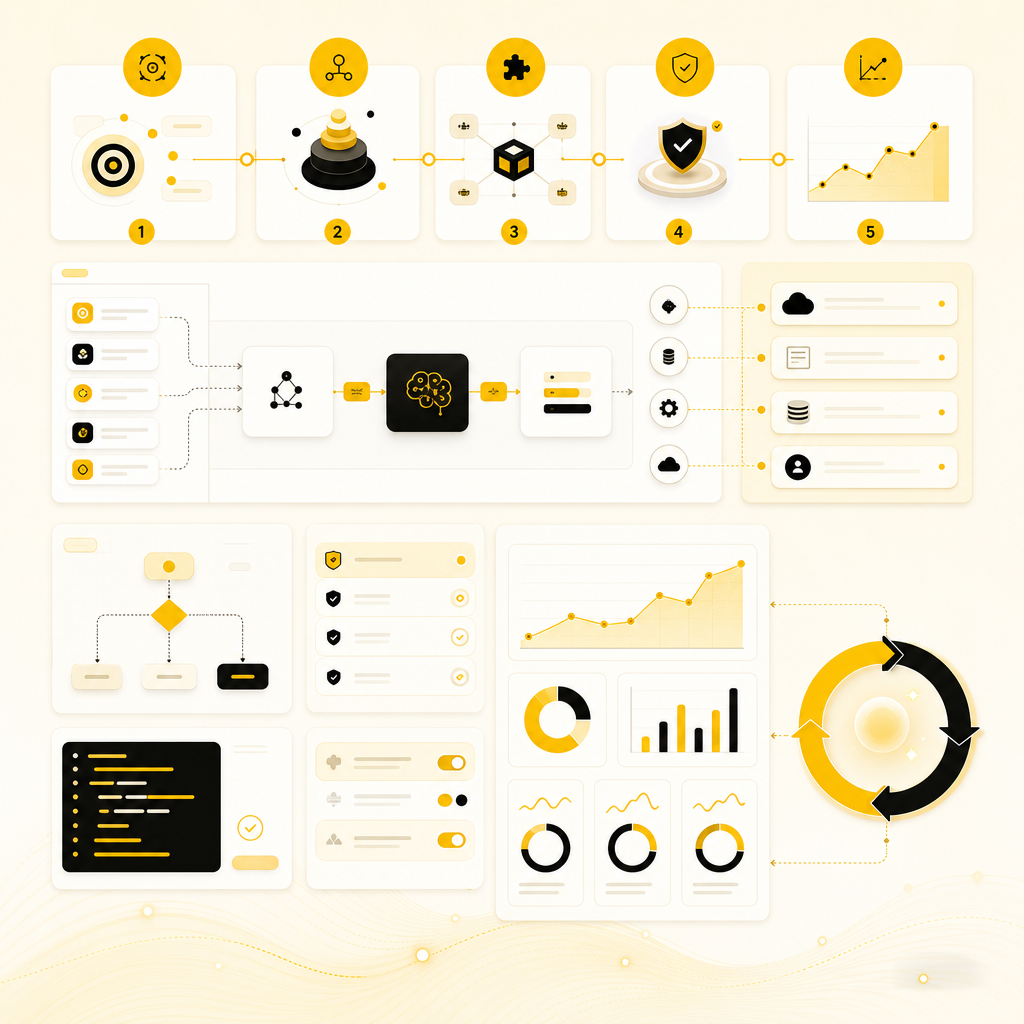
SaaS dashboard illustration showing a custom AI automation implementation workflow from mapping to monitoring.
Practical implementation

How Custom AI Automation Works Without Disrupting Your Current Setup

Shakir Ansari – Full Stack Developer & AI Automation Solutions uses a practical, business-first approach.

1

Map your repetitive processes

Identify what’s costing time right now—lead flow, support, CRM updates, reporting, scheduling, and handoffs.

2

Choose the right automation and AI level

Design the minimum solution that delivers results: workflows, integrations, AI classification and drafting, and agent-driven tasks only where appropriate.

3

Integrate with your existing tools

Connect what you already use through APIs and custom-coded integrations. Related website development support can tailor systems end to end.

4

Build, test, and automate safely

Validate edge cases, permissions, and data accuracy to reduce errors—not create them.

5

Monitor and improve

Refine workflows based on response times, lead conversion, support resolution, and pipeline accuracy.

Custom fit

Why Choose Custom AI Automation vs. One-Size-Fits-All Tools?

Small businesses need flexibility. Off-the-shelf automation often breaks when your workflow is unique.

  • Keep your existing tools
  • Automate the exact steps you actually follow
  • Scale without rebuilding everything later
  • Get automation that matches your team’s reality, not generic templates
Results without complexity

For Business Owners Who Want Results

You shouldn’t have to become an automation engineer to get better operations.

Our goal is simple: help you run faster and smoother using smarter workflows—without replacing the tools you already rely on.

See All Solutions

AI CRM

AI CRM: The Fastest Path to Cleaner Data and Faster Follow-Up

If your CRM is full of gaps, it’s not your fault—it’s a workload issue.

  • Automatically log interactions from emails, forms, and chats
  • Update stages based on real signals
  • Trigger follow-ups based on timing and intent
  • Keep notes structured and searchable
  • Create tasks for your team only when action is needed

Outcome: a CRM that stays current—so follow-up becomes predictable.
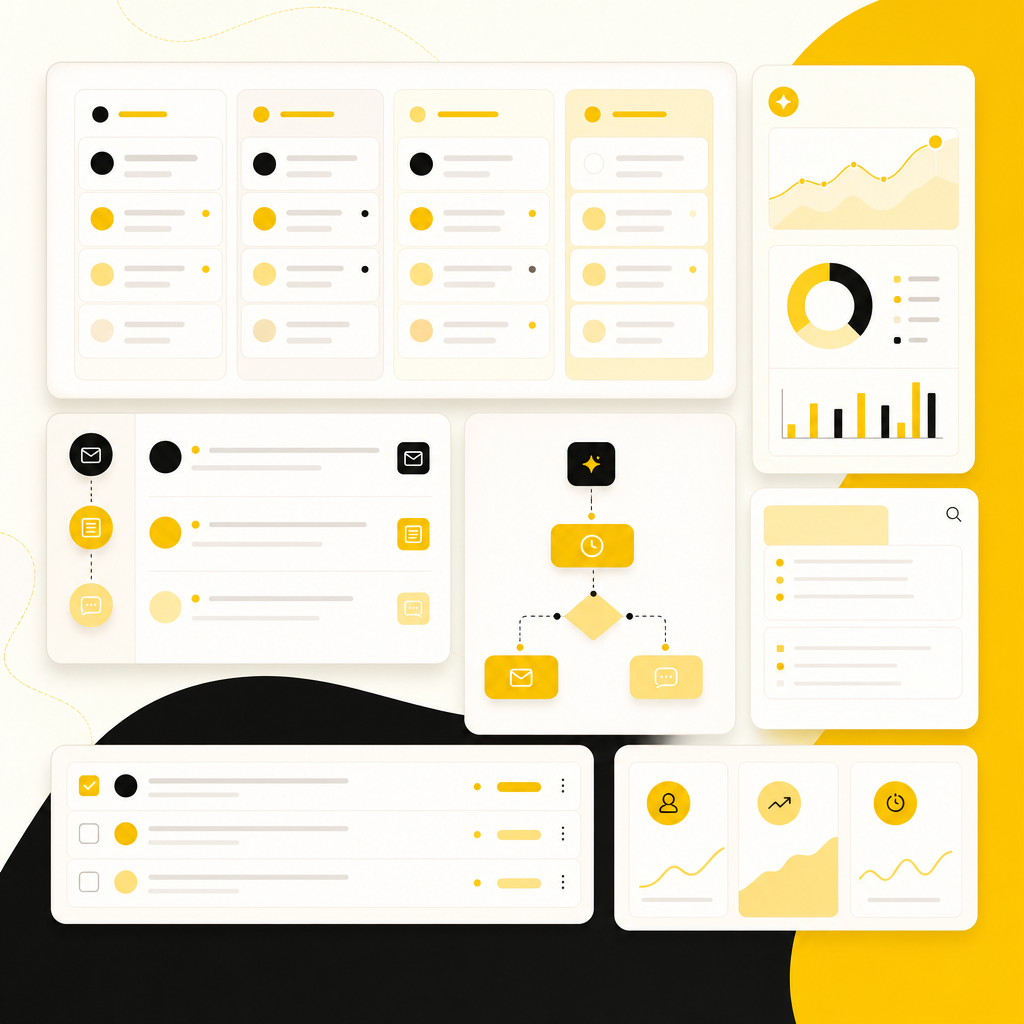
CRM automation dashboard illustration showing contact updates, follow-up triggers, notes, and task creation.
Project features

Key Features You Can Expect From Our AI Automation Projects

AI-powered workflows for lead management and support
Chatbots and AI agents where they add real value
CRM updates and pipeline automation with AI CRM
Email and notification automation
Reporting and internal process automation
API integrations and SaaS connectivity
Custom web and full-stack support to tailor systems end-to-end through custom web development services
FAQs

Frequently Asked Questions

Will AI automation replace my existing CRM or tools?
No. We build automations that integrate with your current systems and improve them—so you don’t lose what’s working.
What kinds of businesses benefit most?
Small businesses that handle frequent inquiries, inbound leads, repeat support questions, multi-step workflows, or manual reporting.
Do I need a large team for this to work?
No. The best automations are designed to reduce the workload on small teams, not add new responsibilities.
Can you automate lead follow-up and customer support?
Yes—commonly through workflow automation, AI chat support, and CRM updates that keep data accurate and actions timely.
How fast can we see improvements?
Many teams see value quickly once core workflows are automated: lead capture, follow-ups, support triage, CRM updates, and reporting.

See All Solutions

Explore options tailored to how your business runs today—then we’ll recommend the most practical automation path.

Tell Us What You Want to Automate

Leads & follow-upsCustomer support automationAI CRM updatesEmail workflowsReportingAppointment bookingIntegrations between tools
Automate repetitive work

Automate Your Repetitive Work This Month

If you’re ready to reduce admin work, improve response times, and connect your systems with custom AI automation, let’s map your current workflow and build what delivers the fastest ROI.

Book a Free AI Automation Consultation