SHAKIR ANSARI

Website Redesign for Higher Conversions

A website redesign isn’t just a visual refresh. For businesses that already have a site, the real goal is conversion improvement—turning visitors into leads, demos, purchases, or inquiries. This pillar guide walks you through a conversion-focused website redesign process, what to prioritize in UI/UX Design, and how to Hire Frontend Developers when you need performance, usability, and modern implementation done right.

Explore Website Redesign Services

Clarity

visitors instantly understand what you do and why it matters

Experience

the UI/UX Design supports browsing, trust, and decision-making

Performance

pages load quickly and interactions feel smooth

Why website redesigns succeed (and fail)

What usually works

A successful website redesign improves three things at the same time:

  • Clarity: visitors instantly understand what you do and why it matters
  • Experience: the UI/UX Design supports browsing, trust, and decision-making
  • Performance: pages load quickly and interactions feel smooth

What usually fails

Most redesign projects fail when they:

  • keep the old structure and only change colors/fonts
  • redesign without measuring what’s currently hurting conversions
  • launch without fixing mobile usability, accessibility, or page speed
  • rely on generic templates that don’t match your business model

If your site looks fine but conversions are weak, the issue is often the experience flow and messaging—not just design.
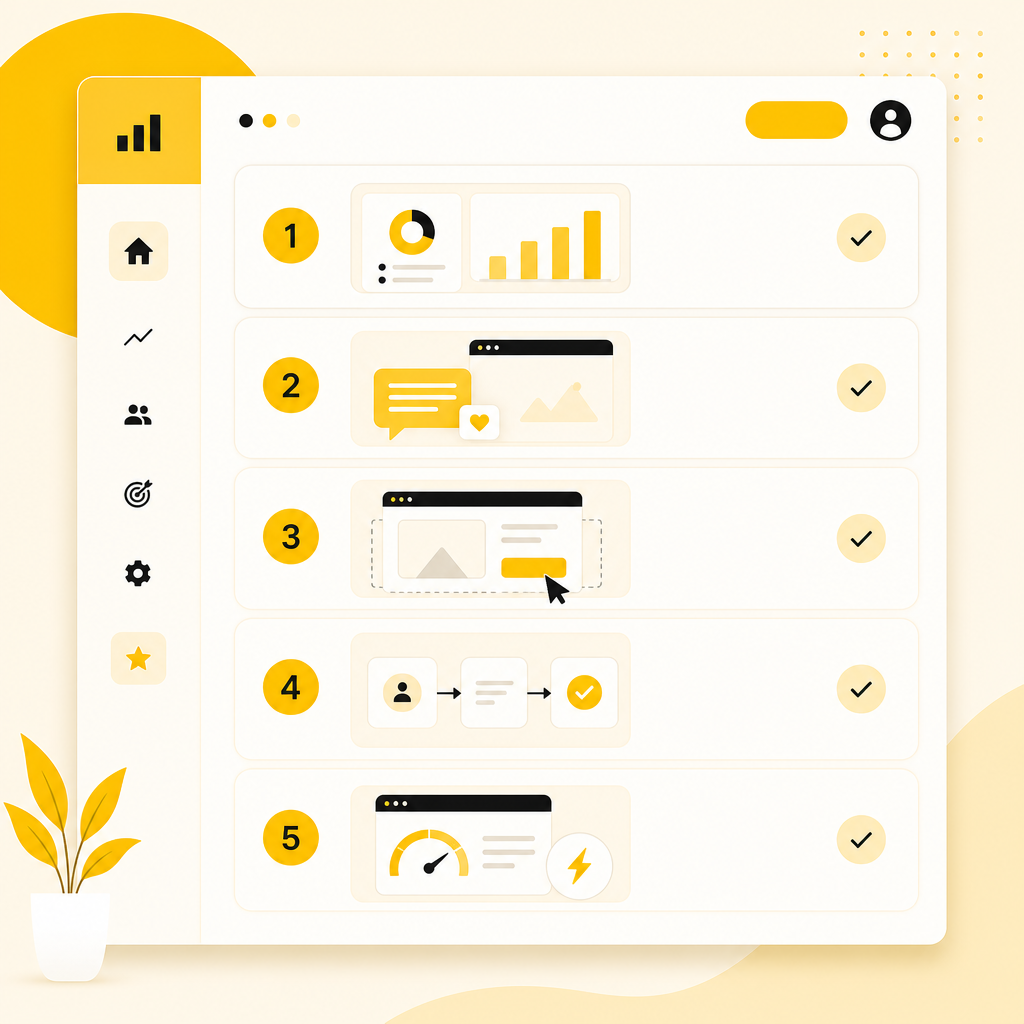
Modern illustration of a conversion-focused website redesign checklist with five numbered steps.

The conversion-focused website redesign checklist

1) Start with conversion data, not preferences

Before you change the site, identify what to improve:

  • Which pages get traffic but don’t convert?
  • Where do users drop off (forms, checkout, CTAs)?
  • What’s the primary conversion action (request a quote, book a demo, buy)?
  • How does the site perform on mobile and slow networks?

A redesign should be driven by user behavior and measurable outcomes, not internal opinions.

2) Redefine your messaging and page structure

Clarity is a conversion lever. During a website redesign:

  • Make sure your value proposition is visible above the fold
  • Align each page with one primary intent
  • Use headings to reflect customer questions (not internal jargon)
  • Ensure your CTA matches the user’s stage (learn → compare → act)

If visitors don’t understand your offer quickly, even the best UI/UX Design won’t fix conversions.

3) Improve UI/UX Design for decision-making

UI/UX Design directly impacts trust and ease of use. Focus on:

  • Navigation that helps users find what they need
  • Consistent layouts across pages so users don’t “re-learn” the site
  • Readable typography and strong information hierarchy
  • Clear CTA placement without overwhelming the page
  • Friction reduction (shorter forms, fewer steps, better error states)

Design should guide users toward the next action.

4) Upgrade user flows and conversion paths

Conversion improvement usually requires flow changes:

  • Simplify routes to key pages (services, pricing, case studies, contact)
  • Add supporting sections based on objections (proof, process, FAQs)
  • Ensure forms are understandable and fast to complete
  • Make mobile interactions consistent (tap targets, spacing, scroll behavior)

Your redesign should map to how customers actually decide.

5) Make performance a redesign requirement

Slow sites lose conversions. For conversion-focused redesign:

  • Optimize page speed and core performance signals
  • Reduce heavy assets and unnecessary scripts
  • Ensure images and media load efficiently
  • Build UI interactions that don’t feel laggy

Modern frontend implementation can be the difference between “nice design” and “high conversion.”

UI/UX Design elements that most affect conversions

Visual hierarchy that reduces confusion

  • Strong H1 and section titles
  • Short, scannable paragraphs
  • Supporting visuals that explain the offer (not just decorate)

Trust signals placed where decisions happen

  • Client proof and testimonials near conversion CTAs
  • Case studies with outcomes and context
  • Clear policies, credibility, and contact accessibility

Accessibility and usability basics

  • Keyboard navigability
  • Color contrast and legible text sizes
  • Mobile-friendly tap targets and form usability

Accessibility is also conversion optimization: fewer users get stuck or frustrated.

Website redesign scope: what to include (and what to avoid)

Include

  • UX audit + conversion analysis
  • Information architecture and page mapping
  • UI/UX Design for key templates (home, services, landing pages, contact)
  • Copy structure (headings, CTA logic, FAQs)
  • Frontend implementation aligned to modern UI patterns
  • Performance optimization and responsive behavior
  • QA on forms, tracking, and cross-browser consistency

Avoid

  • “Design-only” projects without conversion goals
  • Overhauling everything when only specific pages drive the problem
  • Launching without checking analytics and tracking events

A thoughtful scope protects your timeline and conversion outcomes.
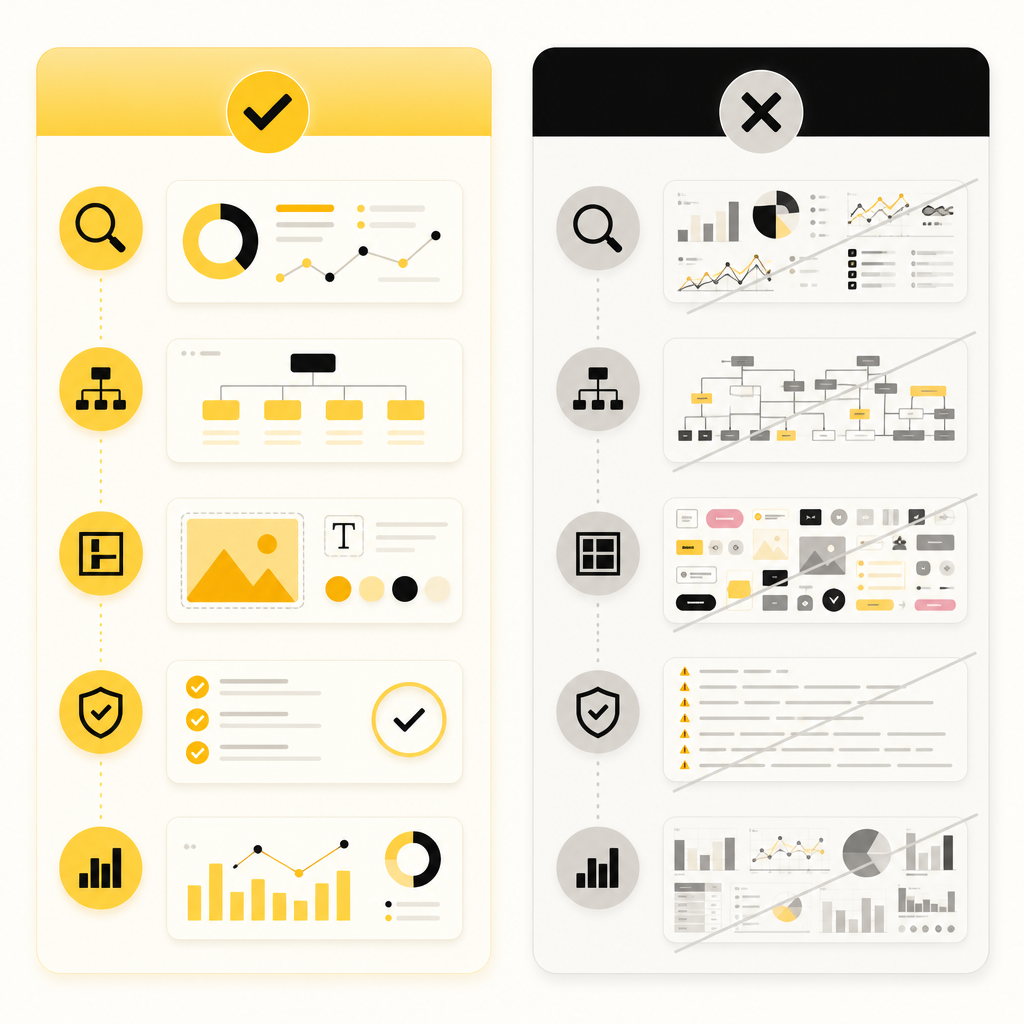
Illustration of website redesign scope planning with include vs avoid components and checkmarks.

Premium illustration showing frontend development components for a redesign, including responsive UI and QA readiness.

When to hire frontend developers for a redesign

You should consider hiring frontend developers when the redesign requires:

  • Modern UI implementation (responsive layouts, interactive components)
  • Performance-focused frontend work (optimized rendering, reduced bundle size)
  • Complex UI states (forms, validation, multi-step flows)
  • Seamless integrations (CRM, payment/checkout, email automation, APIs)
  • Consistency across devices with strict QA standards

Hiring the right frontend talent helps ensure your UI/UX Design is built correctly—not just approved in a design file.

How Shakir Ansari & the RTP team supports conversion-focused redesigns

For businesses aiming to improve design clarity, user experience, and conversion performance, Shakir Ansari – Full Stack Developer & AI Automation Solutions and the RTP team work across the full delivery lifecycle—so your redesign becomes a scalable digital system, not a one-time refresh.

You can typically expect support across:

  • Custom website redesign aligned to your business goals
  • UI/UX Design improvements that reduce friction and guide users to the next step
  • Frontend and full-stack development for fast, reliable, conversion-ready pages
  • API integrations that connect your website to the systems you already use
  • E-commerce solutions (where relevant) to improve product discovery and checkout conversion
  • SEO services and technical readiness to support organic traffic growth
  • Automation and AI-powered tools to reduce repetitive work and improve lead handling workflows

With 10+ years of experience and 1300+ web applications developed, the team focuses on clean, custom-coded solutions tailored to your users and outcomes.

Common website redesign mistakes to avoid

  1. Redesigning without a conversion hypothesis – Decide what will improve conversions and why.
  2. Ignoring mobile UX – Many redesigns look good on desktop but fail on real mobile usage.
  3. Overusing visual effects – Motion and effects should enhance usability, not slow it down.
  4. Not planning the content migration – Poor content structure or broken hierarchy can reduce clarity post-launch.
  5. Forgetting tracking – If analytics breaks, you can’t measure improvement.

Frequently Asked Questions

How do I know if I need a website redesign or just a UI/UX update?

If users struggle to find information, trust is low, forms/CTAs underperform, or page speed and mobile experience hurt engagement, a redesign (often including UX and structure changes) is usually the right move—not just a visual update.

What is the first step in a conversion-focused website redesign?

Start with data: identify which pages attract visitors but don’t convert, map the user drop-off points, and define the primary conversion goal for each page.

What does UI/UX Design include in a website redesign?

It includes information architecture, page structure, visual hierarchy, navigation patterns, readability, CTA placement, usability, and responsive interaction design that helps users reach their next step.

Should I Hire Frontend Developers for my redesign?

If your redesign needs performance optimization, modern interactive UI components, complex form/flow behavior, or integrations that require careful frontend implementation, hiring frontend developers can reduce risk and improve results.

How long does a website redesign usually take?

Timeline depends on scope: number of pages/templates, content readiness, integrations, and approval cycles. A conversion-focused approach typically includes UX planning, design, implementation, testing, and performance/SEO readiness.

Conclusion

A conversion-focused website redesign improves more than aesthetics. When you combine clear messaging, strong UI/UX Design, optimized performance, and friction-free user flows, your website becomes a more effective growth channel.

If you’re ready to upgrade your site for better user experience and higher conversions, explore website redesign services and related UI/UX + frontend expertise from Shakir Ansari – Full Stack Developer & AI Automation Solutions and the RTP team.

CTAs

Explore Website Redesign Services Hire Frontend Developers Learn More About Full-Stack & Automation Support