
SHAKIR ANSARI

AI-Ready Web Development for AI Agents (AI Website Builders Explained)

AI-Ready Web Development: AI Website Builders Explained

Modern businesses don’t just need a website—they need an AI-ready platform. That means the structure, data, and integrations required to support automation workflows, smart recommendations, connected systems, and AI agents that can take action (not just respond).

In this guide, you’ll get AI Web Development clarity and practical Understanding AI Website Builders—so you can decide when templates are enough and when custom full-stack development is the better path.

What Is AI Web Development?

AI Web Development is building websites and web applications with the right technical foundation to support AI capabilities over time. It’s not only about adding chat or “smart” UI features—it’s about enabling AI to work reliably using:

  • Consistent, accessible data (from your tools and internal systems)
  • APIs and integrations that keep information synchronized
  • Backend workflows that trigger actions safely
  • Authentication, permissions, and audit logs for responsible automation
  • Scalable architecture for recommendations, personalization, and agent workflows

Think of it as designing your digital product so AI can “see” the right data and “do” the right tasks through controlled systems.

Layered architecture blocks connected by glowing lines representing data, APIs, backend workflows, and controlled automation foundation for AI-ready web development.

Understanding AI Website Builders (What They Usually Do)

AI website builders are platforms designed to help you generate and customize websites faster using AI-assisted templates, drag-and-drop editors, and content generation features.

Common capabilities include:

  • Visual page building with AI-assisted layout suggestions
  • Automated content drafting (text, sections, basic copy)
  • Prebuilt components (forms, galleries, pricing tables)
  • Basic SEO tools and performance settings
  • Limited automation features (often simple triggers and forms)

These tools can be helpful for getting a functional marketing site online quickly.

Why AI Website Builders Often Fall Short for AI-Ready Platforms

For businesses that want AI agents and automation workflows, the biggest issue is usually not the UI—it’s the underlying structure.

Here are common gaps:

1) Data isn’t built for AI use

AI-ready systems require clean data models, consistent schemas, and dependable access patterns. Many website builders are designed around page content, not operational data.

2) Integrations are limited or difficult to control

AI agents and workflows need reliable connections to CRMs, ERPs, payments, CRMs, support tools, and internal databases. Generic builder integrations often can’t support complex flows or custom business logic.

3) Backend orchestration is missing

AI web experiences frequently require multi-step actions (validate → fetch data → apply rules → log outcome → notify systems). Templates often don’t provide the control needed for safe automation.

4) Personalization and recommendations need engineered inputs

Smart recommendations require event tracking, behavior data, and consistent user/session context—plus a system that can learn from outcomes.

5) Scalability and security may not match business requirements

AI-ready platforms typically need stronger access controls, audit trails, and performance planning than standard website builder setups.
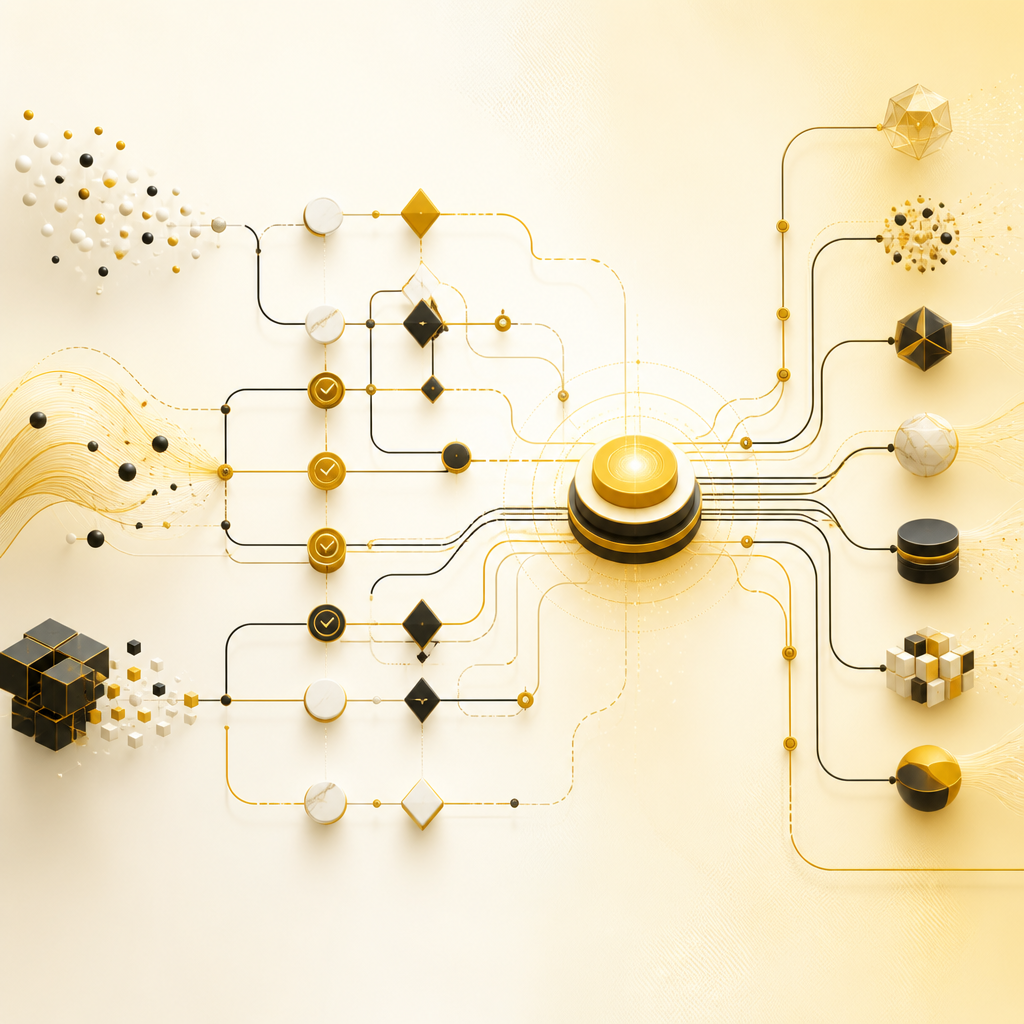
Abstract system diagram with interconnected approval, rule, automation, recommendation, and data connection pathways illustrating what it means for a platform to be AI-ready.

What “AI-Ready” Actually Means for Your Platform

When a company says it wants an AI-ready website or application, it typically needs a working foundation for:

  • AI agents that can take actions (with approvals, rules, and logs)
  • Automation workflows (triggered by events, schedules, or user interactions)
  • Smart recommendations (driven by behavior and structured product/service data)
  • Connected data systems (APIs and integrations across tools)
  • A dependable architecture that can evolve without breaking workflows

AI readiness is less about “having AI on the site” and more about building the system behind it.

The AI-Ready Architecture Your Full-Stack Build Should Include

To support AI agents, recommendations, and automation, your platform should be designed across several layers:

1) Front-end designed for AI-driven experiences

Your UI should support:

  • Personalized content states
  • Recommendation results and explanations
  • User flows that collect signals (preferences, interactions, goals)
  • Clear error handling when systems need to wait or validate

2) Back-end workflows for controlled automation

A strong back-end enables:

  • Business rules and validations
  • Orchestrated workflows (multi-step processes)
  • Secure triggers for AI-related tasks
  • Auditing/logging for actions taken by agents

3) Databases built for real use (not only pages)

AI-ready platforms require:

  • User and organization schemas
  • Event and activity tracking structures
  • Product/service data designed for retrieval and ranking
  • Data quality controls and consistent relationships

4) APIs that connect everything

APIs are what turn a website into a system:

  • Connect CRM/ERP tools
  • Sync inventory, bookings, and customer data
  • Integrate payment systems and invoicing
  • Feed marketing tools and analytics
  • Enable AI agents to read/write through controlled endpoints

5) Integration layer for third-party systems

This is where your platform stays flexible:

  • Webhooks and event handling
  • Background jobs for long-running tasks
  • Reliable retries and error monitoring

Why Full-Stack Development Is the Best Fit for AI Web Development

Full-stack development (front-end + back-end + data + integrations) is what makes AI readiness practical.

Instead of stitching together multiple tools, a full-stack team builds one coherent system that can:

  • Replace manual processes with automated workflows
  • Reduce reliance on off-the-shelf “bolt-ons”
  • Provide the exact data structure AI agents need
  • Integrate third-party platforms through reliable APIs
  • Optimize performance and security as usage grows

If your goal is more than a basic website—such as dashboards, portals, SaaS features, or agent-driven automation—full-stack is typically the right foundation.

Real Business Use Cases for AI-Ready Platforms

Here are examples of systems businesses commonly build when upgrading from templates to AI-ready platforms:
Custom dashboards and admin panels

  • Role-based access
  • Operational metrics
  • Automated alerts and reporting

Booking, scheduling, and workflow portals

  • Trigger actions based on user events
  • Sync confirmations to connected tools
  • Automate reminders and updates
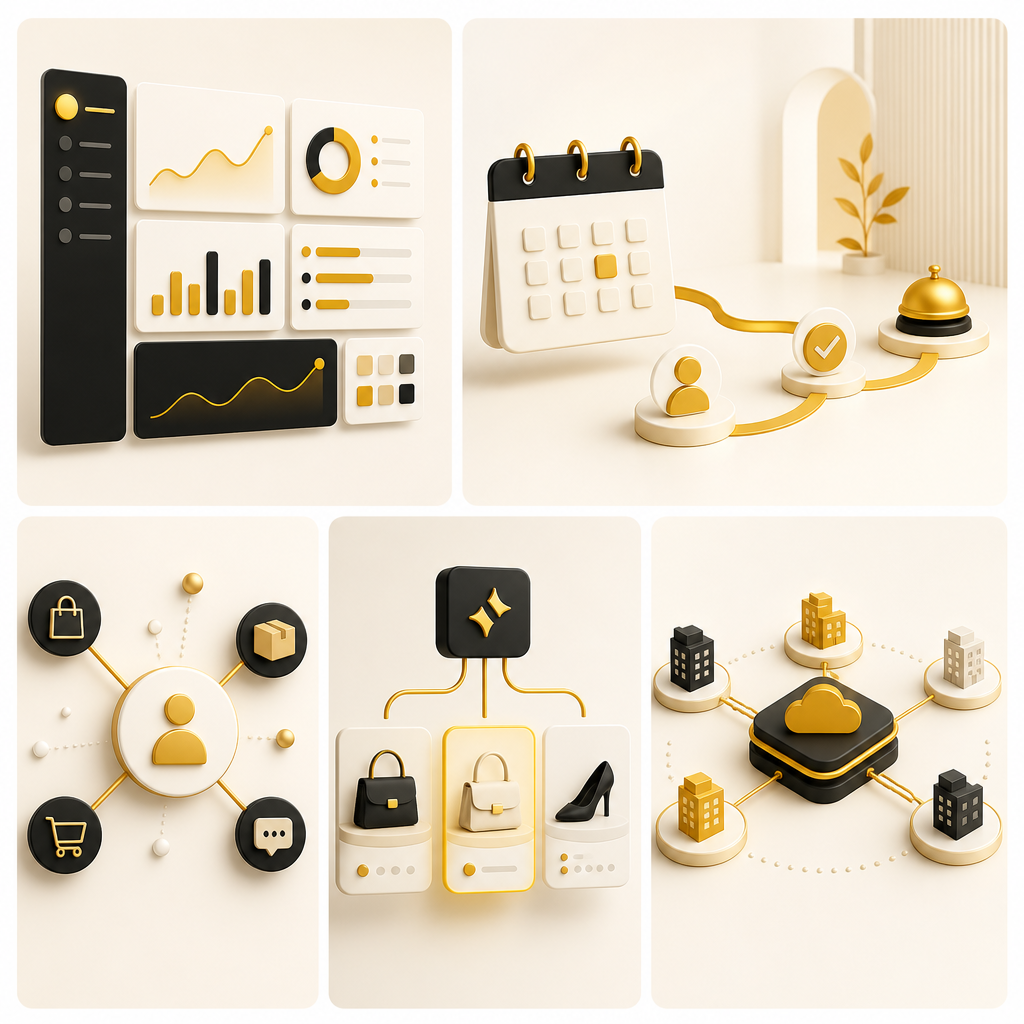
Modern abstract mosaic of dashboard, booking, customer order, recommendation, and SaaS multi-tenant panels connected to indicate real business use cases for AI-ready platforms.

CRM/ERP-connected web portals

  • Unified customer and order data
  • Workflow automation across sales, support, and operations

E-commerce and service recommendations

  • Product/service recommendations driven by behavior and structured catalogs
  • Personalized experiences based on user signals
  • Inventory and pricing sync through APIs

SaaS platform features

  • Multi-tenant architecture patterns
  • Account provisioning workflows
  • Integrations and automation across customer workflows

Template vs. Custom: How to Decide

Use an AI website builder when:

  • You need a marketing site quickly
  • You don’t require complex data workflows
  • AI features are limited to presentation (not action or automation)

Choose custom AI Web Development with full-stack architecture when:

  • You need AI agents that can take actions through business rules
  • Your workflows depend on connected systems (CRM, payments, internal tools)
  • You require reliable data models and long-term scalability
  • You want smart recommendations powered by structured events and integrations

AI-Readiness Checklist (Quick Self-Assessment)

If you want AI-ready capability, confirm your platform can support:

  1. A structured data model for users, events, and business objects
  2. Reliable API endpoints for reading/writing operational data
  3. Authentication + permissions for safe automation
  4. Audit logs for agent actions and workflow outcomes
  5. Workflow orchestration for multi-step processes
  6. Integration strategy (webhooks, background jobs, retries)
  7. Event tracking to power recommendations and personalization
  8. Performance planning for growth and usage spikes
  9. Security controls for connected systems and sensitive data
  10. A scalable architecture that won’t block future AI features

How a Full-Stack Team Builds an AI-Ready Platform (Typical Approach)

A practical build process often includes:

  1. Discovery & system mapping Define what the platform must automate, connect, and personalize.
  2. Architecture for AI readiness Plan data structures, APIs, workflows, and security boundaries.
  3. Full-stack implementation Build front-end experiences, back-end services, databases, and integrations.
  4. Automation & integration workflows Implement event-driven logic and connected data flows.
  5. AI enablement (as needed) Add AI features in a controlled way so they enhance decisions and actions safely.
  6. Testing, monitoring, and iteration Validate reliability, performance, and correctness of workflows.

FAQs

1) What’s the difference between AI website builders and AI web development?

AI website builders focus on generating and customizing website pages quickly. AI web development focuses on building the full system (data, APIs, workflows, and security) that AI agents and automation need to operate reliably.

2) Can an existing website be upgraded to be AI-ready?

Often, yes—especially if you can add or refactor APIs, tracking/event systems, and back-end workflows. The best plan depends on your current stack and how your data and integrations work.

3) Do I need AI agents, or is smart recommendations enough?

It depends on your goals. Recommendations still require event data and structured inputs. AI agents require additional workflow orchestration, permissions, and audit logging.

4) What data should be connected for AI personalization?

Usually user behavior/events, product/service catalogs, customer profiles, and outcomes. The key is having data models designed to be queried and updated consistently.

5) Are APIs required for AI-ready platforms?

For connected systems and reliable automation, APIs are typically essential. They provide the controlled interfaces AI and workflows use to read and act on business data.

6) What makes a full-stack approach safer for AI automation?

Full-stack architecture lets you implement validations, permissions, audit logs, and error handling so AI-driven actions follow your business rules—not just “best-effort” automation.

Conclusion: Build the Foundation for Smarter Systems

If you’re looking beyond a basic website and toward a system that supports automation workflows, connected data, smart recommendations, and AI agents, the right path is AI Web Development built on custom full-stack architecture.

With a single team handling front-end, back-end, data, and integrations, you can move from templates to a platform designed to scale and evolve with your business.

Learn more about Full Stack Development

Explore how end-to-end Full Stack Developement can help you build reliable, scalable, and automation-ready web applications—designed to support AI capabilities and connected workflows for your business.