
SHAKIR ANSARI

Application Modernization & Frontend Development Services

If your business is migrating from an outdated system, replacing an old CMS, rebuilding a template website, or fixing a broken application, the hardest part isn’t just “rewriting code”—it’s delivering a modern, scalable platform without disrupting operations.

This pillar page explains how application modernization works in real-world migrations, why frontend development is critical to user adoption, and what modernization services a capable full-stack team should provide.

What “Application Modernization” Means for Migrating Companies

Application modernization is the process of upgrading a legacy platform into a maintainable, scalable digital system that supports growth. For many organizations, modernization includes:

  • Rebuilding the user experience (often the frontend first)
  • Updating APIs and integrations
  • Improving performance, security, and reliability
  • Aligning the architecture with current business needs (new features, new channels, SaaS enablement)

For migrating or rebuilding companies, modernization is typically a mix of improvements—not a single approach.

Abstract layered architecture suggesting application modernization, shown with warm gold and near-white tones and interconnected migration pathways.

Why Platform Migrations Fail (and How to Avoid It)

Common reasons migrations go sideways include:

  • UI rebuild without a plan: new screens created without aligning to backend capabilities or data models
  • Tight coupling in legacy systems: frontend depends on fragile backend behavior, making change risky
  • Unmanaged integrations: third-party tools break when endpoints, authentication, or payload formats change
  • No clear migration strategy: teams jump straight into re-platforming without identifying what must stay stable
  • Quality gaps: insufficient testing for workflows, edge cases, and permissions

A modernization partner should reduce risk by structuring the work around business outcomes and system constraints.
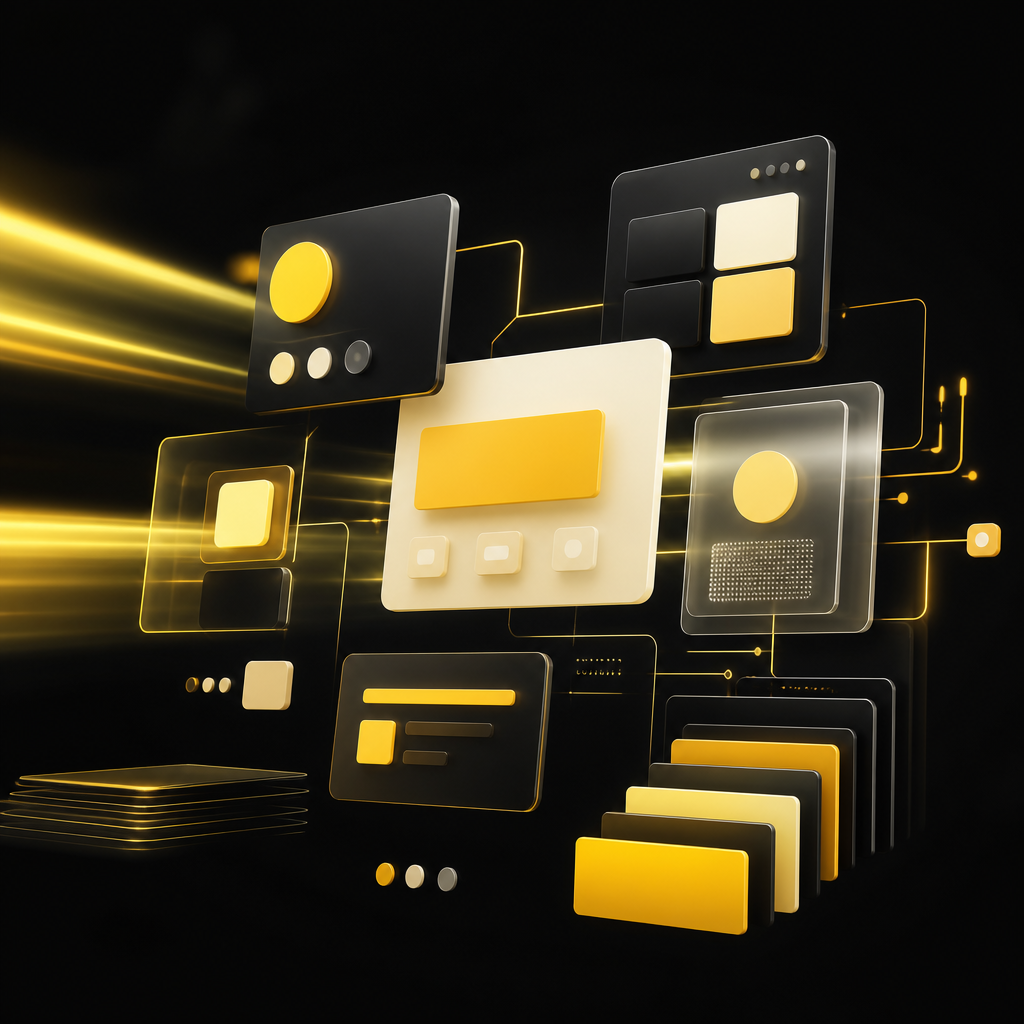
Abstract modular frontend tiles connected to backend-style lines, illustrating a modern workflow-driven user interface with warm gold and near-white tones.

The Role of Frontend Development in a Successful Rebuild

When companies rebuild platforms, the frontend is often the first visible difference—and the first place users feel the impact.

Strong frontend development for modernization typically includes:

  • A modern UI that matches user workflows (not just a new look)
  • Component-based development for faster iteration and consistency
  • Performance-focused rendering to improve load times and responsiveness
  • Better accessibility and usability to reduce support burden
  • Clear integration with APIs so the UI stays reliable as the system evolves

For migration-heavy projects, frontend work should be planned alongside API changes and data migration—so features work end-to-end from day one.

Common Modernization Paths: Lift, Re-Platform, or Refactor

Modernization is rarely “one size fits all.” Typical strategies include:

1) Lift-and-Shift (Migration)

Moving the application to a new environment with minimal changes. Best when you need stability quickly, but it may not eliminate long-term maintainability issues.

2) Re-Platform (Targeted Upgrades)

Updating the platform foundation (hosting, runtime, architecture) and improving key modules. Best when you want reduced risk while improving scalability and reliability.

3) Refactor (Deep Modernization)

Restructuring core parts of the application for maintainability and future features. Best when the legacy system is slowing development or causing frequent defects.

A strong modernization services approach identifies the right path per module—not just per project.

Full Modernization Services Your Business Should Expect

For companies rebuilding outdated systems, modernization should cover more than screens. A complete service set usually includes:

1) Frontend Development (Modern UI for Real Workflows)

  • Custom web application interfaces
  • Component-driven UI patterns
  • User journey improvements for onboarding, dashboards, forms, and portals
  • Integration-ready design for API and data changes

2) Application Modernization (Architecture & System Upgrades)

  • Backend enhancements and refactoring where needed
  • Clean, scalable patterns for long-term development
  • Improved stability and performance
  • Security updates aligned to modern practices

3) API Integration & System Connectivity

  • Connecting third-party tools (CRM, payments, analytics, support tools)
  • Building and maintaining reliable API contracts
  • Reducing manual steps by automating data flow

4) E-commerce Enablement (When Migration Impacts Sales)

  • Rebuilding storefront and checkout experiences where required
  • Integrating inventory, orders, and payment flows
  • Improving performance and conversion-critical UX

5) SaaS-Ready Development (If Your Product Needs to Scale as a Service)

  • Multi-tenant patterns and scalable modules
  • Subscription and account readiness (where applicable)
  • Product workflows that support growth

6) AI-Powered Automation (For Faster Operations)

When modernization is also about efficiency, AI-enabled automation can help reduce repetitive work using:

  • workflow automation for internal processes
  • AI agents for task handling and assistance
  • automation systems connected via APIs

A Practical Modernization Process (How Work Usually Flows)

A reliable modernization roadmap keeps the project controlled and measurable.
Step 1: Discovery & Modernization Planning

  • Identify legacy constraints and business requirements
  • Map workflows, user roles, and critical data flows
  • Determine which parts need frontend rebuild vs. refactor vs. migration

Step 2: UX & Frontend Strategy

  • Redesign core user journeys (not just pages)
  • Define UI architecture and integration approach
  • Create a build plan that protects key workflows

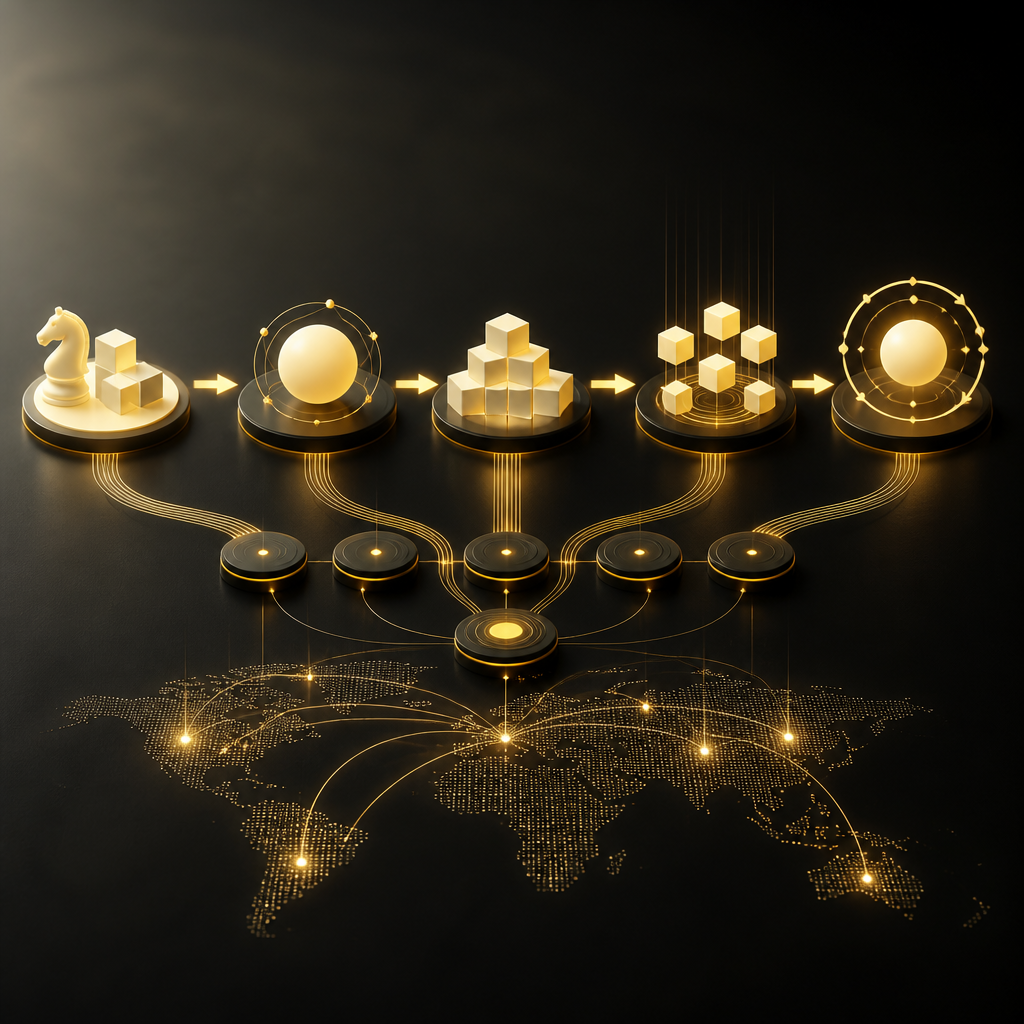
Abstract multi-stage modernization pipeline with connected nodes illustrating a controlled workflow from planning through deployment and ongoing improvement using warm gold and near-white tones.

Step 3: Build & Integration (Frontend + Application)

  • Implement frontend features with API-ready contracts
  • Modernize backend services and data interactions
  • Integrate third-party systems safely

Step 4: Testing for Migration Confidence

  • Validate critical workflows and permissions
  • Test edge cases that break legacy systems
  • Confirm performance and stability expectations

Step 5: Deployment & Stabilization

  • Launch in a controlled manner
  • Monitor behavior across real usage
  • Address issues quickly while keeping changes structured

Step 6: Ongoing Improvement

Modernized platforms should keep improving. After launch, teams typically:

  • iterate on features
  • optimize performance
  • expand integrations and automation

What Sets a Quality Modernization Team Apart

When choosing services for frontend development and application modernization, look for a partner that can:

  • Build custom solutions (not template-only work)
  • Treat UI, APIs, data, and integrations as one system
  • Manage migration risk with a structured process
  • Communicate clearly about tradeoffs and sequencing
  • Support long-term maintainability after launch

With 10+ years of experience and 1300+ web applications delivered, Shakir Ansari and the RTP team focus on custom-coded digital systems that help businesses scale reliably—especially during rebuilds and modernization efforts.

FAQ: Application Modernization & Frontend Development

1) What’s the best approach for modernizing a legacy application?

It depends on the condition of the codebase, the risks you can tolerate, and how critical integrations are. Many projects combine strategies (migration for stability, re-platform for core upgrades, and refactor for the most fragile or slow modules).

2) Should we rebuild the frontend first or modernize the backend first?

Often, frontend and backend must be planned together so the UI doesn’t depend on unstable legacy behavior. In practice, teams sequence work based on API readiness and risk—then iterate as modules become modernization-ready.

3) Can you modernize an old CMS or template website?

Yes. Modernization can include replacing or restructuring the CMS layer, improving page templates, rebuilding components, and connecting the system to modern APIs while preserving essential workflows.

4) How do you handle API integrations during migration?

Integrations are mapped early, then endpoint contracts, authentication, and payload formats are validated. The goal is to keep connected tools working reliably after deployment.

5) Will modernization improve performance and reliability?

A well-planned application modernization effort typically includes performance and reliability improvements—especially around architecture, rendering behavior, and system interactions.

6) Can frontend modernization help conversion or user adoption?

Yes. A modern UI built around real workflows improves usability, reduces friction, and helps users complete tasks faster—often leading to better outcomes for customer-facing and internal platforms.

Conclusion: Modernize with Frontend Development + Scalable Application Services

For companies migrating or rebuilding outdated platforms, the winning strategy is usually a coordinated effort: frontend development that works smoothly with application modernization changes, supported by integration and scalable services.

If you’re planning a platform rebuild—whether it involves an old CMS, a template-based site, or a broken application—explore how Shakir Ansari and the RTP team can help you modernize your digital system end-to-end through custom web development, full-stack applications, API integrations, and AI-powered automation.

CTA

Talk to Shakir Ansari and the RTP team about your modernization plan—and learn how a custom, scalable frontend and application rebuild can help your business move faster and work more efficiently.