SHAKIR ANSARI

Custom Web Applications for Businesses Moving Beyond a Website

Many businesses start with a website to explain services, generate leads, and build credibility. But once traffic grows, operations become more complex, and teams need access to real-time data, a website alone often isn’t enough.

That’s where custom web applications and web app development come in. Instead of using a static website or generic templates, a custom-built application adds the functionality your business needs—like user accounts, dashboards, forms, automated workflows, payment processing, and integrations with the tools you already use.

This pillar page explains what it takes to expand from “website” to “web app,” and how PWA development can deliver app-like experiences without forcing users to install a native app.

Website vs Web Application: What Does Your Business Actually Need?

A website is typically designed to be viewed. A web application is designed to be used.

A typical website helps with:

  • Marketing and information pages
  • Basic lead capture forms
  • Contact and booking pages (often with limited automation)
  • Static content updates by a team or admin

A web application helps with:

  • User accounts and profiles
  • Dashboards for customers and internal teams
  • Automated workflows (routing, approvals, status tracking)
  • Forms and submissions tied to business logic
  • Payments and subscription-style access
  • Integrations with CRM/ERP, email, analytics, support tools, and more

If your business has processes that require user interaction, data handling, or repeatable operations, you’re likely ready for web app development.

Why Businesses Need Custom Web Applications (Not Just Templates)

Generic templates can work for basic needs, but they usually break down when you require unique business logic, custom data flows, or deeper integrations.

With a custom solution, you can build exactly what your business needs, such as:

  • Matching your workflow to the way your team actually operates
  • Tailoring dashboards and reporting to different roles (admin, staff, customer)
  • Supporting multiple use cases without forcing workarounds
  • Integrating with systems like CRMs, ERPs, accounting tools, marketing platforms, and internal databases
  • Scaling as usage grows—without rewriting the entire product later

In practice, off-the-shelf tools can become expensive to maintain and difficult to customize over time. A purpose-built platform reduces friction and helps your business evolve.

Key Capabilities Built Into Web Applications

When converting an existing website into a functional product, these are the most common capabilities businesses add through custom web applications:

1) Accounts, Roles, and User Management

  • Sign up / login
  • Password reset flows
  • Role-based access (admin vs user vs team member)
  • Activity history and user settings

2) Dashboards and Admin Panels

  • Operational dashboards for internal teams
  • Customer-facing status pages (orders, tickets, progress, requests)
  • Admin tools to manage users, content, and transactions
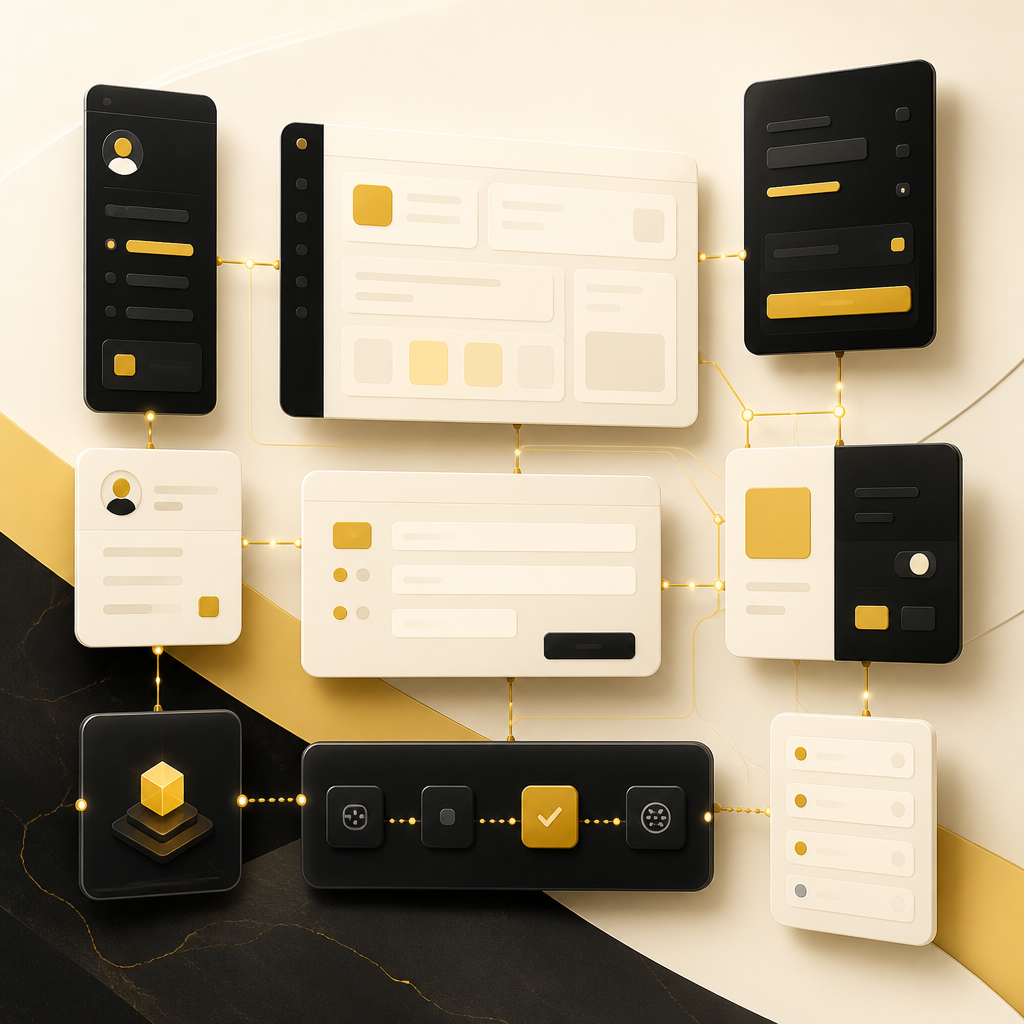
Abstract modular web application panels connected to suggest accounts, dashboards, forms, payments, automation, and API integrations using warm gold and deep ink tones, with no readable text.

3) Forms That Do More Than Collect Data

  • Multi-step forms and validations
  • Automated routing to the right team member
  • Approval workflows and status tracking
  • CRM synchronization and internal notifications

4) Payments and Subscription-Ready Features

  • Payment gateway integration
  • Checkout flows and receipt generation
  • Subscription or one-time purchase logic
  • Access control based on payment status

5) Automation-Ready Workflows

  • Task assignment rules
  • Approval chains
  • Email/SMS notifications triggered by events
  • Internal audit logs for compliance and visibility

6) API Integrations (Where Web Apps Become “Business Systems”)

APIs connect your application to the rest of your business so it can operate end-to-end:

  • CRM sync (leads, customers, deals)
  • ERP/accounting synchronization (invoices, inventory, orders)
  • Marketing automation (campaign triggers, segments)
  • Support tooling (tickets, chat routing)
  • Data import/export and integrations with third-party platforms

PWA Development: Bringing App-Like Speed and Access to Your Web App

PWA (Progressive Web App) gives users an app-like experience from a browser—often with:

  • Fast loading and improved performance
  • Offline or low-connectivity support (for certain use cases)
  • “Add to home screen” installation
  • Push notifications (where supported)

For businesses expanding from website to web app, PWA development can help you:

  • Reduce friction for users who don’t want to install native apps
  • Provide a consistent experience across devices
  • Deliver performance improvements as your platform grows

If your goal is “web app behavior,” PWA development is often the bridge between a traditional website and full application usage.

A layered full-stack architecture visual with connected data pathways and node clusters in gold-accented near-white and deep ink tones, with no readable text or labels.

What Full-Stack Development Covers for Website-to-App Expansion

When a business needs a custom platform, it’s rarely just front-end or just back-end. Full-stack development brings both together so your system works as one product.

A reliable full-stack web app development process typically includes:

  • Front-end development (UI, user flows, dashboards) using modern frameworks such as React
  • Back-end development (business logic, APIs, authentication) with stacks like PHP/Laravel or Node.js
  • Database design and management for scalable data storage
  • API development and third-party integrations
  • Security improvements (authentication, permissions, secure data handling)
  • Performance optimization (speed, reliability, scalability)
  • Maintenance and feature upgrades after launch

The benefit of full-stack delivery is consistency: the front-end experience matches the back-end logic, and changes can be implemented faster without handoff delays.

Common Business Use Cases for Custom Web Applications

Here are examples of systems businesses often build when upgrading from a website:

Customer Portals

  • Users manage profiles, requests, orders, and history
  • Self-serve dashboards reduce internal workload

Booking and Scheduling Platforms

  • Availability rules and booking workflows
  • Confirmation messages and automated reminders
  • Admin tools to manage staff schedules and service types

Internal Dashboards for Teams

  • Track leads, tasks, tickets, or operational metrics
  • Role-based views for managers and staff
  • Export/reporting features for decision-making

CRM-Driven Lead and Customer Systems

  • Forms trigger CRM updates automatically
  • Customer journeys tracked from first contact onward
  • Automated follow-ups based on behavior or status changes

SaaS-Style Platforms

  • Multi-tenant architecture for organizations/teams
  • User management and billing integration
  • Feature access tied to subscriptions or usage

Payment-Enabled Service Platforms

  • Secure checkout and payment processing
  • Access control based on payment status
  • Transaction logs and receipts

How the Conversion Process Works: From Existing Website to Web Application

A successful website-to-app expansion is usually phased, not rewritten blindly.

A typical approach includes:

A phased website-to-web-application conversion pipeline metaphor using sequential connected tiles and workflow arrows in warm gold and deep ink tones, with no readable text.

  1. Discovery and Planning
    • Identify business processes to automate
    • Define roles, user journeys, and required features
    • Map integrations and data flows
  2. Architecture and UX Design
    • Decide how the application will function end-to-end
    • Plan dashboards, admin panels, and user workflows
    • Create a UI that supports real tasks, not just pages
  3. Development of Key Features
    • Build authentication and user management
    • Implement forms, workflows, and business logic
    • Add payments (if required) and connect with APIs
    • Create dashboards and admin tools
  4. Integration and Testing
    • Connect third-party systems via APIs
    • Validate permissions, security, and performance
    • Test user journeys end-to-end
  5. Launch and Iteration
    • Improve based on real usage data
    • Add features as the business evolves
    • Maintain and optimize for reliability and speed

Security, Performance, and Scalability: Non-Negotiables

Once you add accounts, payments, workflows, and integrations, your platform becomes mission-critical. That means it must be built for:

  • Security: secure authentication, permissions, and data protection
  • Performance: fast page loads, reliable API responses, scalable queries
  • Scalability: handling growth in users, traffic, and transactions
  • Maintainability: clean architecture so upgrades don’t break core systems

A custom-built web app should be designed to grow—not patched into complexity.

FAQs

What is a custom web application?

A custom web application is a built-for-your-business system that goes beyond a website. It supports user accounts, dashboards, forms, workflows, and integrations so your team can run processes through the application.

How is web app development different from building a website?

A website is primarily for viewing content. Web app development builds functionality users interact with—like logging in, submitting forms, checking dashboards, making payments, and using workflows tied to business logic.

Do I need PWA development if I’m building a web app?

Not always, but PWA development can enhance usability by delivering app-like performance and access (including “add to home screen” behavior) directly from the browser.

Can you turn our existing website into an application without starting over?

Yes. Many projects start by reusing elements of the existing brand and content while replacing or upgrading the underlying functionality into a proper application structure.

What integrations can a web application include?

Common integrations include CRM/ERP tools, payment gateways, marketing automation systems, email/SMS providers, analytics platforms, and internal databases—usually connected through APIs.

Next Step: Explore Full-Stack Development for Your Web App

If your business is ready to move beyond basic pages and into a real operating system—think accounts, dashboards, payments, workflows, and integrations—explore Full Stack Developement to understand how custom end-to-end web platforms are built from front-end to back-end.

You can also connect with Shakir Ansari – Full Stack Developer & AI Automation Solutions to discuss your website-to-app expansion goals and the system capabilities you want to add next.