SHAKIR ANSARI

Multi-User Enterprise Software Development

Enterprise Multi-User Software Development for Scalable Roles

Modern businesses rarely operate with a single type of user. Most platforms need role-based access—admins oversee the system, customers consume features, vendors manage their listings, employees handle operations, and partners collaborate through controlled permissions.

This is where enterprise software development (and full-stack development specifically) matters. A well-built multi-user platform isn’t just a website with logins—it’s a reliable system with secure authentication, role-aware dashboards, workflow automation, and integrations that keep data consistent across teams.

What Is Multi-User Enterprise Software Development?

Multi-user enterprise software development refers to building web applications and SaaS platforms where different user roles require different permissions, views, and actions.

Instead of one experience for everyone, your platform delivers tailored access such as:

  • Admin roles (manage users, configure settings, audit activity)
  • Customer/member roles (use the product features they’re allowed to access)
  • Vendor/partner roles (manage catalogs, submissions, or collaboration)
  • Employee/manager roles (run workflows, review requests, manage internal operations)
  • Student/portal roles (access content, assignments, or progress tracking in controlled ways)

A strong full-stack approach connects the entire user journey—from UI and dashboards to back-end authorization rules, data validation, and secure APIs.

Why Businesses Need Multi-Role Systems (Beyond Templates)

Off-the-shelf tools and generic templates often break down when you need:

  • Complex permissions (different capabilities per role, not just “admin vs user”)
  • Operational workflows (approvals, escalations, task assignments, audit trails)
  • Consistent data models (shared records with role-based access to fields and actions)
  • Scalability (supporting growth across users, organizations, and feature sets)
  • Integrations (CRMs, ERPs, payment systems, marketing tools, internal services)

When teams outgrow basic templates, manual processes return—spreadsheets, duplicated data entry, unclear ownership, and slow approvals. Custom full-stack development replaces these gaps with purpose-built software.

How Full-Stack Development Supports Multi-User Platforms

Full-stack development builds the full system needed for multi-user enterprise platforms—front-end, back-end, database, APIs, and admin experiences—so role logic works reliably everywhere.

1) Front-end: Role-Based UX and Dashboards

A multi-user platform should present the right screens to the right people, such as:

  • Admin management dashboards
  • Customer portals
  • Vendor submission screens
  • Employee task queues
  • Manager reporting views

Using modern front-end development, the UI can be optimized for clarity, speed, and usability across roles.

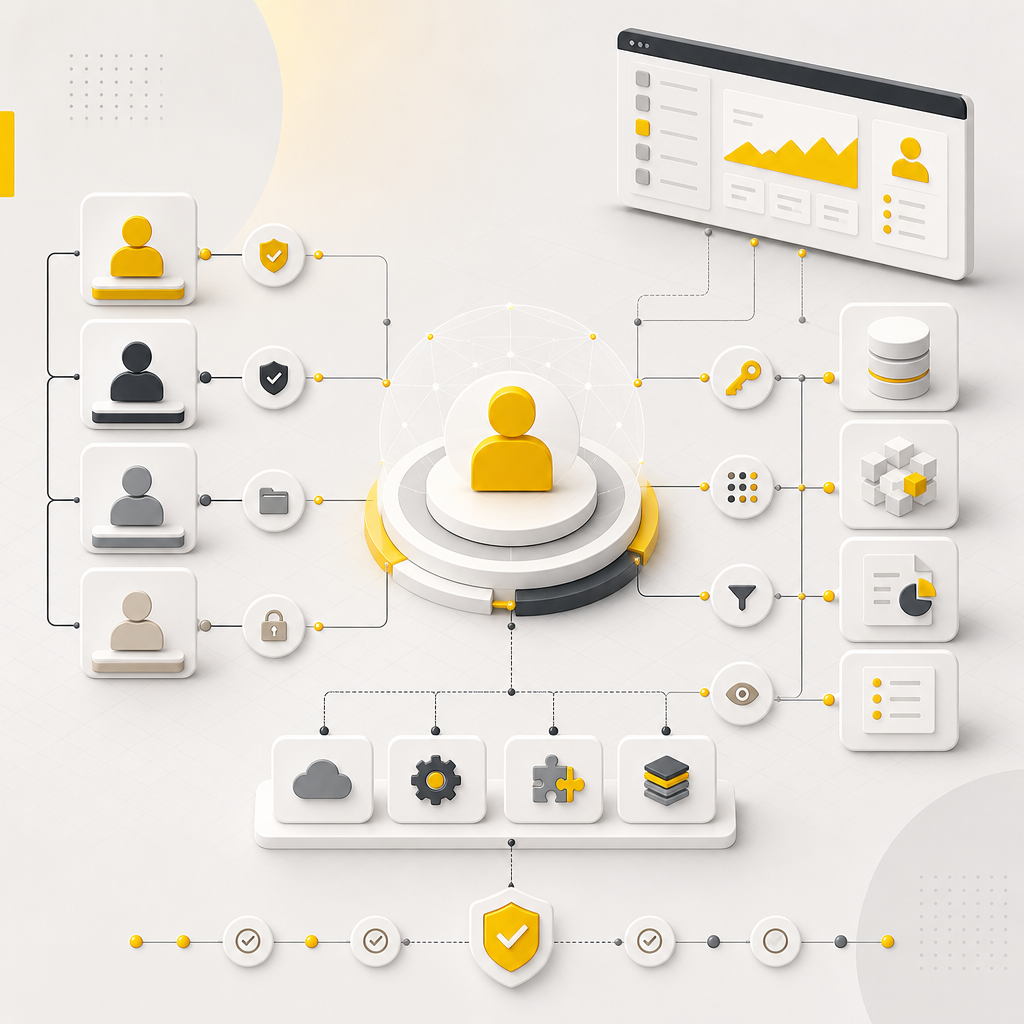
Abstract full-stack architecture showing connected front-end panels, back-end components, and API-style links in a premium web editorial scene.

2) Back-end: Secure Authentication and Authorization

The back-end is where role access must be enforced—not just hidden in the UI.

That includes:

  • Authentication (login, session handling, secure tokens)
  • Authorization (role permissions, permission checks, resource-level access)
  • Secure endpoints for APIs used by web portals and mobile apps
  • Server-side validation to prevent unauthorized actions

3) Database and Data Modeling: Shared Systems, Controlled Access

Multi-user platforms typically require careful data modeling to support:

  • Organizations/tenants (optional but common for enterprise and B2B)
  • Users and role mappings
  • Permission sets and audit records
  • Shared data entities (orders, records, documents) with restricted access rules

4) APIs and Integrations: Keeping Systems in Sync

When multiple roles interact with multiple systems, integrations become essential:

  • Payments and subscription management
  • CRM/ERP synchronization
  • Notifications and workflow triggers
  • Data updates across third-party services

Well-designed APIs allow each role to operate within the permissions they need while keeping data consistent and traceable.

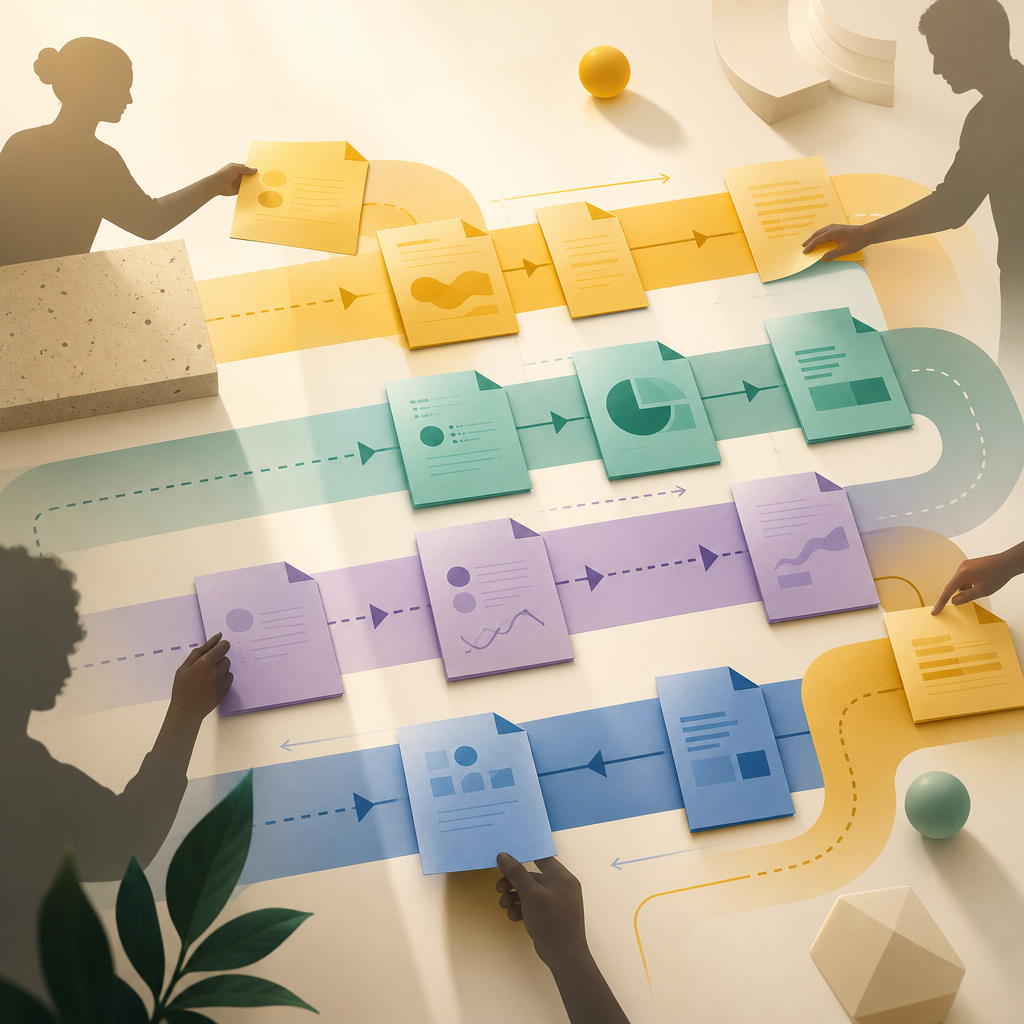
Premium editorial scene of multiple workflow documents and role-based collaboration lanes represented without any readable text.

Common Multi-User Use Cases (Enterprise + Health Tech SaaS + Portals)

Multi-user platforms appear in many industries. Here are practical examples that align with what businesses typically build with full-stack development:

Enterprise Software Development Examples

  • Multi-department dashboards for internal teams and managers
  • Admin consoles to manage users, roles, settings, and logs
  • Vendor portals for submissions, status updates, and communications
  • Role-based document workflows (upload, review, approve, archive)

Health Tech SaaS Examples

Health tech platforms often require strong security and role separation, such as:

  • Patient/member access to health records and scheduled items
  • Clinician/employee access to curated workflows and care processes
  • Admin access for configuration, compliance workflows, and oversight
  • Secure audit trails and controlled access patterns to sensitive data

Custom CMS Development Examples

A custom CMS becomes much more powerful when roles are separated:

  • Content authors publish within limits
  • Editors review and approve
  • Admins manage structure, templates, and access
  • Partners contribute content through restricted permissions

Custom CMS development is especially valuable when your content and users must follow real business workflows.

Key Features Your Multi-User Platform Should Include

A successful multi-user system usually includes these capabilities:

Role-Based Access Control (RBAC) or Permission Sets

Define roles and permissions that control:

  • What users can view
  • What users can create, edit, or delete
  • Which actions trigger workflows
  • Which data fields are visible per role

Admin Panels and Operations Tools

Admins need more than “settings pages.” They typically need:

  • User and role management
  • Workflow configuration
  • Audit logs
  • System health views
  • Content and configuration controls (when applicable)

User Portals with Clear Permission Boundaries

Each role should have a focused experience:

  • Customer portal for self-service actions
  • Vendor portal for operational tasks
  • Employee portal for internal processing
  • Partner access with controlled collaboration

Workflow Automation and Notifications

Multi-user systems generate ongoing events—requests, approvals, updates, tasks.

Automation helps your platform:

  • Reduce manual follow-ups
  • Standardize decisions and routing
  • Trigger notifications and status updates automatically

Security, Performance, and Scalability

Because multi-user platforms scale across people, teams, and data, they require:

  • Secure coding practices and hardened APIs
  • Fast page loads and optimized queries
  • Scalable architecture for growth

Why Custom Builds Matter for Enterprise Software Development

If your platform requires multiple roles and workflows, a custom build can provide:

  • Exact permissions and role logic (matching your business process)
  • A consistent system of record (single source of truth)
  • Integration-ready architecture (APIs built for real operations)
  • Better long-term maintainability than heavily customized templates
  • Tailored admin and dashboard experiences for each stakeholder group

This is how businesses move beyond “basic website” behavior into a software system that improves operations and supports growth.

What to Plan Before Development (So Roles Work Properly)

Before starting multi-user development, clarify:

  • Which roles exist (admin, customer, vendor, employee, manager, etc.)
  • What each role can do (permissions and workflows)
  • What data each role can view or edit (field-level access if needed)
  • Which pages and portals each role uses
  • Which integrations are required (CRM, ERP, payments, messaging)
  • How audit logs and activity tracking should work
Abstract planning blueprint with connected nodes representing roles, permissions, integrations, and audit trails in a premium web editorial scene.

FAQs

What is the difference between a website and multi-user enterprise software?

A website is typically for information and basic interactions. Multi-user enterprise software includes user accounts, role-based access, dashboards, workflow logic, and back-end systems that support operational tasks and integrations.

Can full-stack development handle both dashboards and back-end systems?

Yes. Full-stack development builds the full product—front-end dashboards and portals, back-end authorization rules, databases, and APIs—so role behavior is consistent across the entire platform.

Do I need custom CMS development for multi-role content?

Often, yes. A custom CMS can enforce role permissions for content creation, review, approval, and publishing—matching how your team and partners actually work.

Is role-based access important for Health Tech SaaS?

Role-based access is critical in health tech SaaS because users typically have different responsibilities and access boundaries. Secure authorization and auditability help protect sensitive data and workflows.

How do APIs support multi-user platforms?

APIs connect portals and internal workflows to external systems like CRMs, payment processors, and marketing tools—while enforcing permissions through secure endpoints.

Conclusion: Build a Platform That Works for Every Role

Multi-user enterprise software development is about more than letting people log in. It’s about creating a secure, scalable system where each role has the correct access, views the right dashboards, and triggers the right workflows—powered by reliable back-end authorization, well-structured data models, and integration-ready APIs.

If you’re ready to move from basic web experiences to automation-ready digital systems, exploring full-stack development for your multi-user platform is a strong next step.

Call to Action

To explore how Shakir Ansari – Full Stack Developer & AI Automation Solutions can help build secure, scalable multi-user systems for your enterprise needs, learn more about Full Stack Developement and the types of role-based web applications and platforms we build.