

SHAKIR ANSARI

AI Agents & Automation for E-Commerce Customer Experience

E-commerce customers expect fast, accurate answers—especially when they’re checking order status, asking about products, or initiating a return. At the same time, store teams are overloaded with repetitive tasks: handling inquiries, updating CRMs, sending follow-up emails, and coordinating workflows across tools.

AI Agents & Automation help you deliver a smoother customer experience while reducing manual work. Instead of replacing your systems, the goal is to connect them—so the right answers and updates happen automatically across your store, support channels, and back office.

This pillar page covers practical ways e-commerce businesses use AI agents to automate customer support, post-purchase communication, abandoned cart follow-ups, and operational alerts—without disrupting existing tools.

Explore Custom AI Automation Solutions

What Are AI Agents & Automation in E-Commerce?

AI automation uses AI-powered workflows, chatbots, and agents to complete tasks like responding to questions, routing tickets, sending emails, and updating systems.

AI agents go one step further: they can interpret customer intent, decide which steps to take, and then trigger actions across connected services (order systems, helpdesk tools, CRM, email platforms, inventory, and more).

In e-commerce, AI Agents & Automation typically supports:

  • Customer experience automation (instant answers and guided help)
  • Order and account updates (status checks, shipping info, delivery follow-ups)
  • Proactive workflows (cart reminders, post-purchase messages)
  • Operations coordination (returns intake, inventory alerts, ticket tagging)

Interconnected workflow nodes and lines surrounding shopping cart and chat-bubble symbols in a warm e-commerce automation editorial scene without any readable text.

The E-Commerce Customer Experience Bottlenecks Automation Fixes

  1. Slow response times
    Customers ask about order status, delivery timelines, sizing, and product compatibility. Manual replies delay decisions and increase churn.
  2. Unstructured inbound questions
    Product questions and support issues arrive via email, chat, and social. Without automation, they become scattered and inconsistent.
  3. Disconnected systems
    When your storefront, order management, helpdesk, and CRM don’t share data smoothly, teams waste time copying info.
  4. Lack of proactive follow-ups
    Abandoned cart sequences, delivery confirmations, and return updates often require manual effort to execute correctly.

AI agents & automation address these gaps by connecting your data and triggering the right action at the right time.

Core Use Cases: AI Agents & Automation for E-Commerce

1) Automated Customer Support (Product Questions + Order Issues)

AI agents can answer common questions instantly and route complex cases to your team with context.

Typical automated support flows:

  • Product FAQs (materials, sizing, compatibility, warranty)
  • Order status questions (ship date, tracking, delivery window)
  • Policy questions (returns, exchanges, shipping timelines)
  • “Where is my order?” assistance with escalation if needed

Conversion impact: Faster resolution improves customer confidence and reduces the chance of abandoned purchases or repeat support tickets.

2) Order Updates & Post-Purchase Communication

Instead of customers wondering what’s happening, automation can proactively update them throughout the lifecycle.

Automations can include:

  • Order confirmation messages
  • Shipping notifications with tracking links
  • Delivery confirmations
  • Post-purchase guidance (setup tips, usage instructions)
  • Review and feedback requests triggered by delivery milestones

Customer experience gain: You reduce “status-check” tickets and create a more reliable purchase journey.

3) Abandoned Cart Follow-Ups That Feel Relevant

Abandoned cart emails often underperform when they’re generic or disconnected from customer intent. AI automation can help personalize follow-ups based on store data.

Examples:

  • Remind customers about items in their cart
  • Offer help if customers previously asked questions
  • Trigger different messages for browsing behavior vs. cart abandonment
  • Escalate to support when customers show purchase intent but stall

Customer experience gain: The messaging becomes more helpful than repetitive—support arrives before customers get frustrated.

4) Returns & Exchanges Automation (Faster Intake, Better Tracking)

Returns are high-volume and operationally complex. AI agents can reduce friction by guiding customers through the process and generating return-related updates.

Automations can cover:

  • Return initiation instructions
  • Collecting required information (order number, reason, item details)
  • Creating return requests in your system
  • Sending status updates to customers automatically
  • Preparing internal notes for your support or warehouse team

Operational benefit: Fewer manual steps and fewer missing details.

5) Inventory Alerts & Back-In-Stock Messaging

When inventory levels change, customer expectations shift quickly. AI automation can help you respond in a timely, consistent manner.

Common use cases:

  • Trigger “back in stock” notifications for waiting customers
  • Alert internal teams when inventory hits a threshold
  • Help avoid selling out unexpectedly by informing workflows early

Customer experience gain: Customers feel informed, even when items are unavailable.

6) Inventory, Shipping, and Operations Notifications for Your Team

AI automation isn’t only outward-facing. You also need internal alerts that keep workflows moving—especially during demand spikes.

Examples:

  • Alerts when high-risk deliveries are delayed
  • Notifications when returns backlog grows
  • Flagging orders that need verification (address issues, missing data)

Operational benefit: Less firefighting, more consistency.

7) AI-Driven Ticket Triage (Reduce Support Load)

AI agents can classify tickets, detect urgency, and assign them correctly.

This can include:

  • Routing by topic (shipping, product, returns, payments)
  • Tagging by sentiment or customer intent
  • Auto-suggesting responses or next actions to support agents
  • Summarizing chat/email threads for faster handoffs

Customer experience gain: Customers get the right help faster, with fewer repeat questions.

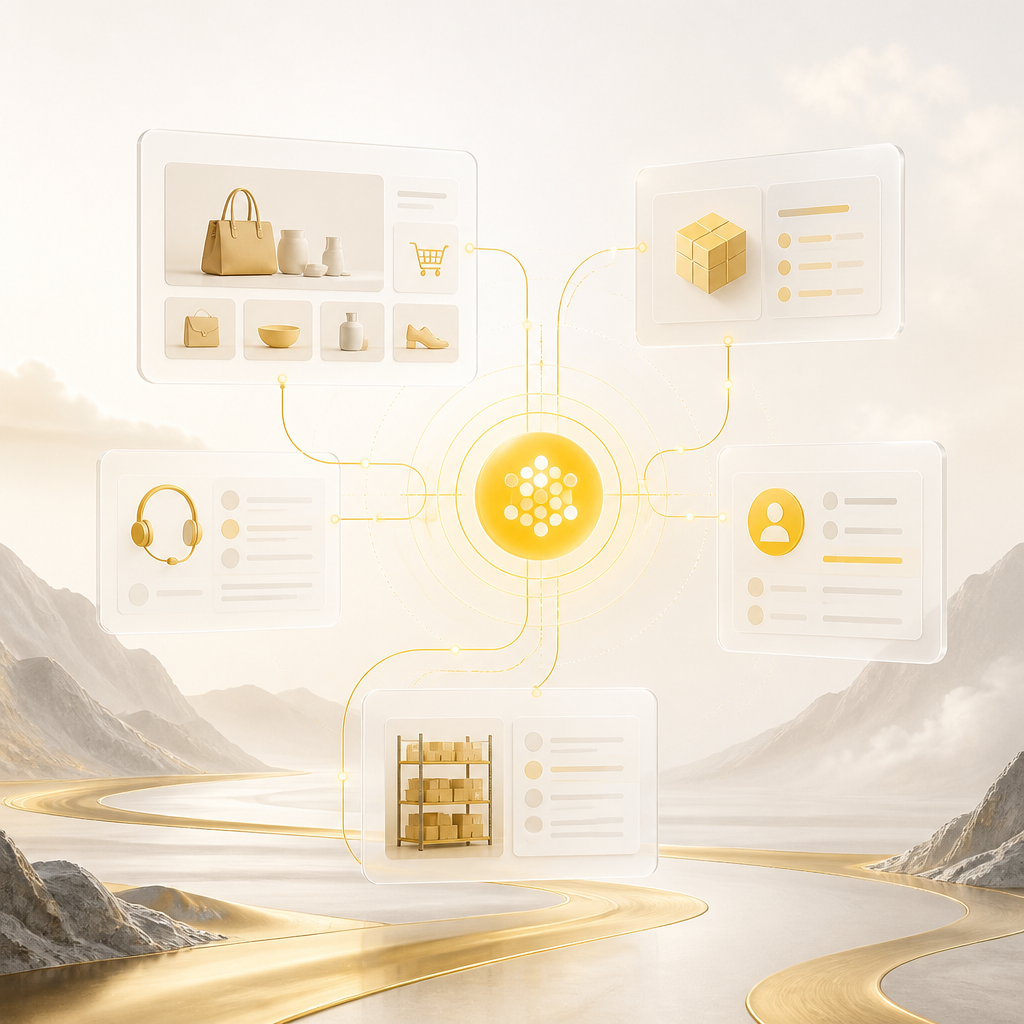
Overlapping semi-transparent ecommerce system panels connected by flowing lines into a central integration hub, shown in a premium editorial style with no readable text.

How AI Automation Connects Your Existing E-Commerce Systems

The biggest challenge isn’t building AI—it’s integrating AI into your workflow. The best results come from connecting the tools you already use, such as:

  • E-commerce platform (Shopify, WooCommerce, custom storefronts)
  • Order management and shipping services
  • Helpdesk and customer support channels (email/chat)
  • CRM and marketing automation tools
  • Inventory and product catalogs
  • Data sources for reporting and internal dashboards

A practical automation strategy uses AI to “sit between” systems:

  • Understand the request
  • Fetch the correct data
  • Apply business rules (policies, thresholds, routing)
  • Write updates back to the relevant systems
  • Notify customers and teams automatically

A Simple Automation Blueprint for E-Commerce Teams

  1. Pick high-volume customer moments
    Start with order updates, returns initiation, product FAQs, and abandoned cart follow-ups.
  2. Map your data sources
    Identify where order status, product info, policy rules, and inventory signals live.
  3. Define the agent’s actions
    What should it do after it understands the customer? (Send email, create ticket, update CRM, trigger a return flow.)
  4. Set escalation rules
    AI should resolve common requests and hand off edge cases to humans with full context.
  5. Instrument outcomes
    Track improvements in response time, ticket deflection, and customer satisfaction indicators.
  6. Iterate by channel
    Start with one support channel, then expand once the workflow is stable.

What to Look for in Custom AI Automation Solutions

To automate customer experience effectively, your solution should support:

  • Workflow automation across systems (not isolated chatbots)
  • Clear routing and escalation to human support
  • Order-aware responses using real order/inventory data
  • Multi-channel communication (email, chat, internal notifications)
  • API integrations to keep data accurate and current
  • Scalable deployment as your store grows
  • Custom logic based on your policies (returns, shipping SLAs, warranty terms)

A refined connectivity diagram with multiple endpoints and a central workflow hub representing routing, integrations, and policy-based logic in a warm editorial palette without any readable text.

FAQs

What’s the difference between a chatbot and an AI agent for e-commerce?

A chatbot typically responds using predefined flows or limited intent logic. An AI agent can interpret intent and then perform multi-step actions—like checking order status, updating a ticket, triggering an email workflow, or initiating a returns process—using connected data and automation rules.

Can AI agents handle order updates and reduce support tickets?

Yes. If your AI agent is connected to your order and shipping data, it can answer “where is my order?” questions, send relevant order updates, and reduce repetitive support tickets by answering instantly.

Will AI automation replace my customer support team?

Not necessarily. A good AI automation setup resolves common requests automatically and escalates complex or sensitive cases to your team with context (ticket summary, customer intent, and relevant order details).

How does AI help with abandoned cart follow-ups?

AI can trigger cart sequences based on behavior and store data, generate more relevant reminders, and route customers to support when they show intent but get stuck—improving conversion without adding manual workload.

What about returns—can AI automate return requests?

AI agents can guide customers through initiating returns, collect the needed details, create return requests in your system, and send status updates—reducing back-and-forth and speeding up the process for both customers and internal teams.

How do we integrate AI automation with our current tools?

Integration is done through API connections and workflow rules between your storefront, order systems, inventory, helpdesk, CRM, and communication tools. The goal is to make automation reliable by syncing the right data at the right time.

Conclusion: Build a Smarter Customer Experience with AI Agents & Automation

E-commerce success increasingly depends on customer experience—speed, accuracy, and consistency across the entire buying journey. AI Agents & Automation help you meet those expectations by automating support, order updates, abandoned cart follow-ups, returns intake, and inventory-related communications.

When your AI workflows are integrated with your existing systems, you get smoother operations, faster response times, and fewer repetitive manual tasks—so your team can focus on high-impact work.

Explore Custom AI Automation Solutions

If you want to implement AI agents & automation that connect your e-commerce, support, order, and inventory systems into smarter workflows, explore AI Automation solutions from Shakir Ansari – Full Stack Developer & AI Automation Solutions to build reliable, custom-coded automation for your store.

Explore Custom AI Automation Solutions