SHAKIR ANSARI

AI Automation for Dental Practices (HIPAA-Safe)

AI Automation for Dental Practices: Patient Intake & Reminders

Dental workflows are full of repetitive, time-sensitive tasks—appointment reminders, intake collection, post-visit follow-ups, missed appointment recovery, and review requests. When those tasks are handled manually or in disconnected systems, teams spend more time chasing information than caring for patients.

AI Automation helps dental practices reduce manual work by using AI-powered workflows, smart forms, messaging sequences, and integrations to coordinate front-desk tasks and patient communications. The result: faster responses, fewer missed steps, and a smoother experience for both patients and staff.

This pillar guide shows what AI Automation looks like in a modern dental office—and how to implement it responsibly using a clear HIPAA Policy approach.

What AI Automation Means in a Dental Office

In a dental setting, AI Automation typically combines:

  • Workflow automation (if X happens, trigger Y)
  • Smart Forms for collecting and validating patient details
  • Patient messaging automation (SMS/email reminders and follow-ups)
  • CRM / Patient Relationship Management updates (so staff doesn’t re-enter data)
  • Integrations between systems (scheduling, forms, EMR/PMS, email/SMS, task management)

AI is used where it helps most:

  • Classifying requests (e.g., “reschedule” vs. “billing question”)
  • Routing tasks to the right team
  • Filling out or confirming form fields
  • Drafting templated communications with consistency

AI should not replace clinical judgment. Instead, it supports the administrative and communication layer that often slows down patient experiences.
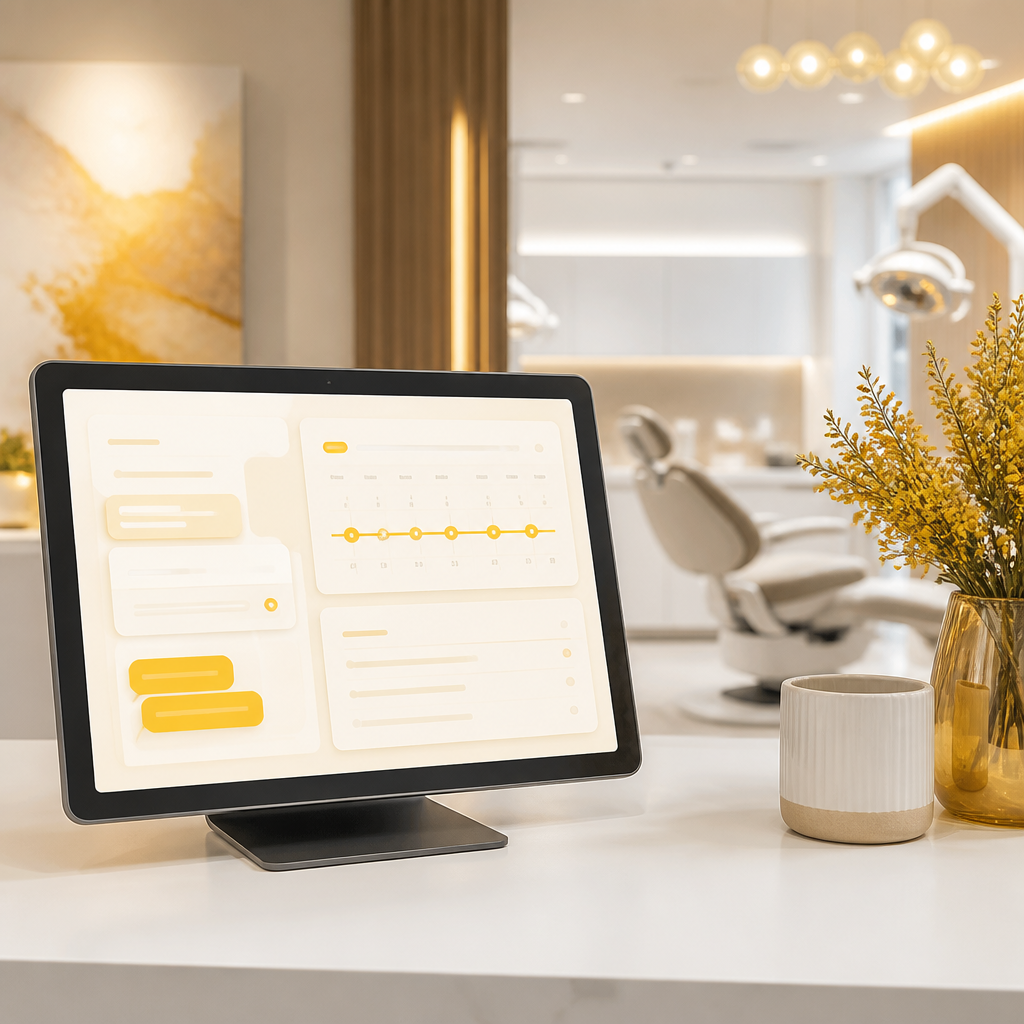
Warm, premium dental reception scene with an abstract workflow tablet and communication shapes representing appointment intake and reminders without any readable text.

Why Dental Practices Invest in Patient Relationship Management Automation

Patient Relationship Management isn’t only about CRM software. It’s about the entire lifecycle of patient communication—timely, accurate, and consistent.

AI Automation strengthens Patient Relationship Management by ensuring:

  • Messages go out at the right time (not “whenever someone remembers”)
  • Follow-ups happen after treatment (so patients don’t fall through the cracks)
  • Missed appointment recovery becomes systematic (and respectful)
  • Review requests are sent at the appropriate moment
  • Front-desk tasks are organized automatically (less manual searching and retyping)

Core Dental AI Automation Use Cases (Practical, Day-to-Day)

Below are the highest-impact automations most dental practices can implement quickly.

1) Automated Appointment Reminders (SMS + Email)

Automate reminders based on appointment status and timing rules:

  • 24 hours before: confirmation reminder
  • 2 hours before: final reminder (optional based on your policy)
  • If a patient doesn’t confirm: automated “confirm or reschedule” message

Benefits

  • Lower no-show rates
  • Fewer phone calls to the front desk
  • Consistent communication

Best practice: include clear instructions to reschedule and an opt-out mechanism where required.

2) Smart Forms for Patient Intake

Replace manual intake with Smart Forms that:

  • Capture common patient details (and validate formatting)
  • Collect insurance and medical history answers in guided steps
  • Reduce duplicate questions by reusing known patient records
  • Flag missing fields automatically so front desk can finish quickly

Examples of Smart Form flows:

  • New patient intake form after scheduling
  • Update medical history form before treatment
  • Consent/document collection with review steps

Key conversion impact: smarter intake forms often reduce front-desk time while improving patient completion rates.

3) Treatment Follow-Ups That Actually Happen

Create automated post-visit follow-ups tied to treatment milestones:

  • Check-in after a procedure
  • Reminder for upcoming care (e.g., hygiene visits)
  • “How are you feeling?” message and escalation pathway
  • Collect additional info if symptoms or concerns are reported

AI can help route responses:

  • If a message indicates pain/swelling concerns, alert staff for timely review
  • If it’s a simple scheduling question, push to the reschedule flow

4) Missed Appointment Recovery (Without Sounding Robotic)

Missed appointment recovery works best when it’s structured and empathetic:

  • Short, respectful message after a missed appointment
  • Offer easy rescheduling steps
  • If no response, a second touch at a later time
  • Hand off to a staff task if the patient engages or requests contact

You can also tailor messages based on:

  • How recently the patient last booked
  • Treatment type (if available)
  • Past appointment behavior patterns in your scheduling system

5) Automated Review Requests (Timing + Workflow)

Automate review requests so they’re sent when patients are most likely to respond:

  • Trigger after a successful appointment/treatment outcome stage
  • Include a short, human-sounding message and a link to the review channel
  • Record completion status to avoid duplicate requests

This improves reputation management while reducing manual front-desk labor.

6) Front-Desk Automation for Admin Tasks

AI Automation can remove repetitive daily “paperwork loops” such as:

  • Logging and routing inbound requests
  • Turning messages into internal tasks (“Call patient back,” “Verify insurance,” “Send forms”)
  • Drafting standardized email replies and adjusting fields automatically
  • Updating notes in your Patient Relationship Management system

Think of AI here as an “operations assistant” that keeps systems synchronized.

Abstract, premium healthcare security scene with glowing encrypted data pathways leading into a secure vault-like container, representing HIPAA-safe transmission and storage without readable text.

How to Build a HIPAA-Safe AI Automation Workflow (HIPAA Policy)

Because dental practices handle PHI (Protected Health Information), your automation must align with your HIPAA Policy and risk controls.

A HIPAA-safe automation approach usually includes these elements:

1) Data Minimization

Only collect what you need. For example:

  • Smart Forms should not request unnecessary sensitive details
  • Avoid storing PHI in places that don’t require it

2) Secure Transmission and Storage

Ensure your automation platform and integrations:

  • Use secure connections (e.g., TLS)
  • Store sensitive data appropriately
  • Encrypt data at rest where required

3) Access Controls and Auditability

Limit who can view PHI:

  • Role-based permissions for staff
  • Audit logs for form submissions and message events
  • Clear procedures for access reviews

4) Business Associate Agreements (BAAs)

If a vendor processes or handles PHI on your behalf, a BAA may be required. Your HIPAA Policy should document:

  • Which vendors are involved
  • Their compliance responsibilities
  • How BAAs are maintained

5) Human-in-the-Loop for Sensitive Scenarios

For patient messages that could indicate clinical risk (e.g., severe symptoms):

  • Route to staff for review
  • Avoid “answering” medical questions with AI without a safe process

Automations that use SMS/email should:

  • Use documented consent where applicable
  • Respect opt-out choices
  • Store communication preferences in your system

Bottom line: AI Automation can be HIPAA-safe when it’s designed with secure handling, controlled workflows, and clear escalation paths.

A reliable setup often looks like this:

  1. Scheduling / PMS event triggers
    • Appointment booked/confirmed/canceled
    • Treatment stage updates
    • Missed appointment status
  2. Smart Forms layer
    • Intake and pre-visit documents
    • Medical history updates
    • Validation rules to reduce back-and-forth
  3. Patient messaging automation
    • SMS/email reminders
    • Follow-ups and recovery sequences
    • Review request workflow
  4. Patient Relationship Management integration
    • Store communication status
    • Update patient records and notes
    • Create tasks for the front desk
  5. HIPAA Policy controls
    • Secure data handling
    • Access control
    • Audit logs
    • Vendor compliance documentation

This architecture reduces manual effort while keeping the practice’s systems aligned.

How to Implement AI Automation Step-by-Step (No System Replacement Required)

You don’t need to replace your existing tools to automate smarter workflows. A practical rollout typically follows:

Step 1: Map your top repetitive workflows

Start with:

  • reminders
  • intake collection (Smart Forms)
  • post-visit follow-ups
  • missed appointment recovery
  • review requests
  • front desk task routing

Step 2: Define triggers and success rules

Examples:

  • “Send reminder if appointment is confirmed and not canceled”
  • “Create a front desk task if intake form is incomplete”
  • “Escalate if patient message indicates urgent concern”

Step 3: Choose where AI adds value

Use AI for:

  • routing and classification
  • drafting consistent communications
  • extracting key fields from structured inputs
  • reducing retyping between systems

Avoid using AI for:

  • clinical decision-making
  • unsafe “medical advice” without staff review

Professional workspace scene with abstract, text-free checklist cards and connecting workflow arrows representing step-by-step AI automation planning and routing decisions.

Step 4: Implement HIPAA Policy safeguards

Before launch, document:

  • data flow
  • storage locations
  • vendor responsibilities
  • staff access and audit requirements

Step 5: Test with real scenarios

Run tests like:

  • incomplete forms
  • reschedule requests
  • missed appointment messages
  • patient opt-out behavior

Step 6: Monitor and improve

Track:

  • response rates for reminders
  • completion rates for intake Smart Forms
  • staff time saved on follow-ups
  • escalation outcomes

What Dental AI Adoption Looks Like Today (and Why It Matters)

Search trends show strong interest in AI across dentistry and related roles. That momentum reflects a practical reality: dental teams want help with communication consistency, admin workload, and patient engagement—especially as practices grow and expectations rise.

AI automation is most effective when it complements clinical care and strengthens patient relationship workflows through reliable execution.

Common Questions About AI Automation in Dental Practices

1) Will AI automation replace our front desk?

Most practices use AI Automation to support front-desk tasks—reducing retyping, missed follow-ups, and manual reminder work—while keeping staff in control of sensitive, time-critical steps.

2) What are Smart Forms, and why do they matter?

Smart Forms are intake and data-collection forms that include validation, guided steps, and automation triggers. They help patients complete information accurately and help staff act faster.

3) How do we ensure HIPAA Policy compliance with automation?

Use a HIPAA Policy that covers data flow, secure storage, access control, vendor responsibilities (including BAAs when needed), and escalation processes for sensitive patient communications.

4) How do automated reminders reduce no-shows?

Automated reminders improve confirmation and rescheduling behavior by sending timely messages and giving patients a clear way to act before the appointment.

5) Can we automate treatment follow-ups without risking clinical errors?

Yes—by automating administrative follow-ups, using templates, and routing anything clinically sensitive to staff for review.

6) What if we already use email, SMS, or scheduling tools?

You can connect existing tools through integrations so your workflows trigger automatically—without forcing a system replacement.

CTA: Build HIPAA-Safe AI Automation for Your Dental Workflows

If you want custom AI automation solutions for appointment reminders, Smart Forms for intake, Patient Relationship Management updates, and HIPAA Policy-aligned workflows, explore what Shakir Ansari – Full Stack Developer & AI Automation Solutions can build for your practice.

Learn more about connecting your systems and automating front-desk and patient communication workflows through custom-coded integrations and AI-powered automation.

Conclusion

AI Automation can help dental practices run smoother patient journeys: collecting details through Smart Forms, improving Patient Relationship Management with consistent updates, and automating reminders, follow-ups, missed appointment recovery, and review requests—while staying compliant through a well-defined HIPAA Policy.

Start with one or two workflows, implement the right triggers and escalation rules, and expand once you see better patient engagement and less manual work across your team.

Next step: explore custom AI automation options for your dental practice and map the workflows you want to automate first.