SHAKIR ANSARI

Custom Software for Logistics & Field Service Operations

Operational teams in logistics, manufacturing, and field service need software that reflects how work truly happens—pickup and delivery visibility, production and inventory control, technician dispatch, customer updates, approvals, and data that stays synchronized across systems. Generic dashboards and disconnected tools usually create more manual effort than they remove.

This pillar page explains how Custom Software Development built by a 🧑‍💻 Full-stack Engineer (and led by a Senior Full Stack Software Engineer) delivers the right mix of front-end clarity, back-end reliability, and automation to keep operations moving.

CTA: Learn how Shakir Ansari & the RTP team build custom web applications, scheduling tools, and integration-ready platforms for operations-driven businesses.

Why logistics, manufacturing, and field service teams need custom software

Most operations organizations already have multiple systems—ERP/accounting, CRM, warehouse/inventory tools, scheduling/dispatch tools, customer portals, email/notification platforms, and spreadsheets. The real problem isn’t “having software,” it’s having software that:

  • Shows the right information to the right people at the right time (with real-time accuracy)
  • Supports scheduling/dispatch logic that matches operational constraints
  • Connects inventory, orders, and work orders without repeated manual updates
  • Enables workflows such as approvals, status updates, proof-of-work, and exceptions
  • Integrates cleanly with internal and third-party systems using APIs (not fragile exports)

When you build custom systems, you’re designing for your workflow—not forcing your workflow to fit someone else’s template.

The custom software capabilities that matter most

Below are the core modules operations teams commonly need. A well-built system combines them into one reliable workflow—rather than a collection of disconnected screens.

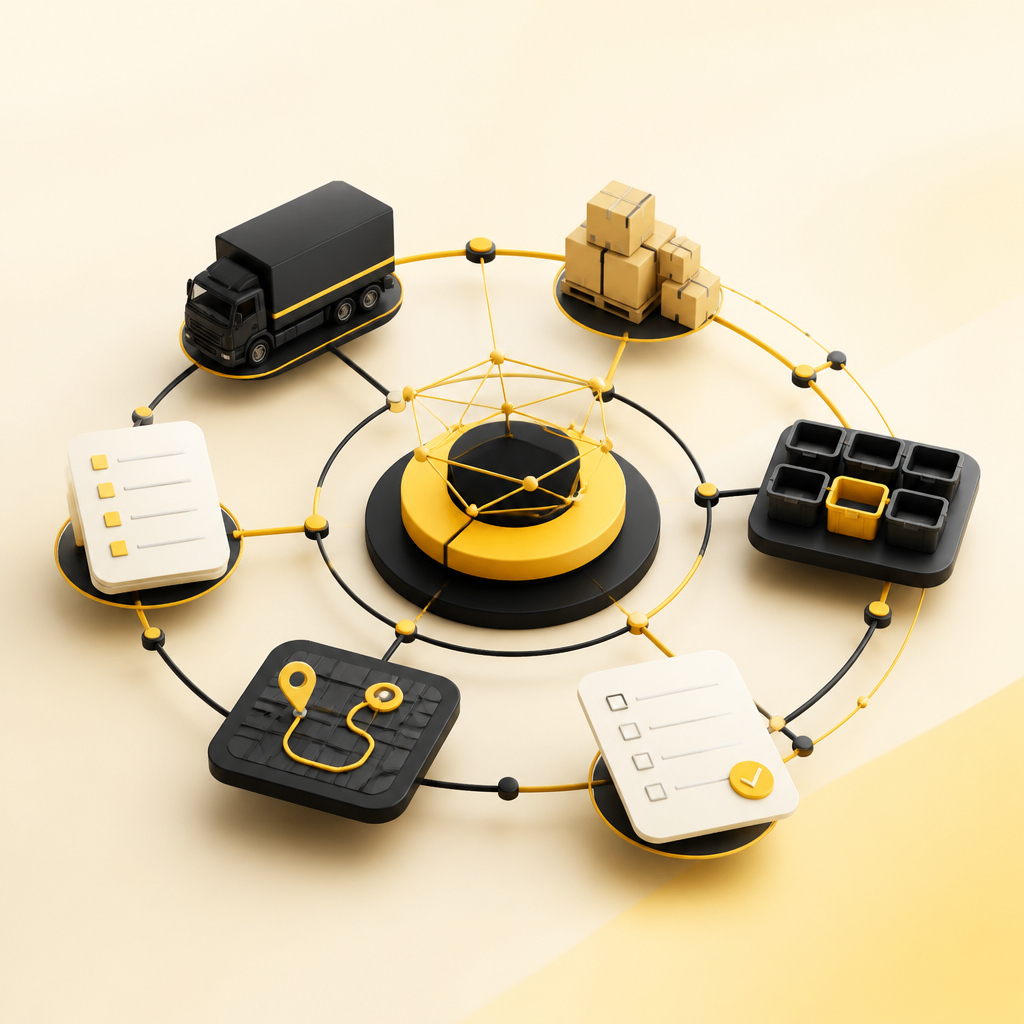
Abstract connected operational workflow elements representing dashboards, scheduling, inventory synchronization, customer portals, automation, and API integrations using a warm #FAC50C accent palette without any readable text.

1) Real-time operational dashboards (your “single view”)

Custom dashboards can surface:

  • Order status, shipments, and service updates
  • Production progress and bottlenecks
  • Inventory levels by location/warehouse
  • Technician workload, ETA, and completion status
  • Exceptions requiring attention (late deliveries, stockouts, failed scheduling constraints)

Done correctly, dashboards don’t just display data—they drive better decisions by connecting visibility to action (assign, reschedule, approve, escalate).

2) Scheduling and dispatch systems built for real constraints

Scheduling isn’t just selecting a time. Operations scheduling often requires rules such as:

  • Resource availability (teams, tools, vehicles, equipment)
  • Capacity limits and travel/route considerations
  • Service windows, SLAs, and priority handling
  • Dependency rules (parts needed before a work order can start)
  • Automatic re-optimization after changes (cancelations, reschedules, priority shifts)

Custom scheduling logic keeps dispatch accurate and reduces back-and-forth communication.

3) Inventory and work-order tools that stay synchronized

For logistics and manufacturing, inventory errors are expensive. Custom inventory tools help teams:

  • Track items across warehouses, bins, and locations
  • Link inventory movement to orders, production steps, and shipments
  • Manage stock reservations so scheduling reflects reality
  • Provide audit-friendly histories for adjustments and traceability

4) Customer portals for status, requests, and updates

A customer portal can reduce support load and improve transparency by enabling customers to:

  • View order/service/job status
  • Submit requests or service-related documentation
  • Receive automated updates (email/SMS/in-app)
  • Confirm completions or request changes

For field service, this is often the difference between reactive support and proactive communication.

5) Workflow automation (reducing manual work)

Workflow automation turns repeatable processes into reliable runs, such as:

  • Automatically routing requests to the correct team/queue
  • Triggering notifications when work moves to a new state
  • Validating required fields before a job can be scheduled
  • Generating documents or checklists based on job type
  • Handling exceptions with defined escalation rules

6) API integrations between internal systems and third parties

To keep operations accurate, data must flow reliably between platforms. Custom integration solutions typically include:

  • API-first connectivity with internal apps (ERP/CRM/warehouse tools)
  • Webhooks for event-driven updates
  • Middleware patterns to transform and normalize data
  • Integration monitoring so failures don’t silently break workflows

If your operations depend on more than one system, API integration is usually the foundation.

What a 🧑‍💻 Full-stack Engineer builds in an operational system

A 🧑‍💻 Full-stack Engineer works across the entire product lifecycle of custom software development, including:

  • Front-end: dashboards, portals, and operator screens that are usable under time pressure
  • Back-end: business logic for scheduling, inventory rules, status transitions, and validation
  • APIs: secure endpoints that power integrations and internal workflows
  • Databases: data modeling for orders, jobs, inventory, users, and event history
  • Deployment: environments and release processes that support ongoing operations

This end-to-end capability matters because operational workflows are rarely “front-end only” or “back-end only.”

Why a Senior Full Stack Software Engineer approach is critical

Operations platforms must be dependable. A Senior Full Stack Software Engineer approach emphasizes:

  • System design that scales with growth (more users, locations, and transactions)
  • Maintainable code structure and clear domain logic
  • Reliability patterns for integrations and automation runs
  • Security considerations (authentication, authorization, audit logs)
  • Performance tuning for dashboards, dispatch views, and reporting

In short: it’s not only building the screens—it’s building the engine behind the screens.

Modern editorial workspace with blank translucent workflow cards connected by abstract arrows and icons, representing discovery to launch iteration using a warm #FAC50C accent palette without readable text.

How teams typically plan and build operational software

A conversion-friendly custom build usually follows a process like this:

  1. Discovery & workflow mapping   Understand current workflows, bottlenecks, data sources, and decision points.
  2. UX planning for operational use   Design operator-friendly interfaces for dispatchers, planners, warehouse staff, and managers.
  3. System architecture & data model   Define how data is stored, synced, and validated across the system and integrations.
  4. Prototype critical flows   Confirm scheduling logic, dashboard requirements, and portal workflows early.
  5. Full development + integration work   Build the application and connect APIs so data stays consistent.
  6. Testing and operational readiness   Validate edge cases: reschedules, partial inventory, failed integrations, missing documents.
  7. Launch + iteration   Improve based on real operational usage and evolving requirements.

CTA: Explore a development approach focused on scheduling, dashboards, inventory tools, and integration-ready platforms.

Where AI automation can fit (without disrupting operations)

AI automation is most valuable when it supports operational decision-making and reduces repetitive work. Examples include:

  • Assisting with document extraction (e.g., pulling key fields from submitted files)
  • Automating communications and status updates based on job state
  • Suggesting next-best actions for dispatch or triage (as a recommendation layer)
  • Streamlining exception handling by summarizing what changed and what needs attention

The goal is to make automation dependable and auditable—so teams trust the system.

Technology capabilities you can expect from Shakir Ansari & RTP

Shakir Ansari and the RTP team deliver custom-coded solutions using modern full-stack development practices, including:

Abstract node network connected to tablet and mobile device silhouettes, representing web apps, mobile support, API integrations, and automation in a warm #FAC50C palette without readable text.

  • Web applications and SaaS platforms: scalable architecture for operational workflows
  • Front-end experiences: React-based interfaces for dashboards and portals
  • Back-end development: Laravel/PHP foundations for business logic and APIs
  • Mobile support (where needed): React Native for field-friendly access
  • Workflow automation + API integrations: connecting systems and reducing manual updates
  • AI agents and automation: adding automation layers to real processes

With 10+ years of experience and 1300+ web applications developed, the team is built to handle complex operational systems that must stay reliable.

How to evaluate a custom software development partner

When you’re hiring for Custom Software Development in logistics, manufacturing, or field service, ask:

  • Can they model your workflow (not just build screens)?
  • How do they handle scheduling rules, inventory constraints, and edge cases?
  • What’s their approach to API integrations, versioning, and monitoring?
  • How do they design dashboards for operational clarity?
  • Do they treat reliability as a requirement (testing, security, maintainability)?

These answers help you confirm whether you’re getting a real full-stack engineering partner—not a tool installer.

CTA: Learn more about building operational dashboards, scheduling systems, and integration-ready web applications with experienced full-stack engineering.

FAQs

What is Custom Software Development for logistics and field service?

It’s tailored software built to match your operational workflows—dashboards, scheduling/dispatch logic, inventory/work-order tracking, customer portals, workflow automation, and API integrations between your internal systems.

Do we need a full-stack engineer or a senior full stack software engineer?

For operational systems, you typically need a 🧑‍💻 Full-stack Engineer for end-to-end delivery and a Senior Full Stack Software Engineer mindset to ensure architecture, reliability, integration strategy, security, and scalability are built in from the start.

Can custom software replace our current tools?

Often it can reduce dependence on manual work and disconnected tools. Sometimes it replaces specific modules (like dashboards or portals) or adds a reliable layer that integrates with your existing stack.

How do integrations work between ERP/CRM/warehouse/scheduling systems?

Custom builds use APIs (and often webhooks) to keep data synchronized, normalize formats, and maintain audit-friendly records—so changes in one system correctly update others.

How do you handle scheduling changes and edge cases?

Scheduling logic is designed with constraints and exception handling—reschedules, priority shifts, missing inventory/parts, incomplete documentation, and failed downstream actions are accounted for in the workflow.

Where does workflow automation fit in?

Automation powers repeatable processes: routing approvals, sending notifications, updating job states, generating documents, and triggering actions based on defined events and conditions.

Can we add AI automation later?

Yes. Many teams start with workflow automation and reliable data/integration foundations, then add AI capabilities as a controlled layer for document processing, triage support, or summarizing exceptions.

Conclusion

Custom software development for logistics, manufacturing, and field service should do more than present data—it should orchestrate work. By combining the end-to-end capabilities of a 🧑‍💻 Full-stack Engineer with the system-thinking of a Senior Full Stack Software Engineer, you can build dashboards, scheduling, inventory tools, customer portals, workflow automation, and API integrations that reflect how your teams operate.

CTA: Explore custom web applications and integration-ready automation systems with Shakir Ansari & the RTP team.

CTA: Learn more about building operational dashboards, scheduling systems, inventory tracking, and customer portals designed for real workflows.