
SHAKIR ANSARI
Modern businesses rarely struggle because they lack tools—they struggle because their processes are scattered across spreadsheets, emails, CRMs, and manual handoffs. That’s where workflow automation becomes a competitive advantage.
When those workflows live inside a custom web application (instead of disconnected systems), you can route leads, trigger notifications, generate reports, manage approvals, update customers automatically, and keep data consistent across teams and departments.
This pillar page covers practical workflow automation use cases, the solutions companies use to implement them, and how full stack web app development (front-end + back-end + APIs + databases) makes the system scalable and reliable.
A basic website is great for marketing. But it won’t handle the operational work your teams do daily—like tracking leads through stages, collecting approvals, issuing invoices, or updating customer statuses.
A custom full-stack web app is built to run the workflow itself:

If you want automation that truly supports growth, you need a platform designed around your process—not a template that forces you to adapt.

Below are high-impact automation use cases that map directly to what companies typically need—routing, notifications, reporting, invoicing, onboarding, approvals, customer updates, and data entry.
Problem: Leads arrive from multiple channels and get manually forwarded or missed.
Automation: Capture inbound leads, score or categorize them, and route them to the right team or representative.
What the web app does:
Why full stack matters: The front end collects clean data; the back end enforces routing logic; APIs sync with your CRM and tools.
Problem: Teams rely on manual follow-ups and ad-hoc reminders.
Automation: Trigger email/SMS/task notifications when events happen—new lead, form submission, payment received, approval granted, onboarding started, etc.
What the system can automate:
Why full stack matters: Notifications need reliable back-end event handling, integrations, and logging.
Problem: Reporting takes too long and relies on manual exports.
Automation: Generate real-time or scheduled reports from your database and display them in dashboards.
Dashboard examples:
Why full stack matters: Dashboards require database design, secure user access, optimized queries, and a responsive UI.
Problem: Invoices get created late and payment statuses aren’t tracked consistently.
Automation: Create invoices from approved data, send them automatically, and update records when payments occur.
Typical automation flow:
Why full stack matters: Payment workflows require secure back-end processing, payment gateway integrations, and consistent database updates.
Problem: New customers require repetitive setup tasks across multiple tools.
Automation: Turn onboarding into a guided workflow with automated steps and task lists.
What can be automated:
Why full stack matters: Onboarding needs both UI workflows (portals/forms) and back-end orchestration.
Problem: Approvals are delayed because tracking is manual and accountability is unclear.
Automation: Route approval requests to the right approver(s), collect decisions, and store an audit trail.
Approvals can include:
Why full stack matters: Approval engines require role-based access, secure state transitions, and audit logging.
Problem: Customers ask “Where is my request?” because statuses aren’t updated automatically.
Automation: Maintain accurate status changes and push updates to customers automatically.
Example workflow:
Why full stack matters: Status updates require consistent back-end state management and a secure customer-facing UI.
Problem: Teams copy/paste data between tools and introduce errors.
Automation: Use APIs to sync data between your web app, CRM, accounting tools, marketing platforms, and internal databases.
What full stack development enables:
Most workflow automation projects follow a pattern: capture → process → integrate → track → report.
A typical custom solution includes:
This approach is ideal for businesses that want automation to be dependable—not brittle.
Workflow automation isn’t just about “sending emails.” It’s about building a system where data, rules, and actions stay consistent across time and teams.
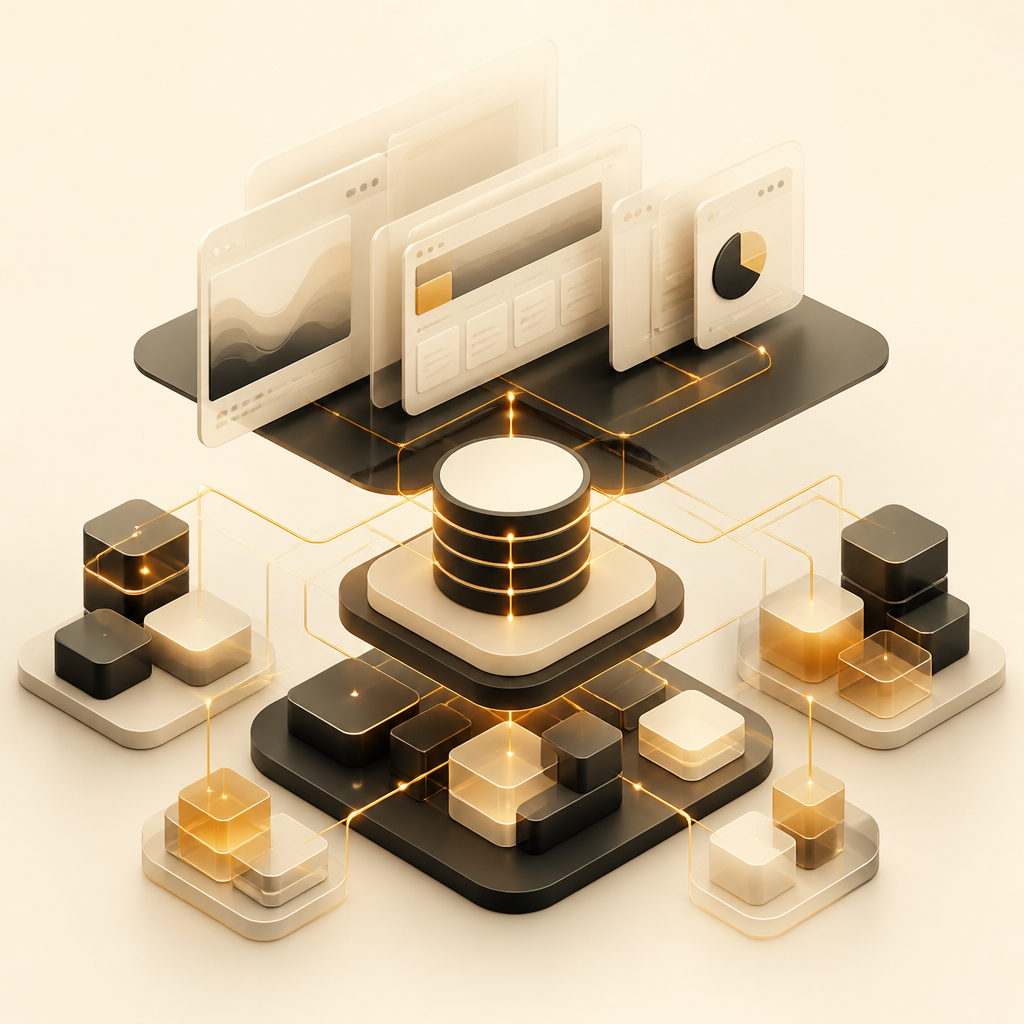
If you’re building a SaaS platform, internal automation portal, or customer-facing system, full-stack development is the fastest path to a cohesive solution.
A workflow automation platform can take many shapes. Common systems built with full-stack web app development include:
These are the types of “digital systems” that help teams move from manual processes to automated operations.
Use a website when your main goal is:
Use a web application when your main goal is:
If you’re trying to automate repetitive tasks across teams, you’re describing a web application—not just a website.
APIs are what let your web app communicate with the rest of your business stack. With the right API integrations, automations stay consistent and up to date.
Examples of API-driven integrations:
Without APIs, teams fall back into manual data entry and inconsistent records.
Workflow automation becomes painful when it breaks—especially during busy periods. That’s why full-stack systems should be built with:
A workflow system isn’t a one-time build—it’s an operational asset your business depends on.
Workflow automation is the process of triggering actions based on events or rules. A web app is the software platform that captures data, runs the rules, stores workflow states, and provides dashboards/portals to manage and monitor the automation.
Yes. A full-stack web app can capture leads, apply routing logic on the back end, assign owners automatically, and send notifications through integrations.
Most modern automation requires APIs to connect different tools (CRM, payments, messaging, reporting). APIs reduce manual data entry and keep workflow data accurate.
Common workflows include lead routing, notifications, reporting dashboards, invoicing, onboarding, approvals, customer status updates, and data synchronization across systems.
Off-the-shelf tools often force you to adjust processes to match their structure. Custom full-stack development allows you to build workflows that match how your business actually operates—especially when multiple integrations and unique approval/routing rules are involved.
If your business needs to automate repetitive tasks—lead routing, notifications, reporting, invoicing, onboarding, approvals, customer updates, and data entry—the most effective long-term approach is building a custom, automation-ready web application.
With full-stack web app development, you get:
Learn how Full Stack Development can help you build a custom automation-ready web application—designed to replace manual processes, connect your systems with APIs, and support scalable workflow operations.