
SHAKIR ANSARI
Slow websites and applications can quietly cost your business: leads drop, users abandon tasks, and operations slow down. For businesses building or scaling custom digital products, performance optimization shouldn’t be a one-time fix—it should be a repeatable system built into your development workflow.
This pillar page explains how full-stack development teams can test, evaluate, and improve performance end-to-end—front end, back end, and database—using practical tooling and a developer-focused process like Developer Dashboard monitoring and Learn Performance methodology.
When your app is slow, it impacts more than “page speed.” It affects revenue, customer experience, and team efficiency.
Performance optimization is also part of building a stronger technical foundation for SaaS platforms, CRMs, internal tools, and e-commerce systems.

Many performance issues come from interactions across the stack:
Off-the-shelf templates rarely provide the control you need to fix those causes systematically. Custom full-stack development gives you the ability to tune the system where it actually bottlenecks.
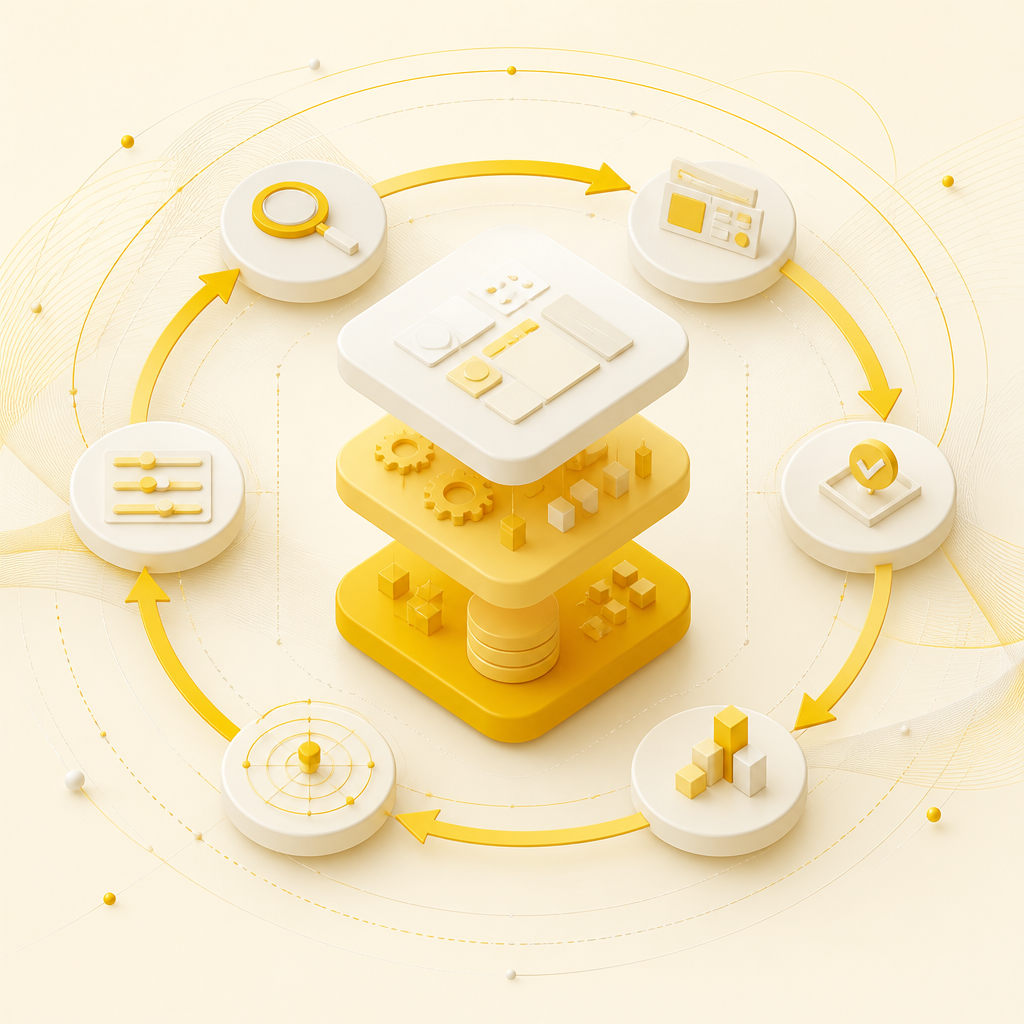
Performance optimization works best when you measure first, then apply targeted improvements.
This approach supports continuous improvement—critical for products that evolve through features, integrations, and growing user traffic.
A real performance plan should span the entire product lifecycle.
For React-based UIs, slowdowns often come from:
Common full-stack fixes include:
Back-end bottlenecks commonly include:
Full-stack improvements may include:
Database performance is often the hidden cause of slow dashboards and admin panels.
Typical causes:
Improvements often include:
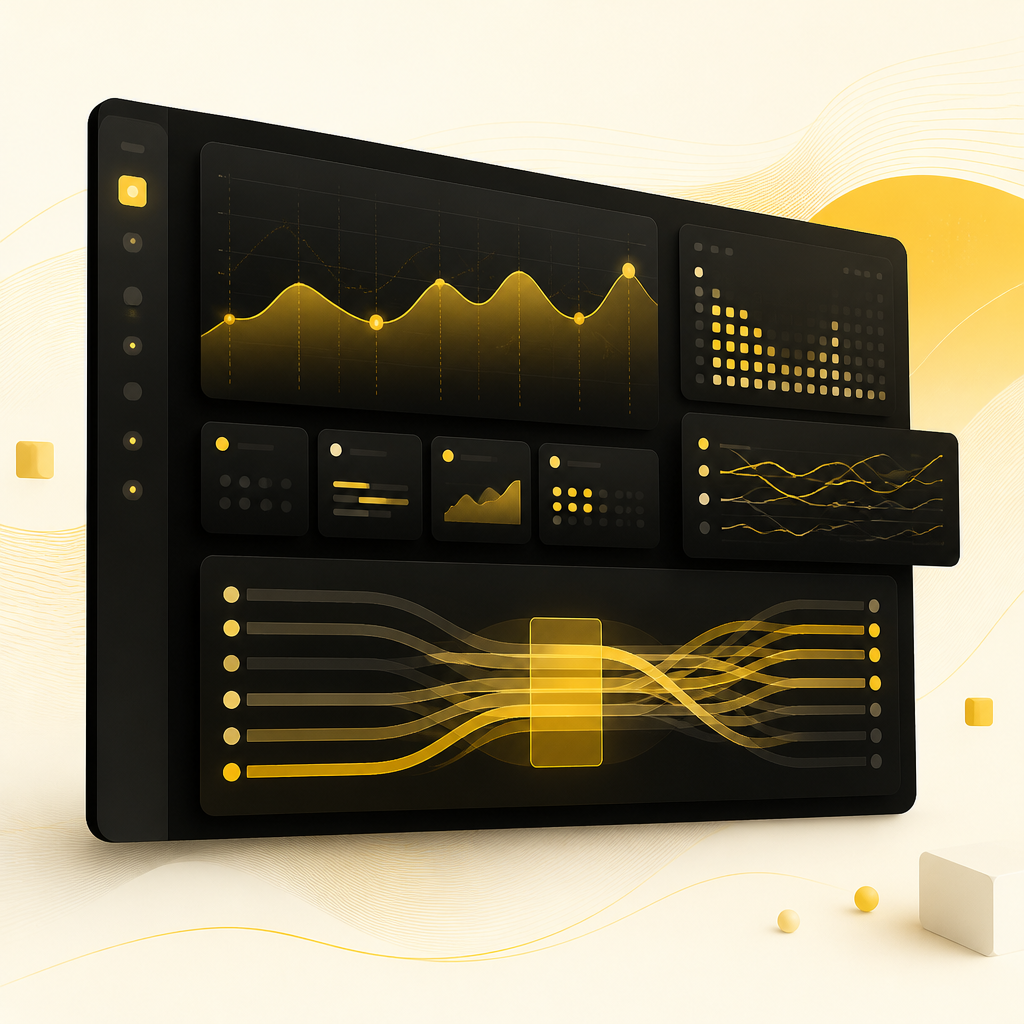
A Developer Dashboard turns performance optimization from guesswork into actionable insights. Instead of waiting for user complaints, you can track the health of your app and pinpoint where delays begin.
A strong dashboard also supports team collaboration: developers can connect performance issues to specific changes and reproduce problems faster.
Performance isn’t only about “speed.” Clean architecture supports long-term efficiency.
Full-stack development teams can design systems so performance improvements stay consistent—even after adding integrations, new modules, or automation flows.
“Learn Performance” is the mindset of treating performance work like a learning loop—not a one-off task.
This is especially important for SaaS platforms, admin-heavy web apps, and e-commerce systems where performance directly impacts revenue and retention.
When one team handles both front-end and back-end development, performance work becomes more coordinated and effective.
This coordination is essential for businesses upgrading from basic websites to full digital systems.
Businesses that need performance optimization often need more than isolated fixes—they need systems built for speed, scalability, and smooth operations.
With 10+ years of experience and 1300+ web applications delivered, RTP team provides custom-coded full-stack solutions that support:
If your product includes user dashboards, admin panels, API-driven workflows, or e-commerce checkout paths, full-stack optimization can make those systems feel faster and more dependable for your customers and internal teams.
It’s a measurement-first approach where you capture performance baselines, identify bottlenecks, apply targeted improvements, and re-test to confirm results—repeatably over time.
A Developer Dashboard (plus performance measurements) helps isolate where time is spent—UI rendering, API latency, server processing, or slow database queries.
It covers front-end responsiveness, API speed, back-end reliability, database query performance, caching, and developer monitoring—so improvements address root causes.
Yes. Clean, efficient code reduces unnecessary work, helps avoid regressions, and makes bottlenecks easier to detect and fix consistently.
For most growing applications, performance testing should be continuous or at least part of every major release—especially when you add features, integrations, or increased traffic.
If you want your business web app or platform to load faster, run smoother, and scale reliably, explore how Full Stack Development can support performance optimization from UI to database—and keep improving through a Test & Evaluate workflow with developer monitoring.