
SHAKIR ANSARI
Businesses that rely on suppliers, vendors, partners, affiliates, or contractors often struggle with scattered communication, manual document sharing, and inefficient order or task management. A custom web portal brings these workflows into one secure system—so your teams and external stakeholders can collaborate with clarity, speed, and accountability.
This pillar page explains what it takes to build a vendor and partner portal through custom software development and full stack development—covering core features, integrations, security, scalability, and how to choose the right approach.
A marketing or informational website is designed for presenting content—not for running ongoing operations. When multiple external groups need to collaborate with your organization, you need application-level functionality.
A vendor/partner portal can replace time-consuming processes such as:
Instead of forcing vendors and partners to “work around” your processes, a portal aligns everyone to the same system of record.
A vendor and partner portal is a secure web application where external stakeholders can:
Unlike generic platforms, custom portal development allows you to match the portal to your exact business workflow, approval chains, and data structure.
When planning web portal development, the best portals map directly to how your business actually runs. Common portal modules include:
Different access levels for:
Role-based permissions ensure the right people see the right data.
A portal should make it easy to store, retrieve, and verify documents such as:
Document versioning and audit trails help reduce disputes.
For businesses coordinating work across external parties, portals typically include:
This reduces back-and-forth and improves turnaround time.
Portals can provide structured task management for:
When tasks are visible to the right stakeholders, you eliminate “lost updates.”
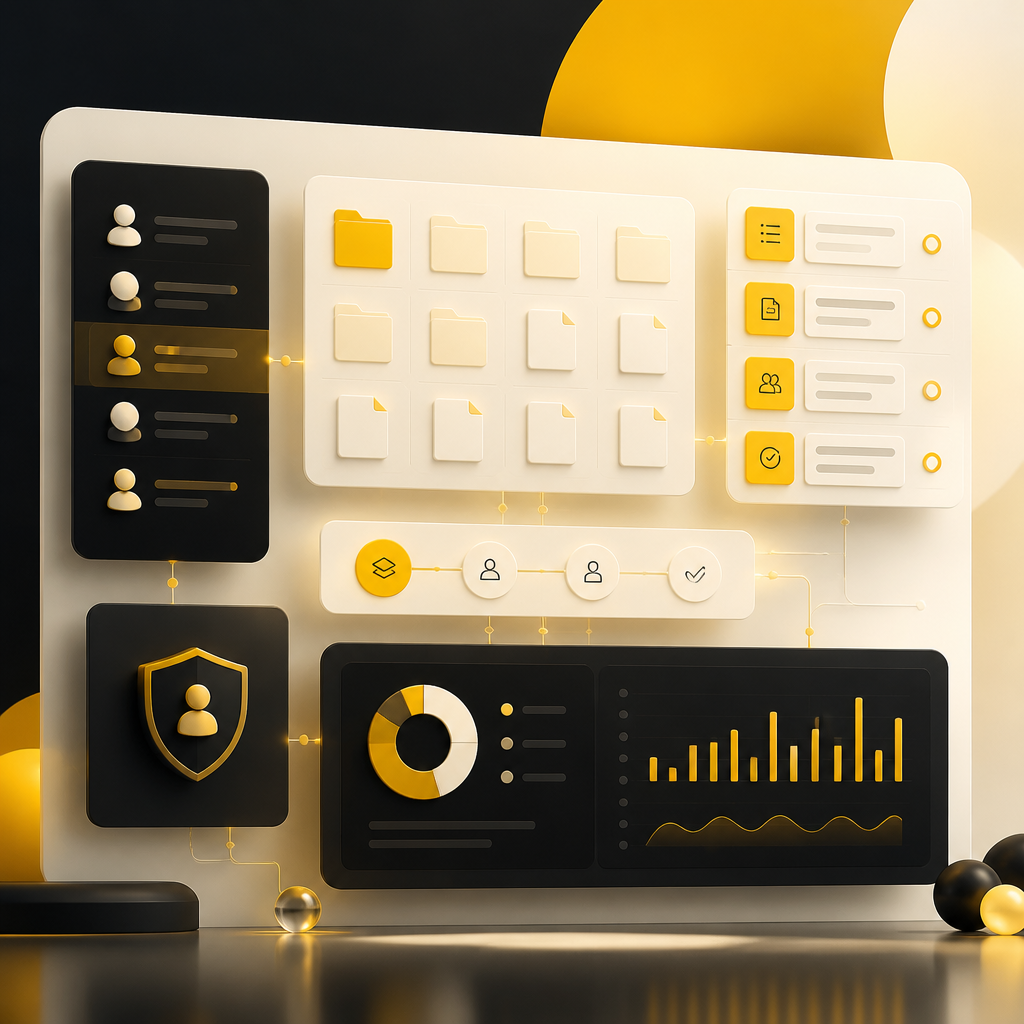
Custom dashboards support operational clarity by showing:
Many teams start with “website development,” but portals require web application capabilities.
Website development is typically focused on pages, content, and branding.
Web portal development is focused on data, workflows, roles, and system integrations.
If you need features like authentication, dashboards, documents, tasks, and orders—your portal should be treated as a custom software development project, not a simple site rebuild.
A portal often requires more than front-end UI. It needs a complete system: UI, APIs, business logic, database structure, and integrations.
With full-stack development, you can build:
Having one cohesive development approach helps reduce handoff issues and speeds up iteration.
A well-designed portal turns repetitive work into guided workflows. Examples include:
Instead of chasing updates, your portal becomes the engine that drives consistency across partners and vendors.

Portals become significantly more powerful when they integrate with other tools using APIs.
Common integrations include:
With integrations in place, vendors and partners can work inside a portal while your internal teams keep accurate, up-to-date records.
Because vendor portals handle sensitive operational data, security is not optional. Portal development should include:
A secure portal helps protect your data and strengthens trust with external stakeholders.
Vendor and partner portals often expand over time as you add:
Scalable architecture supports:
To build the right portal, your project should clarify:
Define who can view, submit, approve, and edit—then map those rules to the system.
Document how items move from submission to review to completion.
Identify which systems the portal must sync with and the direction of data flow.
Decide what is required, how files are stored, and how long records should be kept.
Specify which metrics matter and how they should be calculated.
A custom development plan reduces rework and ensures the portal supports real operations—not assumptions.

Vendor portals can take many shapes depending on industry and workflow needs. Examples include:
These systems are typically delivered best through custom software development rather than off-the-shelf templates.
<Shakir Ansari – Full Stack Developer & AI Automation Solutions> helps businesses build custom digital systems—from front-end to back-end—designed for scalability, security, and automation.
For vendor and partner portal projects, your portal can be built with:
If your business is ready to move beyond basic website experiences into real systems that streamline operations, full-stack development is the foundation.
Web portal development for vendors and partners creates a secure web application where external stakeholders can log in, submit documents or orders, complete tasks, and view updates and reporting based on role permissions.
A vendor portal is a web application. Unlike a standard website, it includes authentication, workflow logic, dashboards, data-driven reporting, and integrations.
Common features include role-based login, document management, submission and order workflows, task tracking, dashboards for status and reporting, and audit logging for transparency.
Custom portal development aligns the portal with your exact workflows, approval chains, data structure, and integrations—reducing friction and avoiding limitations that come with one-size-fits-all solutions.
APIs connect the portal to your existing business systems (like CRM, ERP, invoicing, ticketing, and notification services) so data stays accurate and workflows remain automated.
Vendor and partner portals are how modern businesses move from scattered communication to controlled, trackable, and automated workflows. With web portal development built as a true custom software development project, you get secure access, structured submissions, dashboards, reporting, and integrations that support growth.
If you want your organization to streamline vendor collaboration and internal approvals through a portal-ready full stack development approach, explore the next step with a team that builds end-to-end web systems.
Explore Full Stack Development to build reliable, scalable, and automation-ready web applications—including secure vendor and partner portals.