SHAKIR ANSARI

AI Automation for Cloud-Based CRM in Customer Success

Why CRM-Dependent Businesses Need AI Automation (Not More Manual Work)

CRM-dependent businesses often run into the same bottlenecks:

  • Leads get entered late (or inconsistently)
  • Status updates depend on someone remembering to update the pipeline
  • Follow-ups happen after delays because they’re manual
  • Contact data becomes outdated
  • Teams spend time on “admin,” not on selling or customer outcomes

AI automation helps remove repetitive daily tasks while keeping your existing CRM as the system of record. Instead of replacing your tools, it continuously improves how data moves through your cloud-based CRM—so teams can focus on Customer Success, conversions, and retention.

What AI Automation Does Inside a Cloud-Based CRM

For customer-facing and revenue teams, AI automation typically handles the work between systems and stages, such as:

  • Lead entry automation: Capture inbound leads and push them to the correct CRM fields
  • Status updates: Move deals/contacts to the right stage when signals occur
  • Follow-ups & reminders: Send emails, create tasks, and trigger next steps based on timing and behavior
  • Contact enrichment: Add missing details from reliable sources and normalize fields
  • Pipeline tracking: Keep opportunities accurate with automated checks and summaries
  • Customer Success workflows: Support updates, onboarding tasks, renewals nudges, and ticket-to-CRM context
  • Reporting & data processing: Summarize activity, generate weekly dashboards, and prepare meeting-ready insights

The result is a CRM that stays current without relying on constant manual data entry.

Abstract editorial scene of AI-driven automation routing customer data across connected CRM stage cards in warm SHAKIR ANSARI brand tones with a #FAC50C accent.

Real-World Customer Success Use Cases (Automation That Actually Moves the Needle)

1) Automating Lead Handling From Capture to Pipeline

When a lead comes in (form, landing page, chatbot, webinar, booking request), AI automation can:

  • Create/update the contact and lead record in your cloud-based CRM
  • Assign ownership based on rules (territory, industry, lead score, etc.)
  • Trigger the correct email sequence or task workflow
  • Log the source and relevant notes automatically

Outcome: Faster response times and cleaner pipeline data from day one.

2) AI-Driven Follow-Ups and Sales Reminders

Follow-ups shouldn’t wait for someone to remember. AI automation can:

  • Schedule next-step follow-ups based on deal stage and timeframe
  • Create tasks for reps when customer intent signals appear
  • Send personalized messages using CRM context (previous emails, stage, notes)
  • Remind teams before critical milestones (demo scheduled, proposal due, renewal window)

Outcome: Fewer deals stall due to timing—and reps stay consistent.

3) Contact Enrichment for Better Segmentation

Many CRMs struggle with incomplete profiles. AI automation can:

  • Enrich contacts with missing fields (company size, role, industry, location, etc.)
  • Standardize names, titles, and territories
  • Flag duplicates and update the “golden record”
  • Keep segmentation accurate for Customer Success and marketing workflows

Outcome: More targeted outreach and stronger personalization.

4) Pipeline Tracking and “Always-Up-to-Date” Deal Records

AI automation can reduce pipeline drift by:

  • Verifying required fields per stage and prompting updates
  • Detecting changes (e.g., new activity, engagement signals) and updating statuses
  • Writing stage-ready summaries for quick rep handoffs
  • Ensuring every interaction is logged with the right timestamps and metadata

Outcome: Better forecasting and less time spent reconciling CRM data.

5) Customer Success Automation for Onboarding and Support

Customer Success needs consistency—not just sales activity. AI automation can help teams:

  • Create onboarding checklists when a customer joins
  • Trigger internal alerts when support issues emerge
  • Connect support conversations to CRM accounts and lifecycle stage
  • Generate customer health summaries for renewals and escalations
  • Maintain task workflows across tools (help desk, email, messaging, CRM)

Outcome: Faster resolution cycles and improved retention outcomes.
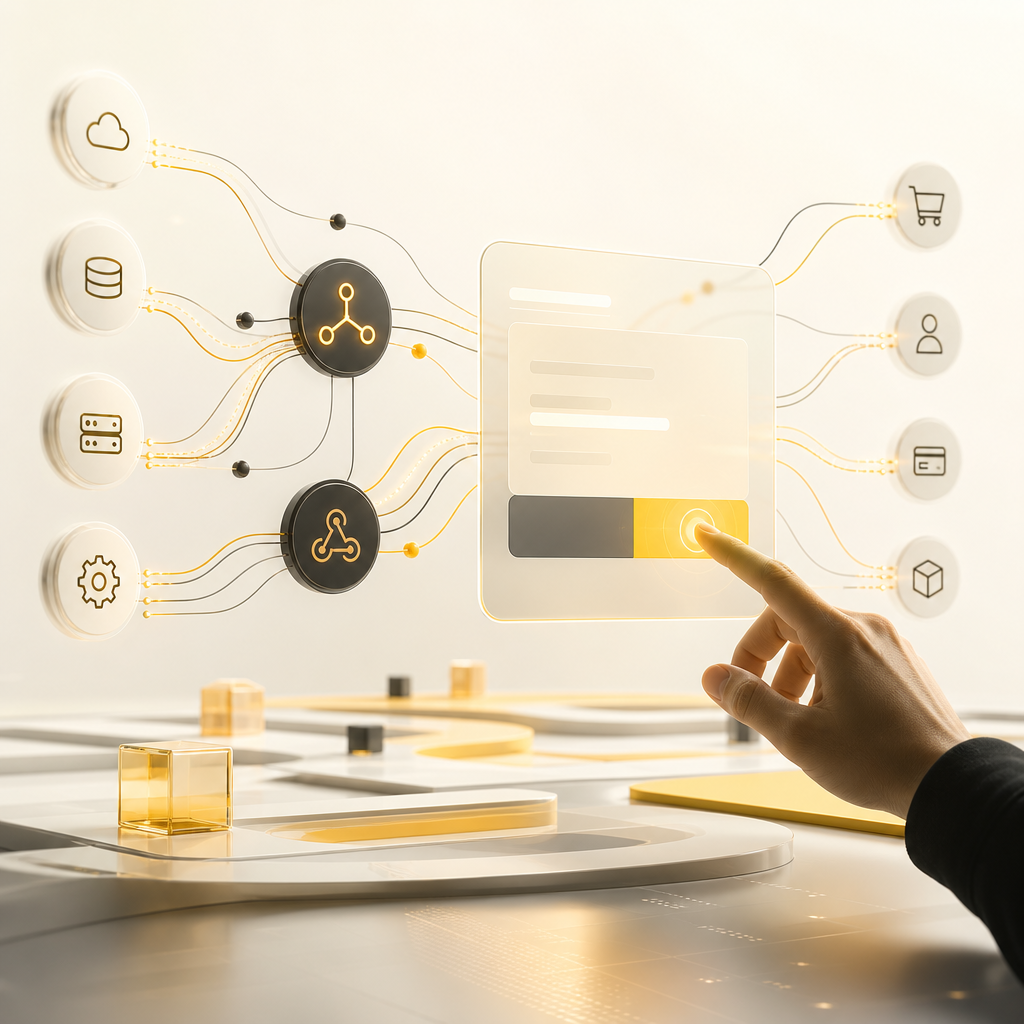
Premium editorial integration metaphor showing glowing API and webhook connections with a governance-style approval panel shape, using #FAC50C and near-white brand tones.

How AI Agents Connect to Your Cloud-Based CRM (Without Breaking Your Stack)

The best approach is integration-first: keep your systems aligned through APIs, webhooks, and workflow logic.

Common integration patterns include:

  • Event-driven workflows: When CRM events happen (new lead, status change, ticket created), the AI workflow triggers automatically
  • API-based read/write actions: The automation reads CRM context, then updates the right fields or creates tasks
  • Human-in-the-loop approvals: High-impact changes can require confirmation before writing to the CRM
  • Data normalization and validation: Automation ensures data formats match what your CRM expects

This design principle matters because CRM-dependent teams rely on accuracy. AI automation should improve speed while respecting governance.

A SaaS Development Perspective: Building Automation That Scales

If you’re creating or enhancing an AI automation system as part of your product or internal operations, SaaS Development considerations are key:

  • Multi-tenant architecture (if applicable): Keep data separated by customer/account
  • Configurable workflows: Let business owners adjust stages, rules, and triggers without rewriting everything
  • Observability: Track workflow runs, failures, and turnaround time
  • Security and permissions: Ensure CRM access follows least-privilege principles
  • Versioning and change management: Prevent disruptions during workflow updates

A custom-coded solution can adapt to your pipeline structure, Customer Success motions, and reporting needs—especially when your CRM is customized or heavily integrated already.

Implementation Roadmap: From Manual CRM to Automated Customer Success

Here’s a practical path that reduces risk and delivers value early:

  1. Map your CRM workflows
    • Lead stages, handoffs, follow-up timing, enrichment requirements, customer lifecycle steps
  2. Identify the highest-friction tasks
    • The work reps/admin teams repeat daily or weekly
  3. Define automation rules and data inputs
    • What triggers the workflow, which CRM fields change, and what should be left for humans
  4. Connect systems
    • Integrate email, forms, help desk, scheduling, and data sources to your cloud-based CRM
  5. Add AI where it helps most
    • Summaries, routing, enrichment suggestions, draft follow-ups, decision support
  6. Launch in phases
    • Start with one pipeline segment or one Customer Success workflow, then expand
  7. Measure outcomes
    • Response time, task completion rate, enrichment completeness, pipeline accuracy, renewal readiness

Editorial roadmap composition showing interlocking workflow blocks connected by a timeline flow, with #FAC50C accents and dark neutral depth in the SHAKIR ANSARI palette.

Metrics to Track (So Automation Improves Results, Not Just Activity)

To ensure AI automation truly supports Customer Success and revenue goals, measure:

  • Lead response time: time from capture to first meaningful action
  • Follow-up adherence: percent of leads/deals receiving next-step outreach on schedule
  • CRM data completeness: coverage of required fields and enrichment accuracy
  • Pipeline health: stage accuracy and reduced “stalled” opportunities
  • Customer lifecycle performance: onboarding completion speed, support-to-CRM linkage, renewal readiness

Common Challenges (and How to Avoid Them)

  • Automating bad data: Solve with validation rules and enrichment quality checks
  • Overwriting human decisions: Use approvals for high-impact updates
  • No workflow ownership: Assign an owner for rules, exceptions, and QA
  • Disconnected tools: Ensure every “source of truth” is properly mapped to the CRM
  • Rigid logic: Build configurable automation so workflows can evolve with your business

FAQs

1) Will AI automation replace our CRM?

No. AI automation is designed to complement your CRM—updating records, triggering tasks, and keeping data current while your team remains the decision-maker for key moments.

2) What types of CRM updates can be automated safely?

Common safe wins include lead/contact creation, stage changes, task creation, email follow-up triggers, reminders, enrichment field updates, and lifecycle tagging—especially when paired with validation and approval steps.

3) How does contact enrichment work in a cloud-based CRM?

AI-powered workflows can pull missing data from approved sources, normalize the results (so fields match your CRM), and update the correct contact records while flagging duplicates.

4) Can AI automation support Customer Success workflows—not just sales?

Yes. Customer Success automation can handle onboarding tasks, customer health summaries, ticket context linking, renewal reminders, and lifecycle-driven internal alerts.

5) What’s the difference between workflow automation and AI automation?

Workflow automation focuses on rule-based triggers and tasks. AI automation adds intelligence—such as summarizing activity, assisting with routing, drafting follow-ups, and improving decisions based on patterns and context.

6) Do we need SaaS Development experience to implement this?

Not always—but SaaS Development principles matter if you’re building a custom automation layer. You’ll want scalability, security, multi-step workflows, observability, and configurable rules.

7) What should we automate first for maximum impact?

Start with the most repetitive, time-sensitive CRM gaps: lead entry, follow-ups, sales reminders, and customer support-to-CRM updates. Those typically improve speed and accuracy fastest.

Conclusion

For CRM-dependent businesses, the biggest opportunity isn’t just “better CRM usage”—it’s keeping your cloud-based CRM accurate and action-ready automatically. AI automation can handle lead entry, contact enrichment, pipeline tracking, follow-ups, sales reminders, and Customer Success workflows so your team spends less time on admin and more time driving outcomes.

If you want custom AI automation solutions that connect to your existing systems (without replacing them), explore how Shakir Ansari and his RTP team build AI-powered workflows, integrations, and automation tools—aligned with your CRM structure and Customer Success goals.