
SHAKIR ANSARI

AI Automation for Sales Prospecting & Lead Gen

If your business in Orlando, Miami, Tampa, Jacksonville, Fort Lauderdale, St. Petersburg, Tallahassee, Sarasota, Kissimmee, Winter Park, or anywhere across Florida is generating a high volume of leads, you already know the pain: leads come in fast, but follow-up happens slow.

Capture

Capture leads from forms, websites, emails, and ads

Qualify + Score

Qualify and score leads automatically

Intent + Follow-Up

Detect Intent Signals, route the right leads, and trigger email follow-up sequences and reminders

Shakir Ansari – Full Stack Developer & AI Automation Solutions helps lead generation businesses use AI automation to:

  • Capture leads from forms, websites, emails, and ads
  • Qualify and score leads automatically
  • Detect Intent Signals and route the right leads to the right reps
  • Trigger email follow-up sequences and reminders
  • Sync updates across your CRM and sales tools—without manual admin work

Result: faster response times, higher conversion rates, and a team that spends less time copy/pasting and more time closing.


Book a Discovery Call

(Orlando/Miami/Tampa & all Florida cities)

Why Lead Generation Teams Get Stuck (Even With Great Marketing)

Most lead gen businesses don’t lose customers because they can’t get leads—they lose them because the lead journey breaks after submission.

  • Leads are captured, but not properly categorized
  • No consistent lead scoring or qualification
  • Wrong routing (or no routing) to the right sales rep
  • Follow-ups that depend on someone remembering to do them
  • CRM records that get out of sync
  • Reporting that requires manual pulling and cleanup

When lead volume rises across Florida markets (and across campaigns), those gaps compound quickly.
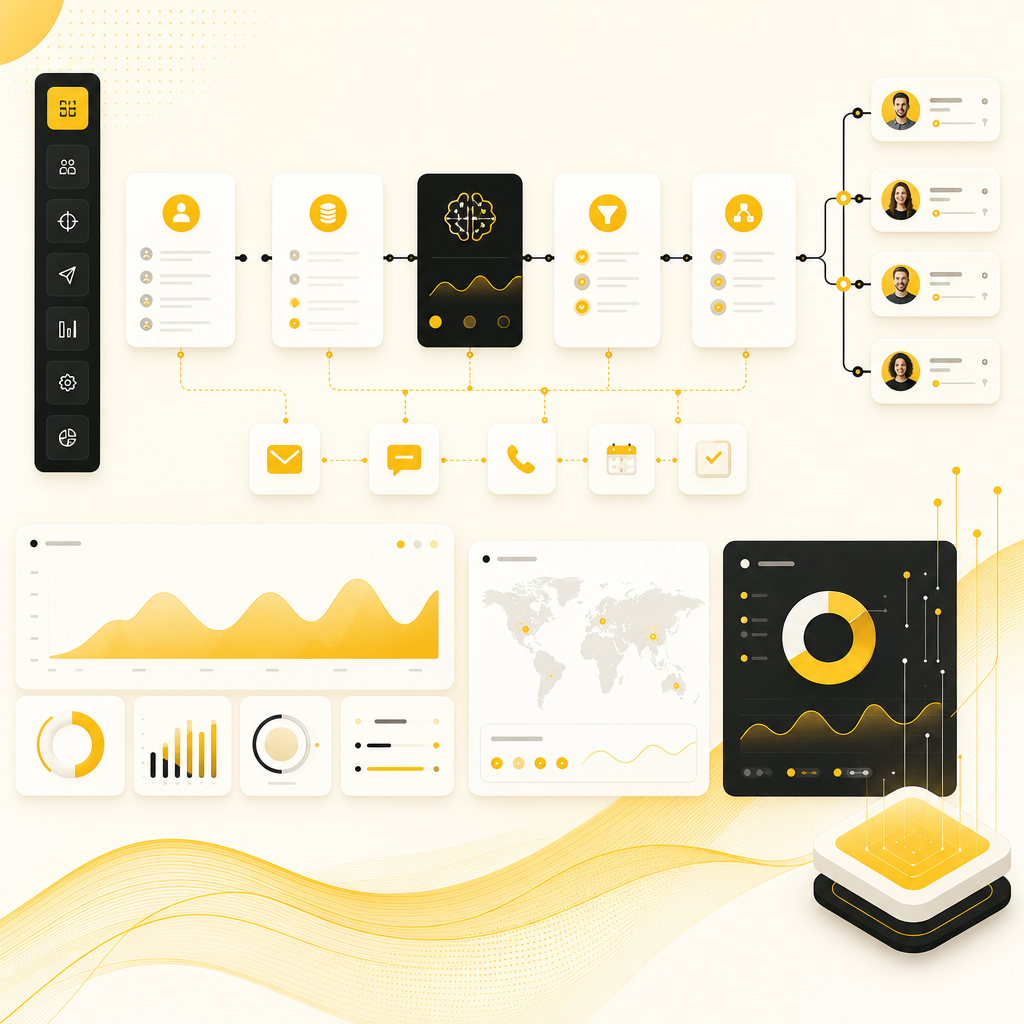
Abstract dashboard-style illustration showing an AI lead automation workflow and analytics flow.

What “AI Automation” Means for Outbound Lead Generation

AI for Sales Prospecting and outbound lead generation should do more than suggest targets—it should run your workflow end-to-end.

A practical AI automation system can:

  1. Ingest leads from forms, landing pages, chat, and email
  2. Normalize and enrich data (clean names, dedupe, add missing fields)
  3. Use AI to qualify leads and prioritize by likelihood to convert
  4. Detect or infer Intent Signals (timing, behaviors, engagement, website actions, form intent)
  5. Route automatically to the best-fit owner/team
  6. Start follow-up sequences (email, tasks, reminders, sequences)
  7. Update your CRM and sales tools in real time
  8. Generate reporting dashboards (pipeline, speed-to-lead, conversions)

This is automation that helps you keep your existing tools—while making them work together.

The Pillar Framework: The Automated Lead Lifecycle

Here’s the blueprint we build for lead generation businesses—so your ops and sales workflow becomes predictable.

1) Capture Leads From Every Entry Point

  • Website and landing page forms
  • Chat or chatbot inquiries
  • Email lead inboxes
  • Paid campaigns and ad platforms
  • Existing CRM lead streams

For Florida teams, this means you can launch faster across markets (Orlando, Miami, Tampa, Jacksonville, and beyond) without rebuilding workflows each time.

2) Clean, Deduplicate, and Enrich Automatically

  • Remove duplicates
  • Validate fields (email/phone formatting, company naming)
  • Enrich missing firmographics (where available)
  • Tag leads by source, offer, and campaign intent

3) Score and Qualify With AI (Not Guesswork)

Instead of “send everything to sales,” AI can prioritize:

  • Fit (industry, role, company size, geography)
  • Engagement quality
  • Likelihood to book a call / request a demo
  • Rules + AI scoring blended for accuracy

4) Use Intent Signals to Route the Right Leads Faster

Intent Signals help you act when prospects are most responsive. Depending on your data sources, this can include:

  • Content/form engagement patterns
  • Timing signals (how quickly they respond)
  • Website behaviors you can track
  • CRM activity history
  • Email engagement signals

Then the system routes leads instantly to the best owner, correct sequence, or the right sales motion.

5) Automate Follow-Ups Across Email and CRM

Stop losing leads to “I meant to reply.”

We build automated sequences such as:

  • Immediate “thank you + next step” email
  • Follow-ups based on engagement (opened/clicked/replied)
  • Calendar/appointment booking steps
  • Task creation for sales when human touch is needed
  • Escalation rules for high-scoring leads

Every touch updates your CRM so your pipeline stays accurate.

6) Keep Systems in Sync (So Your Team Trusts the Data)

AI automation isn’t useful if it creates chaos in your tools.

We ensure:

  • CRM fields are mapped correctly
  • Status changes trigger the right next actions
  • Activity logs and notes stay consistent
  • Reporting is based on clean, unified data

“Intent Signals” Explained (And Why They Matter)

Intent Signals are indicators that a lead is showing buying behavior or readiness.

In automation, intent signals typically guide:

  • When to send your next message
  • Whether to switch messaging angles
  • When to hand off to a rep
  • Which leads should enter your highest-priority sequence

When implemented well, intent-based automation improves:
  • Speed-to-lead
  • Contact rates
  • Meeting bookings
  • Sales acceptance (fewer low-quality leads)
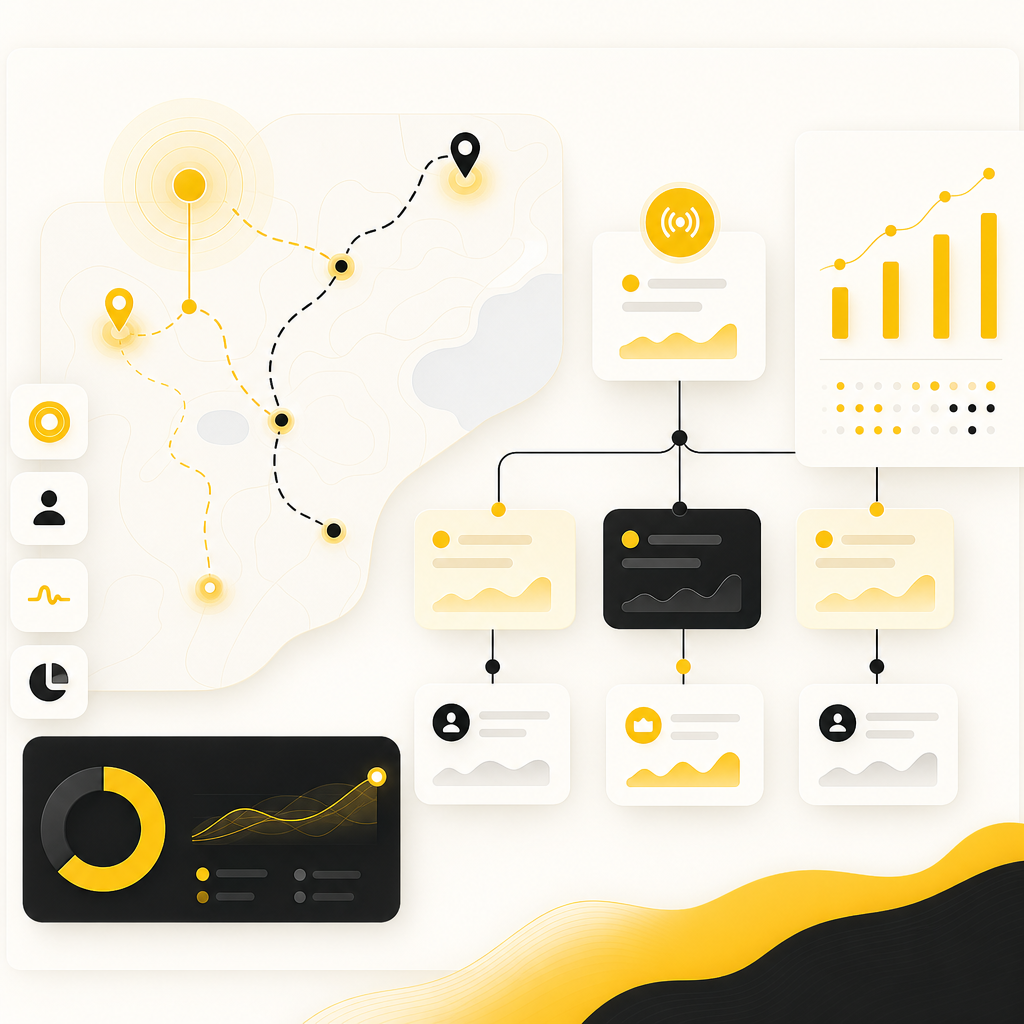
Abstract illustration of intent-signal routing and branching workflow with analytics accents.

AI for Sales Prospecting: How It Improves Outbound Lead Generation

Outbound lead generation works best when targeting is focused and outreach is timely. AI helps you do both.

Common AI prospecting workflows we automate

  • Prospect enrichment (company/role/person details from your existing sources)
  • Lead list building using your ideal customer profile
  • Personalization at scale (message structure, dynamic fields, recommended angles)
  • Sequence orchestration (multi-touch email workflows with branching logic)
  • Engagement-based routing (hand off to sales when intent rises)

This is ideal for teams running multiple Florida campaigns—so Orlando and Miami leads don’t end up in different “universes” of spreadsheets and half-updated CRMs.

Custom AI Automation (No Need to Replace Your Current Stack)

You shouldn’t have to rip out HubSpot, Salesforce, Pipedrive, Webflow/WordPress, email providers, or your existing sales tools.

Instead, we build the “glue”:

  • API integrations
  • Webhooks
  • Custom middleware
  • AI agents for internal workflows
  • Automated data sync between systems

Because Shakir Ansari’s team builds custom-coded solutions, automation can match how your business actually works—not just how a generic tool thinks it should.

Example Integrations We Commonly Connect

Every business is different, but typical automation ecosystems include:

  • CRMs: HubSpot, Salesforce, Pipedrive, and others (via API/webhooks)
  • Email: Gmail/Google Workspace, Outlook/Microsoft ecosystem
  • Forms: Typeform, Webflow forms, custom forms, landing pages
  • Sales tools: pipelines, tasks, meeting links, sales messaging tools
  • Data sources: enrichment and tracking sources
  • Appointment booking: calendar integrations for scheduling

If you already have tools in Orlando, Tampa, or Miami, we can map them into one automated workflow.

Off-the-Shelf vs. Custom AI Automation

Many “AI lead tools” focus on one part of the funnel. But lead gen businesses usually need a system—because leads move through multiple stages and tools.

Custom AI automation wins when you need:

  • Specific qualification logic (your criteria)
  • Clean CRM mapping for your exact pipeline fields
  • Unique routing rules by campaign/territory/offer
  • Branching follow-up sequences
  • Reporting that reflects real pipeline health
  • Reliable automation your team can trust

With 10+ years of experience and 1,300+ web applications delivered, Shakir Ansari’s team builds scalable systems designed for long-term operations.
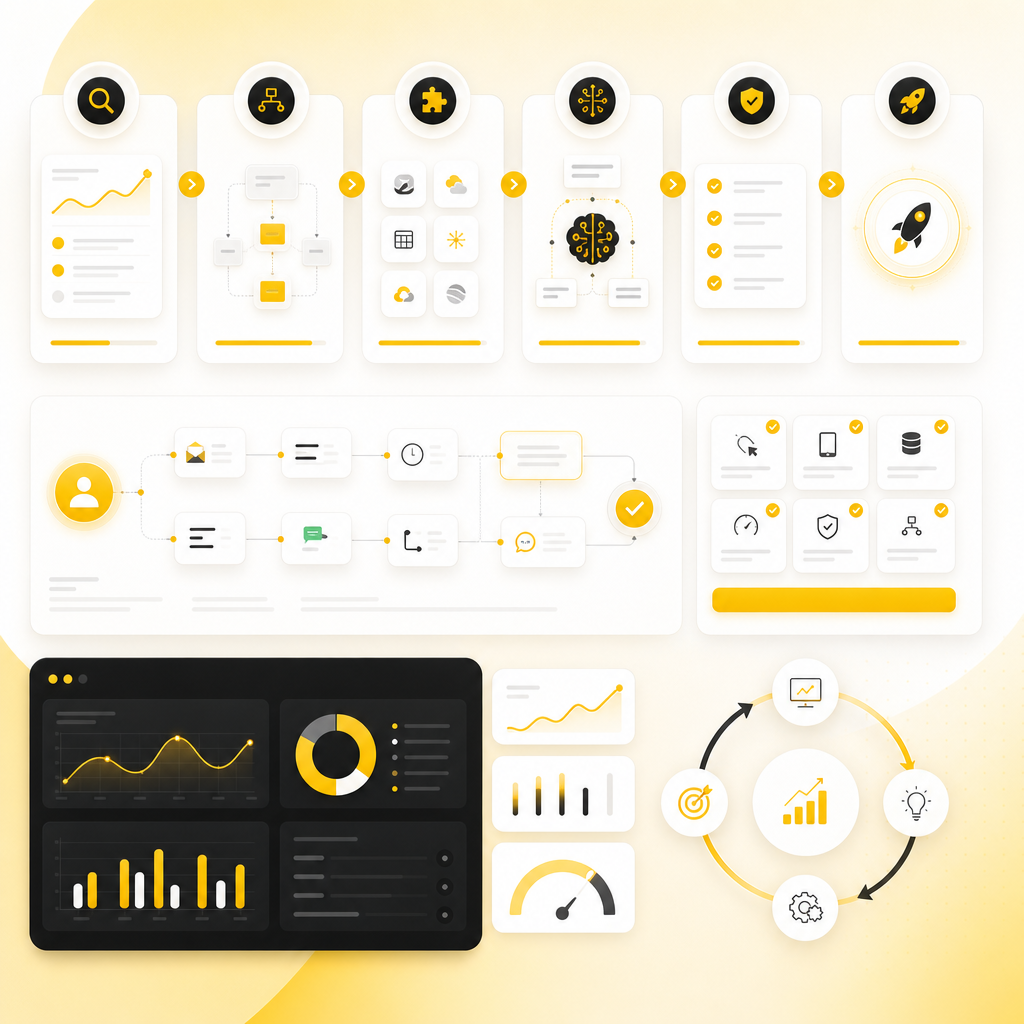
Abstract illustration showing a multi-step AI automation build, QA, deployment, and monitoring workflow.

How We Build Your AI Automation System (Simple, Practical Process)

  1. Discovery & Workflow Mapping We review your lead sources, current CRM flow, and where delays or manual work happen.
  2. Automation Blueprint We define the lead lifecycle: qualification, intent signals, routing, follow-ups, and reporting.
  3. Integrations & Development Custom development using full-stack expertise and API integrations.
  4. AI Logic & Agent Workflows Lead scoring/qualification, automation branching, and internal agent tasks (where appropriate).
  5. QA, Testing, and Deployment We validate data accuracy, dedupe logic, routing rules, and sequence behavior.
  6. Monitoring & Iteration Improve performance using real results—without breaking the workflow.

Real-World Use Cases (Florida-Friendly Examples)

Here are a few high-impact ways businesses across Florida apply AI automation:

  • High-volume inbound + instant follow-up: capture leads from multiple forms, qualify fast, and route to reps immediately.
  • Outbound lead generation with intent-based routing: trigger outreach sequences only when engagement/behavior indicates readiness.
  • Sales admin automation: automatically update CRM fields, create tasks, log activities, and generate follow-up drafts.
  • Multi-tool sync for distributed teams: keep pipeline accuracy even when leads come from different campaigns in Orlando vs. Miami.
  • Automated reporting: track speed-to-lead, conversion by source, meeting rates, and follow-up effectiveness.

Benefits Your Team Feels Quickly

  • Faster response times (minutes, not hours)
  • Higher conversion from lead to booked meeting
  • Fewer manual CRM updates
  • Better lead quality through qualification + intent signals
  • Cleaner reporting with less admin work
  • More consistent outbound execution

Frequently Asked Questions

1) Do you build AI automation for lead generation businesses specifically?

Yes. We focus on workflows that capture, qualify, route, follow up, and update leads across CRM, email, forms, and sales tools—especially for high-volume teams.

2) What “Intent Signals” can you use for AI routing?

Depending on your available data, we can use engagement patterns, timing, website/form interactions, email engagement, CRM activity, and other behavioral signals to prioritize and route leads.

3) Will this replace our existing CRM and email tools?

No. The goal is to improve how your current systems work together using API integrations, webhooks, and custom automation logic.

4) Can you automate outbound lead generation and follow-up sequences?

Absolutely. We can automate prospecting workflows, enrichment, personalization fields, branching email sequences, task creation, and CRM updates.

5) Do you support businesses across all cities in Florida?

Yes—whether you’re in Orlando, Miami, Tampa, Jacksonville, Fort Lauderdale, St. Petersburg, Tallahassee, Sarasota, Kissimmee, Winter Park, or elsewhere in Florida, we build solutions that fit your operational needs.

6) How long does it take to launch an AI automation MVP?

Most teams can launch a focused MVP after discovery and workflow mapping. Timeline varies by complexity, integrations, and approval cycles.

7) What’s included in an AI automation project?

Typically: workflow mapping, integration development, AI qualification/routing logic, follow-up automation, CRM sync, testing, deployment, and performance iteration.

Ready to stop manual lead handling and improve outbound performance with AI for sales prospecting?

Book a Discovery Call with Shakir Ansari – Full Stack Developer & AI Automation Solutions and get a custom automation blueprint for your lead lifecycle—across your Florida markets and beyond.


Book a Discovery Call