SHAKIR ANSARI

AI Automation for Manufacturing Operations & Data Sync

Manufacturing teams in the manufacturing industry don’t struggle because they lack tools—they struggle because key steps happen across disconnected systems, manual handoffs, and slow updates. AI automation helps remove repetitive daily work by turning incoming events (orders, messages, production updates, approvals) into reliable workflows that keep data moving and teams informed.

This guide shows how AI can support order processing, supplier communication, inventory updates, production reporting, internal approvals, and data synchronization—while integrating with what you already use (ERP, WMS, MES, email, spreadsheets, and more).

What AI Automation Means in a Manufacturing Workflow

In manufacturing, “AI automation” typically combines:

  • Automation workflows (routing, triggers, approvals, notifications)
  • AI-powered extraction and assistance (classifying requests, summarizing messages, generating documents)
  • Agent-style integrations (moving data between systems, checking status, prompting next actions)
  • Operational reporting (turning production inputs into readable updates and dashboards)
  • Human-in-the-loop controls (approvals for exceptions, visibility for operators)

The goal isn’t to replace your existing stack—it’s to connect it, reduce manual effort, and improve response times.

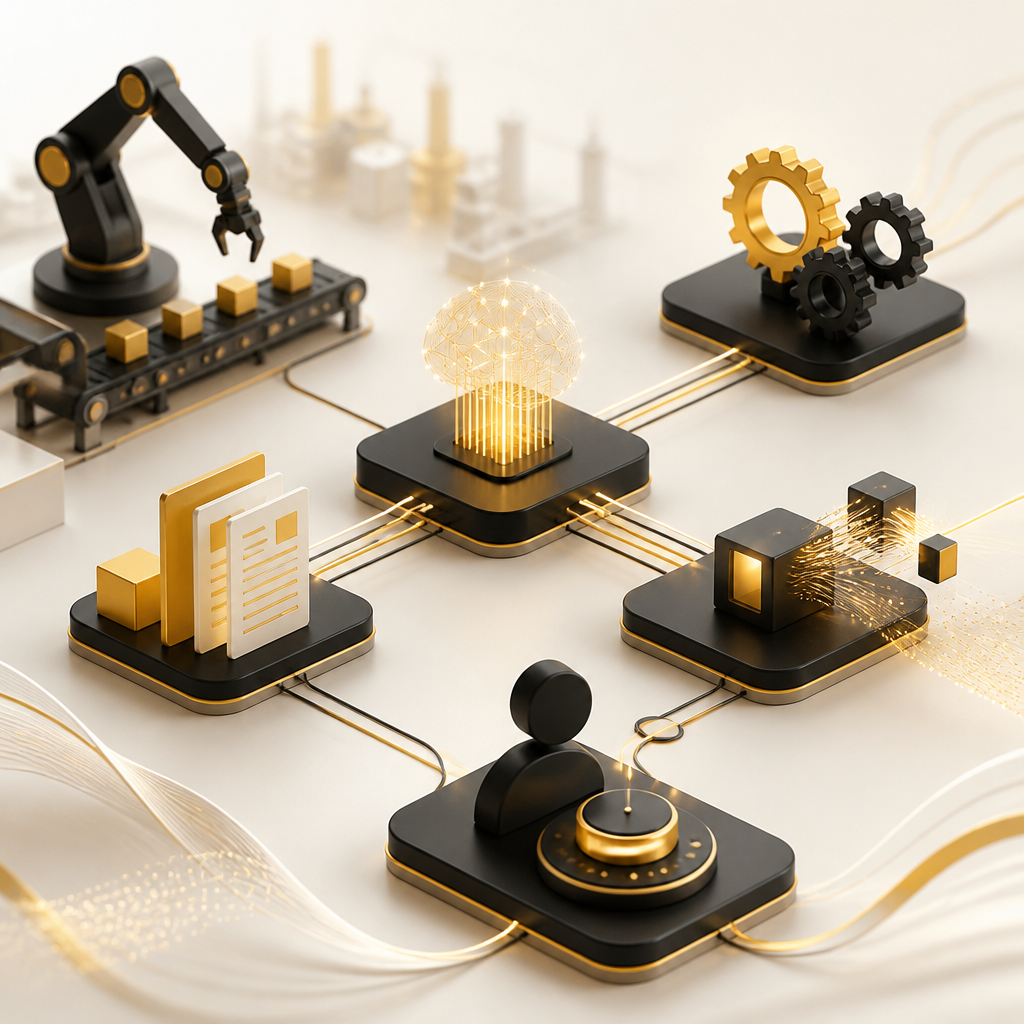
Abstract manufacturing workflow with connected automation nodes and flowing data links in warm gold and near-white tones.

High-Impact Use Cases for Manufacturing AI Automation

1) Automate Order Processing (From Intake to Internal Routing)

Problem: Orders arrive via email, EDI, portals, or customer systems. Someone must review details, validate availability, route to production, and notify stakeholders.

AI automation can help by:

  • Extracting order fields from emails, PDFs, and messages (SKU, quantities, ship dates, PO numbers)
  • Validating required data and flagging missing fields
  • Auto-routing orders to the right team or production line based on rules
  • Creating follow-up tasks when exceptions occur

Outcome: Fewer manual steps, fewer errors, faster order acknowledgments.

2) Streamline Supplier Communication (RFQs, Status Updates, Exceptions)

Problem: Supplier messages and document requests get buried—then inventory planning and production schedules fall behind.

AI automation can help by:

  • Classifying supplier emails (RFQ, ETA update, discrepancy, invoice inquiry)
  • Extracting key terms (part numbers, quantities, dates)
  • Automatically generating draft replies or internal summaries
  • Triggering alerts when supplier timelines impact your plan

Outcome: Clear supplier status visibility and quicker responses for critical materials.

3) Keep Inventory Updates Current (Without Manual Reconciliation)

Problem: Inventory changes across systems—warehouse scans, production consumption, transfers—yet the “latest truth” is often delayed or manually reconciled.

AI automation can help by:

  • Syncing inventory changes from WMS/MES into your systems of record
  • Detecting mismatches (e.g., stock levels don’t match consumption logs)
  • Prompting the right person for approval when variance thresholds are exceeded
  • Scheduling updates based on events rather than batch jobs

Outcome: Better material availability decisions and fewer production stoppages.

4) Generate Production Reports That Teams Can Use Immediately

Problem: Production reporting is frequently manual—assembling data, writing narratives, and preparing weekly status summaries.

AI automation can help by:

  • Compiling production data into consistent report formats
  • Summarizing shifts, throughput, downtime notes, and key changes
  • Highlighting anomalies (unexpected yield drops, repeated rework patterns)
  • Producing internal updates tailored to different roles (lead, planner, quality)

Outcome: Reports that are faster to generate and easier to act on.

5) Automate Internal Approvals (Purchase, Exceptions, Change Requests)

Problem: Approvals slow down operations, especially when required documents and context live in multiple places.

AI automation can help by:

  • Creating approval requests automatically when a rule is met (budget threshold, schedule change, supplier exception)
  • Attaching relevant context (order details, inventory impact, prior approvals)
  • Routing to the correct approver based on defined policies
  • Logging decisions for audit trails and future reference

Outcome: Faster approvals with consistent records.

6) Synchronize Data Across Tools (ERP, MES, WMS, CRM, Email, and Spreadsheets)

Problem: Teams spend time copying data between systems or waiting for “someone to update it.”

AI automation can help by:

  • Building integration flows that move the right fields to the right system
  • Using event-based triggers (when status changes, update everywhere)
  • Normalizing data formats so downstream systems don’t break
  • Creating “data checks” that catch invalid values before they propagate

Outcome: One operational picture instead of fragmented updates.
Who Owns This in Manufacturing: Data Enablement and Automation Director

A Data Enablement and Automation Director typically ensures that automation efforts have dependable inputs, clean flows, and measurable outcomes. In an AI automation program, this role often focuses on:

  • Data quality and coverage: ensuring the fields needed for order processing, inventory updates, and reporting are available and accurate
  • Governance for automation: deciding what can be automated vs. what requires approvals
  • System integration strategy: mapping ERP/MES/WMS data relationships to automation workflows
  • KPIs and feedback loops: measuring impact (cycle time, exception rates, reporting speed, inventory accuracy)

If you’re building toward AI automation, this ownership model helps keep automation reliable as processes scale.

Who Builds and Optimizes It: People AI & Automation Engineer

A People AI & Automation Engineer bridges automation design with real workplace execution. In manufacturing settings, that often means:

  • Designing workflows that match how teams actually operate on the floor and in planning
  • human-in-the-loop steps for exceptions (e.g., approval gates for variances)
  • Monitoring automation performance (accuracy, latency, escalation effectiveness)
  • Improving the system over time using feedback from operators, planners, and suppliers
  • Ensuring AI outputs are understandable—so people can trust decisions and act quickly

This role helps ensure AI automation supports people, not the other way around.

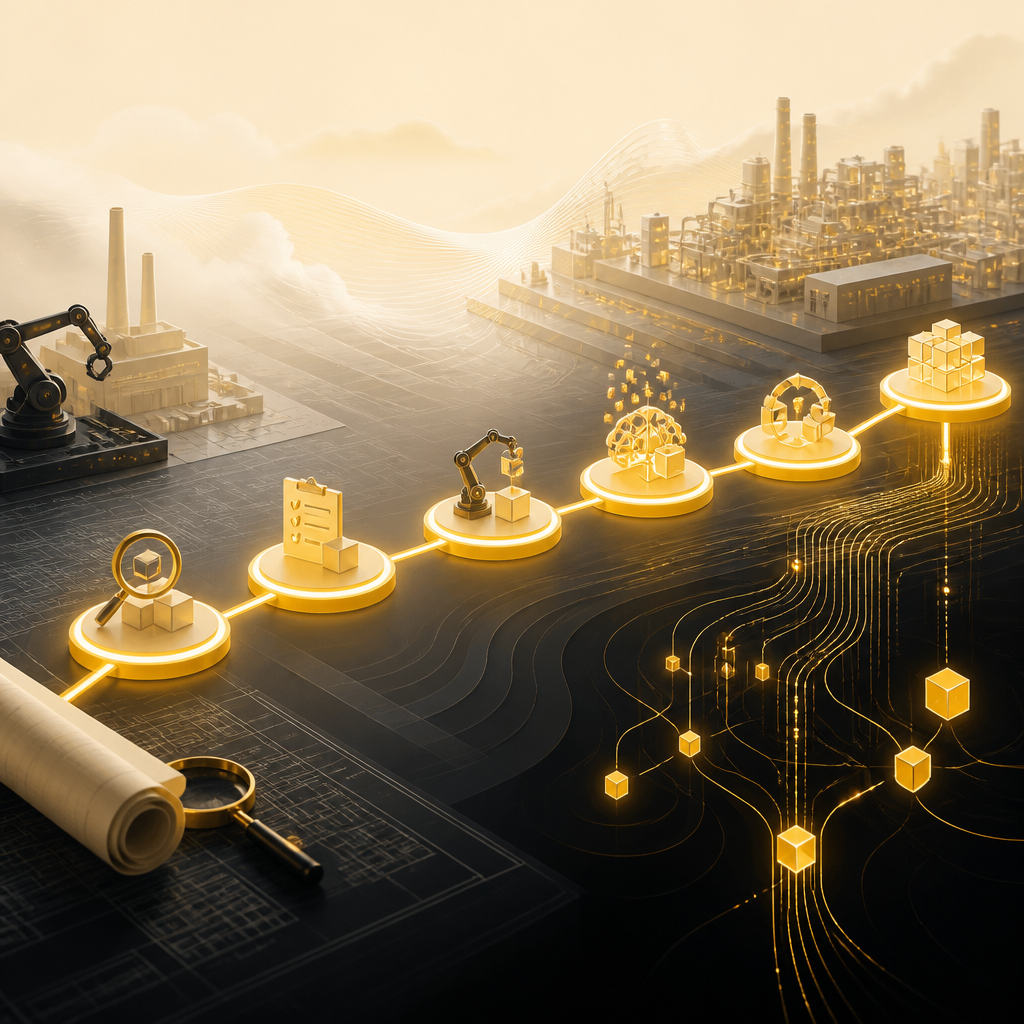
Roadmap-style composition with connected luminous nodes over a blueprint-like surface, using gold and near-white brand colors.

A Practical Implementation Roadmap (No System Replacement Needed)

A common approach to manufacturing AI automation looks like this:

  1. Workflow discovery: map current steps for order processing, supplier comms, inventory updates, approvals, and reporting
  2. Automation planning: identify triggers, required data, exception paths, and approval rules
  3. Integration build: connect your existing systems using APIs and secure data flows
  4. AI enablement: add extraction/summarization where unstructured inputs exist (emails, documents, notes)
  5. Pilot and iterate: validate accuracy with real cases and refine based on team feedback
  6. Scale out: expand to additional product lines, plants, or departments

With custom development and API integration, automation can be layered onto your current operations without forcing a full tech replacement.

How Shakir Ansari & RTP Team Support Manufacturing AI Automation

Shakir Ansari – Full Stack Developer & AI Automation Solutions builds custom-coded automation systems and integrations that help businesses connect tools and reduce repetitive admin work. For manufacturing operations, this can translate into automation that supports:

  • order and message intake workflows
  • supplier communication routing and summarization
  • inventory update synchronization
  • production reporting generation
  • internal approval flows with audit-friendly logs
  • end-to-end data enablement and automation across systems

If you want AI automation that fits your existing stack and specific manufacturing workflows, this is where custom execution matters.

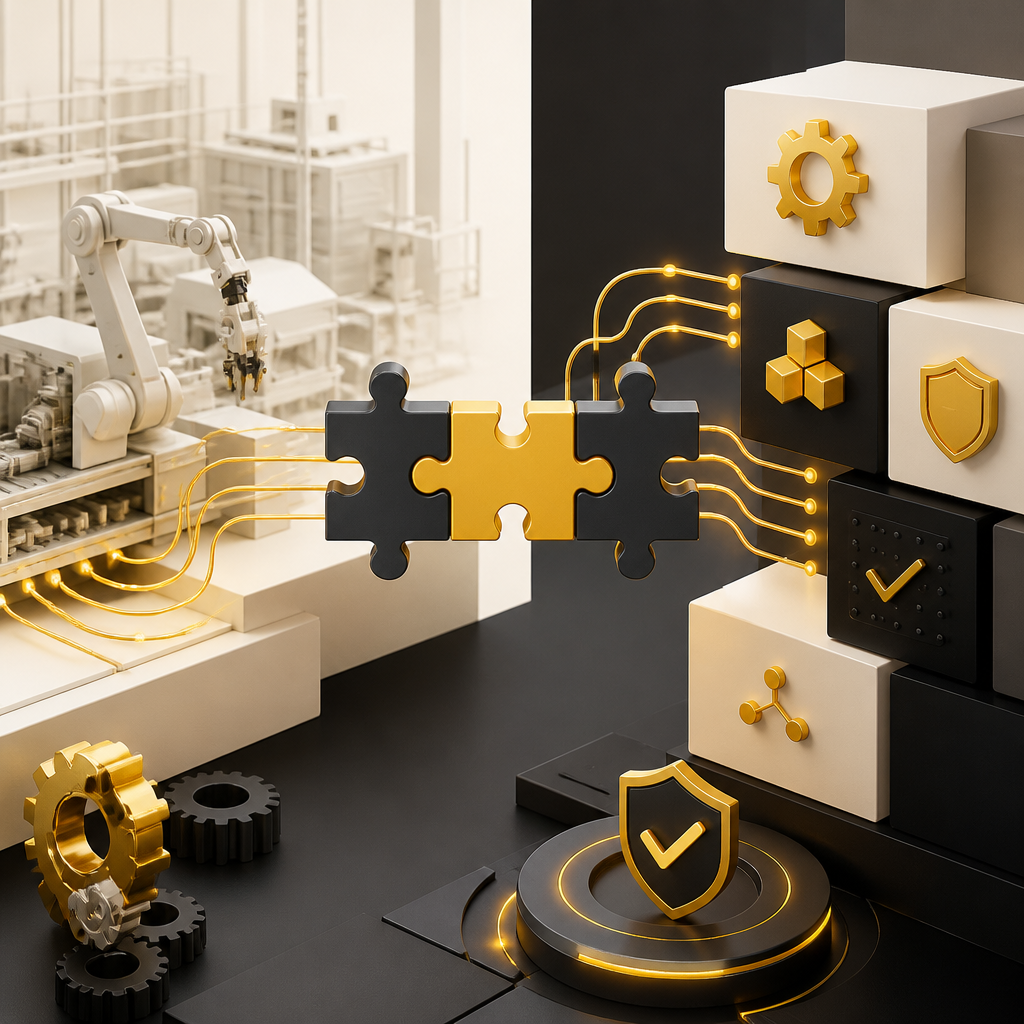
Abstract integration workspace with connected system components and manufacturing cues in gold and near-white tones.

FAQs

Will AI automation replace our ERP, MES, or WMS?

No. The most effective manufacturing AI automation typically integrates with your current systems (ERP/MES/WMS) and improves how data moves between them, while keeping your existing stack in place.

What inputs do we need to start automation?

Usually, you’ll begin with the most common workflow triggers: order emails/portals, supplier messages, status updates, document types, and key data fields used for planning and reporting.

How do approvals work in automated manufacturing workflows?

Automation can route approval requests automatically when rules are met, include the right context and attachments, and log outcomes for traceability—while keeping exceptions under human control.

Can AI automation handle unstructured data like emails and PDFs?

Yes. AI can extract and classify key details from unstructured inputs (emails, purchase requests, PDFs), then convert them into structured fields for downstream systems.

How do we ensure automation is accurate and reliable?

Reliable automation includes data validation checks, exception thresholds, monitoring, and human-in-the-loop steps—so the system escalates when confidence is low or variance is high.

Conclusion

AI automation for manufacturing is about connecting the full workflow—from orders and supplier communication to inventory updates, production reporting, internal approvals, and data synchronization. When designed around your real processes and integrated with your existing systems, AI can reduce manual work, speed up response times, and create smarter, more consistent operations.

If you’d like to explore how custom automation can fit your manufacturing environment, learn more about AI Automation solutions and integration work with Shakir Ansari & RTP Team.