SHAKIR ANSARI

AI Automation for Nonprofits: Donor & Volunteer Workflows

Nonprofit teams are often stretched thin—managing donor emails, volunteer applications, event logistics, reporting, and a long list of administrative follow-ups. AI automation helps reduce repetitive work so staff can focus on mission impact while still giving donors and volunteers fast, consistent experiences.

This pillar page explains how AI-powered workflows can support everyday nonprofit operations—without replacing your existing systems.

What AI Automation Means for Nonprofits

AI automation uses AI tools (like chatbots, assistants, and document processing) combined with workflow automation and integrations to:

  • Respond to common questions instantly
  • Route requests to the right person
  • Update records automatically (CRM/lead systems)
  • Trigger email or SMS follow-ups on time
  • Generate summaries and reports
  • Process forms and documents with less manual effort
  • Keep internal teams aligned with automated task workflows

Think of it as an “operations layer” that connects your existing platforms and removes the busywork between them.

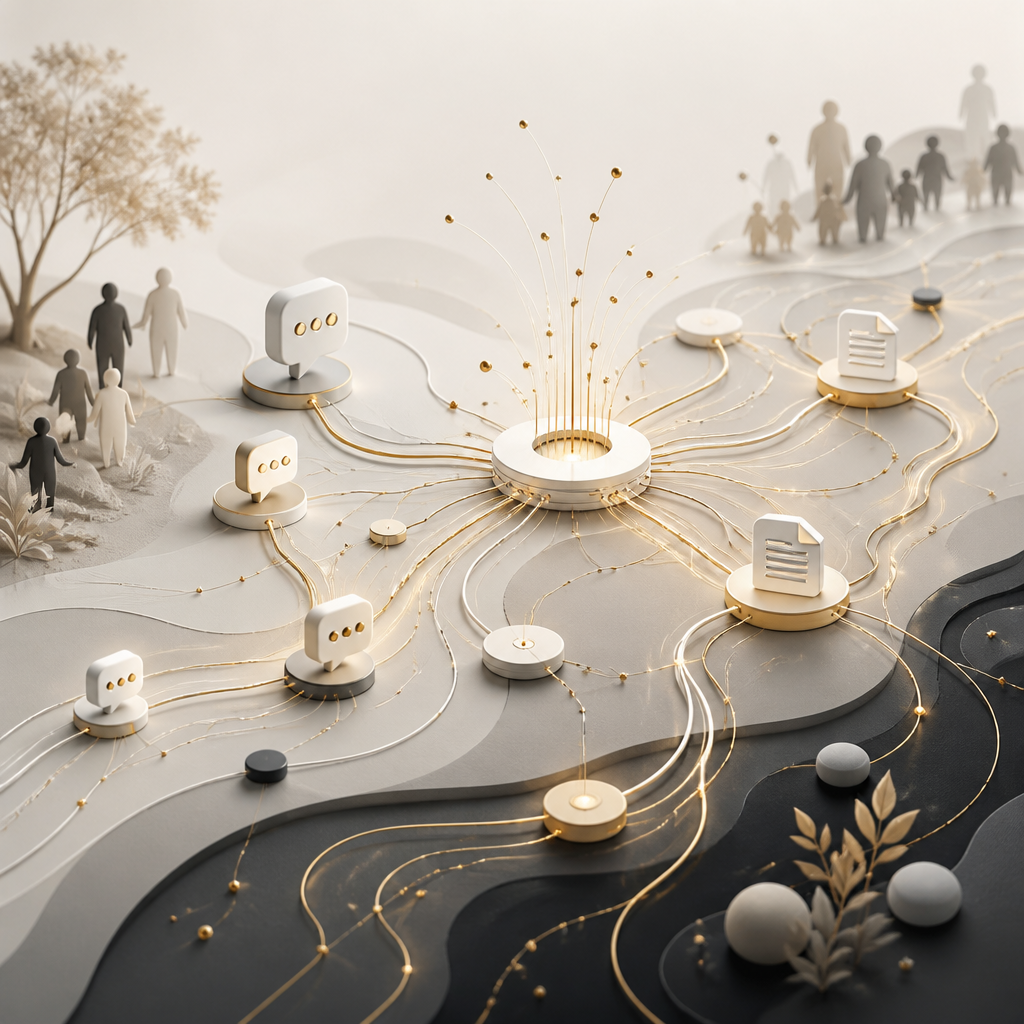
Abstract connected workflow network representing AI automation as an operations layer with warm gold accents and neutral tones, showing routed requests and document processing without any readable text.

Nonprofit Workflows You Can Automate

1) Donor Communication That Feels Personal (and Timely)

AI automation can help your organization stay responsive—especially during high-volume periods.

Common automations include:

  • Donor email follow-up sequences (acknowledgments, thank-yous, receipt reminders)
  • Chatbots for your donation pages (FAQs, eligibility questions, event links)
  • Ticket or inquiry routing (assigning messages by topic/priority)
  • Personalized content suggestions based on donor interactions (with consent and preferences)

If you handle Informacion personal, AI automation should be configured to respect access controls, data minimization, and retention policies—so you can move faster safely.

2) Volunteer Onboarding Without Manual Chaos

Volunteer onboarding often involves repeated steps: forms, document collection, scheduling, confirmation emails, and internal task reminders.

AI can streamline onboarding by automating:

  • Intake form processing (answers pulled into your system)
  • Automated checklists (what to send and when)
  • Scheduling support (collecting availability and confirming next steps)
  • Volunteer “welcome” sequences (training links, policies, orientation dates)
  • Internal notifications to coordinators when action is required

3) Event Reminders and Participation Support

AI automation can reduce the “who has confirmed?” problem.

Examples:

  • Automated reminder emails/SMS at key time intervals
  • Smart follow-ups for non-confirmations
  • Dynamic event info updates pulled from your event system
  • Post-event thank-you messages and feedback collection

This helps events run more smoothly and improves attendance without adding admin work.

4) Reporting and Insights That Don’t Take All Week

Reporting shouldn’t depend on manual copy/paste.

AI automation can generate:

  • Weekly or monthly summaries of fundraising outcomes
  • Attendance summaries and participation trends
  • Donor/volunteer activity rollups (what happened and what changed)
  • Draft narrative reports that staff can quickly review and publish

Instead of spending hours gathering data, your team can spend time interpreting it.

5) Document Workflows (Forms, Receipts, Approvals)

Document workflows are a major source of repetitive tasks—receipts, volunteer agreements, intake forms, and internal approvals.

With AI-enabled document processing, you can automate:

  • Extracting key data from PDFs/images (where appropriate)
  • Filling fields in your CRM or internal forms
  • Drafting document templates and generating outputs
  • Routing documents for approval based on rules
  • Maintaining consistent filenames and record updates

6) Repetitive Admin Tasks That Add Up

AI automation can also support behind-the-scenes operations like:

  • Updating records across systems after an event or submission
  • Creating tasks for staff when specific conditions are met
  • Summarizing long email threads into actionable items
  • Standardizing responses for common requests (so nothing gets missed)
  • Syncing information between tools using API integrations

This is where Technology becomes a real multiplier for nonprofit capacity.

How AI Automation Works with Your Existing Tools

A strong approach doesn’t force you to start over. Instead, it connects what you already use—such as:

  • Fundraising/donor databases
  • Email and marketing platforms
  • CRMs and case/ticket systems
  • Calendars and event platforms
  • Document storage and workflow tools

Your workflows can be designed so AI handles the “in-between” steps—routing, extraction, follow-ups, and summaries—while your current tools remain the system of record.

Abstract privacy and governance scene with layered shield-like protection and flowing encrypted data streams in warm gold and neutral tones, conveying secure handling and auditability without any readable text.

Protecting Informacion personal in AI Workflows

When you automate donor and volunteer communication, you must treat Informacion personal as a first-class requirement. Practical safeguards include:

  • Role-based access for who can view or edit records
  • Purpose limitation (only use data for the workflow’s intended task)
  • Data minimization (store only what you need)
  • Secure data handling (encryption in transit and at rest where applicable)
  • Audit logs for key actions and workflow runs
  • Retention controls aligned with your policies

A custom AI automation build should incorporate these protections from day one—not as an afterthought.

The Technology Behind Practical AI Automation

Nonprofits typically benefit most from combinations like:

  • AI chat and agent workflows for FAQs and inquiry triage
  • Workflow automation for triggers, routing, and task creation
  • Document processing for form intake and data extraction
  • Integrations via APIs to sync systems automatically
  • Custom business logic so automations match your nonprofit’s rules

Because every nonprofit’s operations are different, custom-coded automation is often the best path to get reliable results without disrupting your current processes.

Implementation Roadmap (What to Do First)

A successful rollout usually follows these steps:

  1. Map your highest-volume workflows
    • Pick one area first (donor follow-up, onboarding, or event reminders).
  2. Identify triggers and “handoff points”
    • What starts the workflow? Who needs to approve or respond?
  3. Prepare and validate your data
    • Confirm fields, form inputs, CRM records, and notification preferences.
  4. Design the AI-assisted steps
    • Draft how the AI should respond, summarize, or extract information.
  5. Integrate your systems
    • Connect the tools involved using APIs and secure access.
  6. Test with real scenarios
    • Use sample inquiries, volunteer forms, and event cases.
  7. Launch and monitor
    • Track accuracy, response times, and exceptions for continuous improvement.

Abstract roadmap visualization with connected step cards and integration lines in warm gold and neutral tones, representing planning, testing, and monitoring without any readable text.

How to Measure Success

To validate your automation effort, track outcomes like:

  • Reduced time spent on repetitive admin tasks
  • Faster donor and volunteer response times
  • Higher event confirmation and attendance rates
  • Fewer missed follow-ups
  • Improved data consistency across tools
  • More complete and timely reporting

FAQ

Can AI automation work without replacing our current donor or volunteer systems?

Yes. The most effective approach is usually to automate the steps between systems—notifications, routing, data syncing, summaries, and document handling—while keeping your current platforms as the system of record.

What’s a good first nonprofit workflow to automate?

Start with the workflow that has the highest volume and the most repetitive steps—commonly:

  • donor acknowledgments and follow-ups
  • volunteer onboarding checklists
  • event reminder sequences

These often produce quick operational relief.

How does AI handle donor questions safely?

A well-designed setup uses predefined knowledge sources, structured responses, and routing rules. Staff can also review escalations or unusual requests rather than relying on AI for every scenario.

How do we manage Informacion personal with AI?

You should configure role-based access, data minimization, audit logging, and retention controls. For any automation involving personal data, the workflow should follow clear policies and secure handling practices.

Will AI emails and responses feel “human”?

They can. Many nonprofits implement templates plus AI-assisted drafting, using your tone and messaging guidelines. You can also require staff review for sensitive cases.

What about volunteer documents and forms?

AI-enabled document workflows can extract relevant fields, standardize data entry, and route tasks based on rules—reducing manual processing while keeping approvals where needed.

Can AI generate reports for our nonprofit team?

Yes. AI can draft summaries and report narratives from structured inputs (and workflow outputs), so your team reviews and publishes with confidence.

Do we need technical staff to run these automations?

Often, the goal is to automate reliably with clear documentation and monitoring. Your internal team may handle approvals and oversight, while the automation system runs in the background.

Conclusion

AI automation can help nonprofits streamline donor communication, volunteer onboarding, event reminders, reporting, document workflows, and repetitive admin tasks—so your team can spend more time on the mission and less time on manual follow-ups.

If you want custom AI automation solutions tailored to your existing systems and nonprofit workflows, explore how Shakir Ansari – Full Stack Developer & AI Automation Solutions can help you design and integrate smarter, reliable automations for your organization.