SHAKIR ANSARI

AI Automation for Property Management & Renter Communication

Property managers juggle constant inbound tenant questions, maintenance coordination, rent reminders, document requests, and owner reporting—often across multiple tools and manual handoffs.

With AI-powered PropTech, you can automate renter communication and back-office workflows to reduce repetitive work, improve response times, and route tasks correctly from the start.

This pillar page explains what AI automation means in Property Management, where it fits in a real workflow, and how to implement practical automation without replacing your existing systems.

What “About PropTech” and AI Automation Means for Property Management

PropTech refers to technology used to run and improve real estate operations. In property management, AI automation typically combines:

  • Chatbots and AI assistants to handle tenant inquiries in a conversational way
  • Workflow automation to route requests, create tickets, notify teams, and trigger next steps
  • Integrations that connect your property tools (CRM, ticketing, email/SMS, accounting, document systems)
  • Document generation and reporting automation to reduce manual admin work

Instead of adding more tasks to your team, AI automation standardizes what happens after a message is received—so the “front door” (tenant communication) and the “back office” (routing, forms, reports) work together automatically.

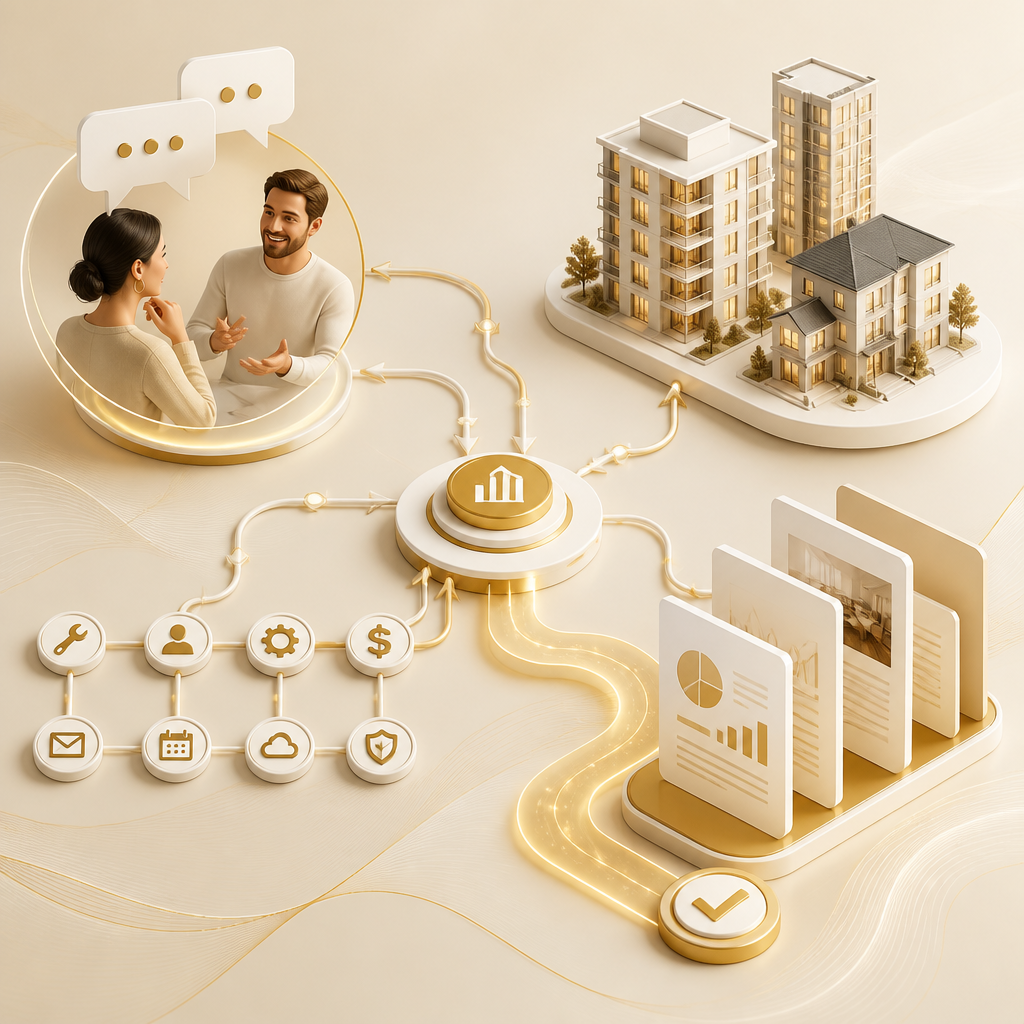
A premium editorial visualization of interconnected property-management automation concepts, combining conversational intake, workflow routing, integrations, and document generation in warm brand colors.

The Property Management Workflows AI Can Automate (Without Replacing Your Systems)

Below are the most common areas property managers want to automate—aligned to real renter communication and operational needs.

1) Automating Tenant Inquiries (Renter Communication)

AI can answer frequent questions and capture key details when tenants contact you, such as:

  • Move-in/move-out process questions
  • Lease and policy FAQs
  • Parking, access, pet rules, billing basics
  • Status updates on common requests (when connected to your systems)

Outcome: tenants get faster responses, and your team receives cleaner, structured request info.

2) AI-Powered Maintenance Requests (Capture → Triage → Ticket)

When a tenant submits an issue, AI automation can:

  • Classify the request (e.g., plumbing, HVAC, electrical, general maintenance)
  • Ask follow-up questions (urgency, location, symptoms, photos links if applicable)
  • Create or update a maintenance ticket
  • Route to the correct internal team or vendor group
  • Send confirmation and expected next-step communication to the tenant

Outcome: fewer back-and-forth messages and better task routing from the first contact.

3) Rent Reminders and Payment Follow-Ups

AI automation can support consistent communications like:

  • Upcoming rent reminders
  • Payment confirmation acknowledgements (where applicable)
  • Scheduled follow-ups based on status rules
  • Escalation triggers to the right staff member when needed

Outcome: less manual follow-up and fewer missed reminders—while keeping communications organized and trackable.

4) Document Generation for Tenant and Lease Admin

Many property management tasks depend on documents. AI automation can help generate and prepare documents by:

  • Filling templates with tenant/unit data
  • Producing standard letters and forms (based on request type)
  • Preparing document packets after key events (request approvals, inspections, move-in steps)
  • Tracking which documents were created and when

Outcome: faster admin cycles and fewer manual data entry steps.

5) Owner Reports (Automated Summaries and Updates)

Owner reporting often pulls information from multiple places. AI automation can:

  • Compile operational summaries (open tickets, resolution notes, recurring issues)
  • Generate periodic reports (daily/weekly/monthly formats)
  • Flag unusual trends (e.g., repeated maintenance categories or escalating response times)
  • Deliver reports to the appropriate inboxes or dashboards

Outcome: consistent reporting and less time spent assembling data.

6) Internal Task Routing (From Inbox to the Right Owner)

Internal routing is where automation prevents “handoff chaos.” AI workflows can:

  • Assign tasks by request category, unit, priority, and availability rules
  • Notify teams with the right context (what the tenant said + structured fields)
  • Create internal tasks for approvals, inspections, or vendor scheduling
  • Update status automatically as teams progress

Outcome: the right people get the right work at the right time—with fewer manual escalations.

A clean editorial visualization of an AI automation pipeline for property management, showing message intake to routing, communications, record updates, and generated reports in brand colors.

How AI Automation Works in a Property Management Setup (Simple Model)

A practical AI automation system usually follows this pattern:

  1. Tenant message arrives (email, web form, chat widget, or SMS)
  2. AI interprets intent (inquiry, maintenance, rent-related, document request)
  3. AI collects missing details (if required) and standardizes the request
  4. Automation routes the request (create ticket/task, notify staff, start workflow)
  5. Communications are sent (acknowledgements, updates, confirmations)
  6. Records are updated (so your team always sees the latest status)
  7. Reports and documents generate (as scheduled or triggered)

This approach is consistent with how PropTech tools are used in real-world property operations—focusing on automation + integration rather than isolated “chat” experiences.

Practical Use Cases You Can Start With (High-Impact First)

If you want a fast path to results, start with automations that remove repetitive daily tasks:

  • Maintenance intake assistant that captures structured details and auto-creates tickets
  • Tenant FAQ automation for common renter communication questions
  • Document template automation for the documents your team creates most often
  • Owner reporting automation that compiles updates consistently on a schedule
  • Internal triage workflows that route requests to the correct team/vendor category

These are also ideal because they don’t require you to change your entire operations model—AI can sit on top of your existing systems and improve the flow.

Key Requirements for Successful AI Automation in Property Management

To make automation dependable, you’ll want to plan for:

Data and Field Mapping

Your workflows need structured inputs (unit, contact, issue type, priority). AI automation performs best when your forms and systems capture the right fields.

Integrations Between Tools

Automations usually fail when they can’t update records. Ensure AI workflows can integrate with the tools you already use (ticketing, CRM, messaging, email, document storage).

Role-Based Routing and Escalation

Not every request should be fully automated. Your automation should know when to escalate to a human (e.g., urgent issues, disputes, exceptions).

Consistent Communication Templates

Tenants trust clarity. Automation should send confirmations and updates in predictable, policy-aligned language.

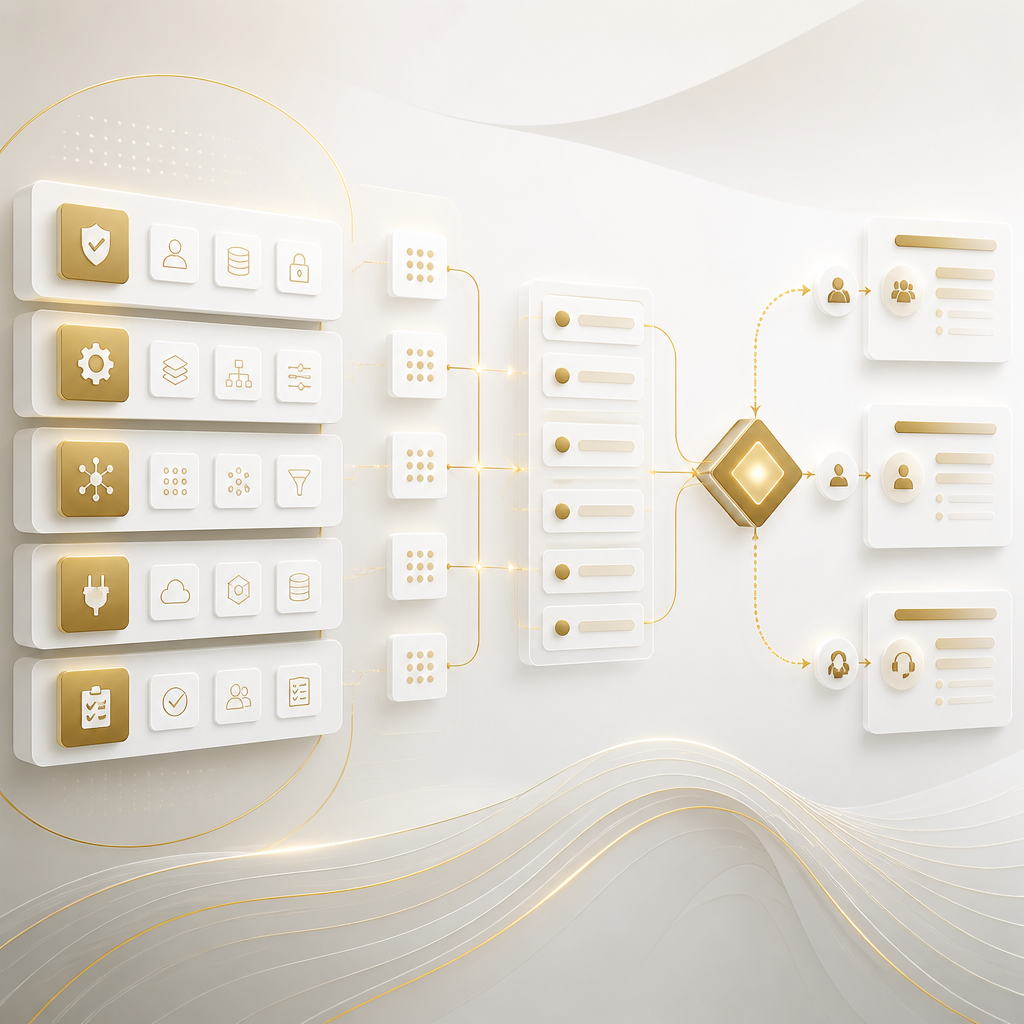
A premium editorial visualization of key AI automation requirements for property management, featuring structured data mapping, tool integrations, escalation routing, and consistent communication templates in warm brand colors.

Common Questions About AI in Property Management (FAQs)

1) Does AI automation replace my property management team?

No. The goal is to reduce repetitive work—AI handles intake, triage, routing, and routine communications, while your team handles exceptions, complex issues, and decision-making.

2) What counts as “automating renter communication”?

It includes using AI to respond to common questions, capture maintenance details, send acknowledgements and updates, handle document requests, and trigger rent-related follow-ups—connected to your operational records.

3) Can AI maintenance requests be routed to different teams or vendors?

Yes. With rule-based routing and workflow automation, AI can classify the request and route it to the correct internal team or vendor group, based on category, priority, or unit rules.

4) How does AI generate documents without manual data entry?

AI can fill document templates using tenant and unit information stored in your systems, then generate documents automatically when a request is approved or a workflow step is reached.

5) Will AI owner reports pull data from multiple systems?

When integrated properly, AI automation can compile and format data from your existing sources into consistent reports that your owners receive on schedule.

6) What integrations are usually needed for property management automation?

Common integrations include messaging/email systems, ticketing or maintenance platforms, CRM or tenant databases, and document storage/workflow tools.

7) What should we automate first if we’re new to AI?

Start with high-frequency, high-repeat tasks: maintenance intake, renter FAQs, document template generation, and internal routing. These typically deliver quick operational improvements.

8) Is it okay if tenants contact us through multiple channels?

Yes. The key is consolidating or standardizing intake so AI can interpret intent and trigger the correct workflow regardless of the channel.

Next Step: Build AI Automation Around Your Existing Property Management Workflow

Custom AI automation solutions can help your property management business save time, reduce manual work, and operate more efficiently—especially for tenant communication, maintenance requests, rent reminders, document generation, owner reports, and internal task routing.

If you want to automate renter communication and connect workflows between your current tools, explore a custom approach through Shakir Ansari – Full Stack Developer & AI Automation Solutions—built for property management teams that need reliable integrations and practical automation.

CTA

Learn more about AI Automation services and discuss which renter communication and back-office workflows you want to automate first.