
SHAKIR ANSARI

Automotive Website Design Examples for Digital Inspections

Automotive businesses dont just need a websitethey need a reliable digital system that turns traffic into bookings, inspection approvals, and qualified inquiries. Modern web design for dealerships, repair shops, detailing services, and rental companies should support faster customer decisions, clearer service communication, and smoother handoffs to your team.

This pillar page breaks down practical Website Design Examples you can use as a blueprintespecially if you want to add digital vehicle inspections to your website to capture findings, photos, and approvals in a structured, trackable way.

Why custom web design works better for automotive lead generation

Template websites can look polished, but automotive websites often fail when they need custom workflowslike inspection reports, photo uploads, QR check-ins, financing inquiries, or routing leads to the right location/service advisor.

With custom Website Development, your site can become a conversion tool by focusing on:
  • Speed and mobile responsiveness (most visits happen on phones)
  • Clear service pathways (inspection quote booking follow-up)
  • Trust-building UX (reviews, certifications, transparent process)
  • SEO-friendly structure (pages that match real search intent)
  • Integrations (CRMs, email/SMS, booking tools, payments)
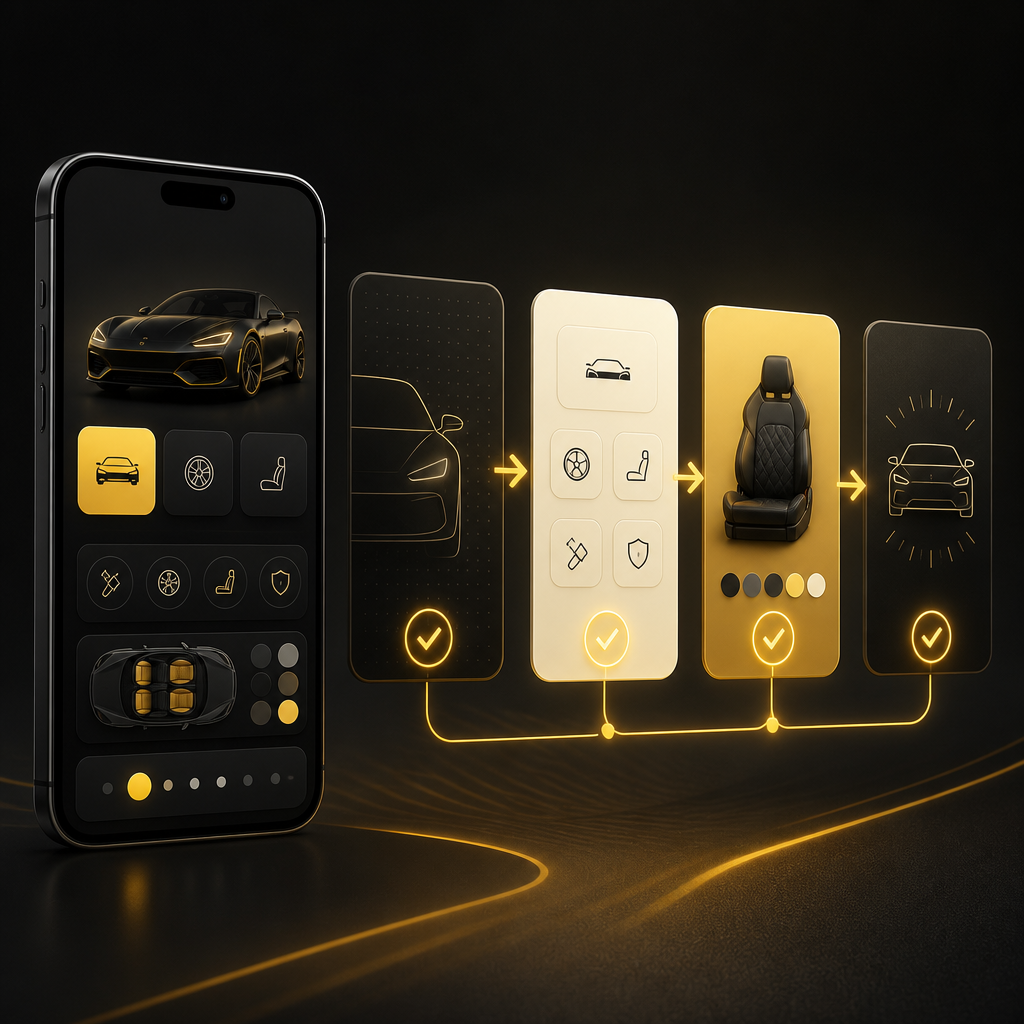
Abstract mobile-first automotive workflow with icon-based inspection-to-booking pathway cards in warm gold and near-white tones

The automotive website blueprint (what high-performing sites include)

A strong automotive website typically includes these core sectionseach designed to support inquiry and booking conversions:

1) Homepage built around one primary action

Examples of primary actions:

  • Book an inspection
  • Request a quote
  • Schedule service
  • View inventory (dealers)
  • Start a pre-rental / vehicle condition check (rentals)

2) Service pages that answer What will this cost me and how soon?

Each service page should include:

  • Who its for (car owners, fleet, commercial, families, etc.)
  • Whats included (a clear checklist)
  • Typical turnaround (even if ranges)
  • Process steps (request inspection options booking)
  • FAQs (reduces friction before contacting you)

3) Dedicated Locations / Areas Served (for multi-branch businesses)

For SEO and conversions, every branch/service area should be easy to find and supported by clear contact methods.

4) Inventory or fleet showcase (where applicable)

Dealers and some repair shops need listings that are easy to browse on mobile and structured for search engines.

5) A fast, mobile-friendly contact and booking system

  • Short forms
  • Smart dropdowns (service type, vehicle type, preferred date)
  • Click-to-call and map integration
  • Confirmation messages

Car inspection concept with translucent photo-capture frames and checklist-style icons in gold and deep neutral tones

Digital Vehicle Inspections: how they should work on the website

A digital vehicle inspection feature should do more than collect answersit should create a customer-ready, staff-friendly inspection record that reduces back-and-forth.

What a good digital inspection flow accomplishes

  1. Collect vehicle + customer details (pre-filled where possible)
  2. Capture photos and checklist findings (mobile-friendly)
  3. Generate a readable inspection summary
  4. Send it to the customer for approval or next steps
  5. Route it internally to the correct advisor/department
  6. Track status (requested, in review, quote sent, booked, completed)

Inspection UX that converts (mobile-first essentials)

  • Big buttons and simple steps
  • Clear inspection categories (safety, comfort, wear items, diagnostics)
  • Photo capture instructions (what to photograph and where)
  • A Not sure / Skip option to avoid incomplete submissions
  • Customer approval step (signature or confirmation + email/SMS delivery)

Where digital inspections shine by business type

  • Repair shops: inspection-to-quote reduces delays and increases approvals
  • Dealers: pre-owned inspection reporting supports transparency and sales confidence
  • Detailing services: photo-based condition reporting helps upsell responsibly
  • Rental companies: vehicle condition documentation reduces disputes and streamlines check-in/out

Website Design Examples (automotive layouts you can adapt)

Below are practical Website Design Examples that align with modern automotive Web Design expectations and digital inspection workflows. Use them as starting points for pages, navigation, and user journeys.

Example 1: Dealership Inspection-to-Offer landing page

Goal: Convert interest into scheduled inspections and qualified leads.

Key sections:

  • Hero CTA: Book a Vehicle Inspection
  • Short explanation: how inspections build trust
  • Feature row: photo-based findings, written summary, fast follow-up
  • Inventory preview widgets (or link to inventory page)
  • Financing inquiry block (simple form, routed correctly)
  • Location + contact card with hours
  • Inspection integration idea: a pre-filled inspection request form that captures vehicle VIN or basic details first.

Example 2: Repair shop Digital Inspection Quote Booking flow

Goal: Reduce back-and-forth and speed up approvals.

Key sections:

  • Request Digital Inspection CTA
  • Service categories (brakes, diagnostics, tires, engine check, etc.)
  • Step-by-step process:
  • Schedule
  • Receive inspection report with photos
  • Choose recommended services
  • Review section and trust badges
  • Appointment confirmation + follow-up messaging

Inspection integration idea: a customer portal-style confirmation page after submission.

Example 3: Detailing service Photo Condition Check booking page

Goal: Increase upsells without confusing customers.

Key sections:

  • Get a Photo-Based Condition Check
  • Vehicle type selector (sedan/SUV/truck)
  • What customers should prepare (simple instructions)
  • Add-on options shown after inspection summary (not before)
  • Gallery section that supports expectations
  • Mobile-first booking form

Inspection integration idea: attach photos and generate a recommended package list for staff review.

Example 4: Rental company Vehicle Condition Report pre-rental form

Goal: Document condition early and protect both sides.

Key sections:

  • Start Your Vehicle Condition Check
  • Checklists for body, tires, interior, electronics
  • Photo upload guidance
  • Agreement/confirmation step
  • Return instructions link and support contact

Inspection integration idea: use QR codes for quick check-in/out at locations.

Example 5: Multi-location provider Inspection Routing site structure

Goal: Send each lead to the right team quickly.

Key sections:

  • Location selector at the top of every relevant page
  • Service availability by location
  • Local contact cards
  • Digital inspection request routed by service + location
  • Inspection integration idea: automate lead routing to the correct staff member or CRM pipeline.

Template vs custom: what changes when you build for automotive workflows

Many automotive websites look similar because theyre built from layouts that dont support structured workflows. Custom Website Development enables:

  • Inspection forms tailored to your process
  • Automations (send inspection report, notify advisor, update CRM)
  • Custom data models (inspection findings, service recommendations, approval status)
  • Better performance (fewer heavy scripts, cleaner pages)
  • Clean UX that matches how automotive customers actually decide

If your business needs digital inspections, a custom build usually performs better because your website becomes the workflownot a static page.

Must-have web design features for automotive sites (conversion-focused)

Speed + mobile-first navigation

  • Fast-loading hero and booking sections
  • Sticky CTA buttons (Book / Request / Contact)
  • Simple forms with the right number of fields

Trust signals that show competence

  • Reviews (with consistent placement)
  • Certifications and warranties (where relevant)
  • Clear service descriptions (not vague marketing copy)

Accessibility and readability

  • Legible fonts and contrast
  • Clear error messages on forms
  • Tap-friendly spacing for mobile users

SEO structure that matches intent

  • Service pages that reflect real searches
  • Location pages (for multi-area businesses)
  • FAQ sections (especially around inspections, process, and scheduling)

Integrations that turn inspections into a business system

Digital inspections become significantly more valuable when connected to your operations. Common integrations include:

  • CRM (store lead + inspection results)
  • Email/SMS (send inspection reports and status updates)
  • Booking/calendar (reserve slots based on inspection request)
  • Payments (where appropriate for deposits)
  • Internal ticketing (create work orders or tasks for advisors/technicians)
  • API connections to third-party tools you already use

A custom build can also support analytics so you know:

  • Which inspection pages convert best
  • Where customers drop off
  • How quickly inspections turn into booked appointments
Abstract inspection-to-operations integration network with connected nodes and icon-only flow in gold and neutral tones

How Shakir Ansari & the RTP team approach automotive website development

For automotive businesses that want digital inspections, booking, and inquiry workflows to work seamlessly, Shakir Ansari – Full Stack Developer & AI Automation Solutions and the RTP team focuses on building custom-coded, scalable web experiences that support growth and operational efficiency.

That typically includes:

  • Custom web design and development for your exact funnel
  • Modern front-end experiences (mobile-first)
  • Back-end systems for inspection data and lead routing
  • API integrations to connect CRMs, messaging, and booking workflows
  • Automation layers to reduce repetitive follow-ups
  • SEO-friendly structure and performance-focused implementation

FAQs

What is a digital vehicle inspection for automotive websites?

Its an online inspection workflow where customers (or staff) capture checklist findings and photos, then generate an inspection summary that can be shared and used for quoting, recommendations, and booking.

How do digital vehicle inspections increase conversions?

They reduce uncertainty by making findings visible (often with photos), speed up approvals, and create a clear next stepso customers move from inquiry to booking faster.

Can digital vehicle inspections work for dealerships and rental companies too?

Yes. Dealerships can use them for pre-owned transparency, and rental companies can use them to document vehicle condition before pickup and after return.

What should I include on a Request Digital Inspection page?

A simple form, service/vehicle type selection, clear steps, photo guidance (if applicable), and a confirmation message. Then connect it to your booking and follow-up workflow.

Do I need a fully custom website to add digital inspections?

Not always, but digital inspection workflows usually require custom logic, structured data, and integrationsso a custom Website Development approach often delivers the best results.

Conclusion

Great Website Design Examples for automotive businesses arent just about looking moderntheyre about building a site that functions like a streamlined sales and service system. When your website supports Digital Vehicle Inspections with a clear, mobile-first workflow, customers understand the process faster and your team receives actionable inspection data.

If you want a custom website built to support inspections, bookings, inquiries, and automated workflows, explore Website Development options with Shakir Ansari – Full Stack Developer & AI Automation Solutions to align your digital presence with how your business operates.

CTA

Ready to build an automotive website that supports digital inspections and drives qualified bookings? Learn more about Website Development and explore a custom web build designed for your inspection-to-appointment workflow.