
SHAKIR ANSARI

Configurable Workflows—Set Up a Developer Website

Product innovation teams move fast—but “fast” often breaks down when workflows are hard-coded, undocumented, or too dependent on tribal knowledge. A configurable workflow system helps you standardize how work moves from idea to release, while still allowing teams to adapt steps per product, customer segment, or environment.

In this guide, you’ll learn how to set up Configurable Workflows and present them on a Developer Website so product, engineering, and operations teams can collaborate without friction.

What Are Configurable Workflows?

Configurable workflows are business and engineering processes defined in a structured way (states, triggers, rules, and actions) so they can be modified without rewriting the entire system.

Typically, a configurable workflow includes:

  • Workflow states: e.g., Draft → Review → Build → Test → Approved → Released
  • Triggers: e.g., “feature flag created,” “PR merged,” “approval granted,” “SLA breached”
  • Rules and conditions: e.g., “if risk = high, require security review”
  • Actions: e.g., “create ticket,” “run test suite,” “notify stakeholders,” “deploy to staging”
  • Ownership & permissions: who can edit, approve, or execute each stage
  • Audit trail: who changed what, when, and why

For product managers and innovation teams, this means your process becomes a product artifact—versionable, reusable, and measurable.
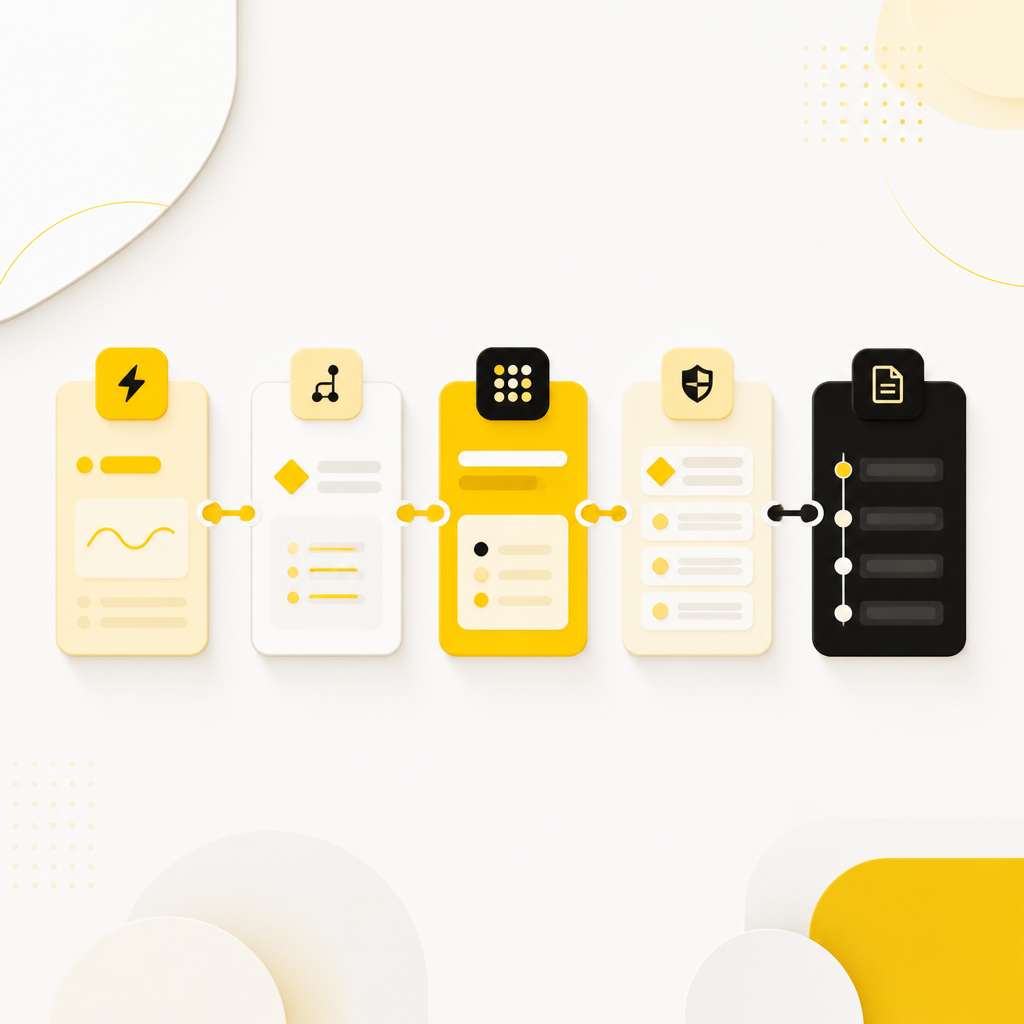
Editorial wide depiction of configurable workflow stages as connected color-coded cards on a light background with brand accent tones, with no readable text.

Why Product Teams Need Configurable Workflows

1) Consistency across products and teams

When workflows are configurable, teams can follow the same release and quality expectations—while customizing details where needed.

2) Faster iteration without breaking governance

Experimentation becomes safer when approvals, validations, and policy checks are built into the workflow configuration.

3) Reduced manual coordination

Instead of relying on scattered handoffs (Slack messages, spreadsheets, ad-hoc checklists), workflow automation can route work automatically.

4) Clearer collaboration between PMs and engineering

PMs can define the “what” (states, rules, acceptance criteria), while engineering handles the “how” (integrations, execution, observability).
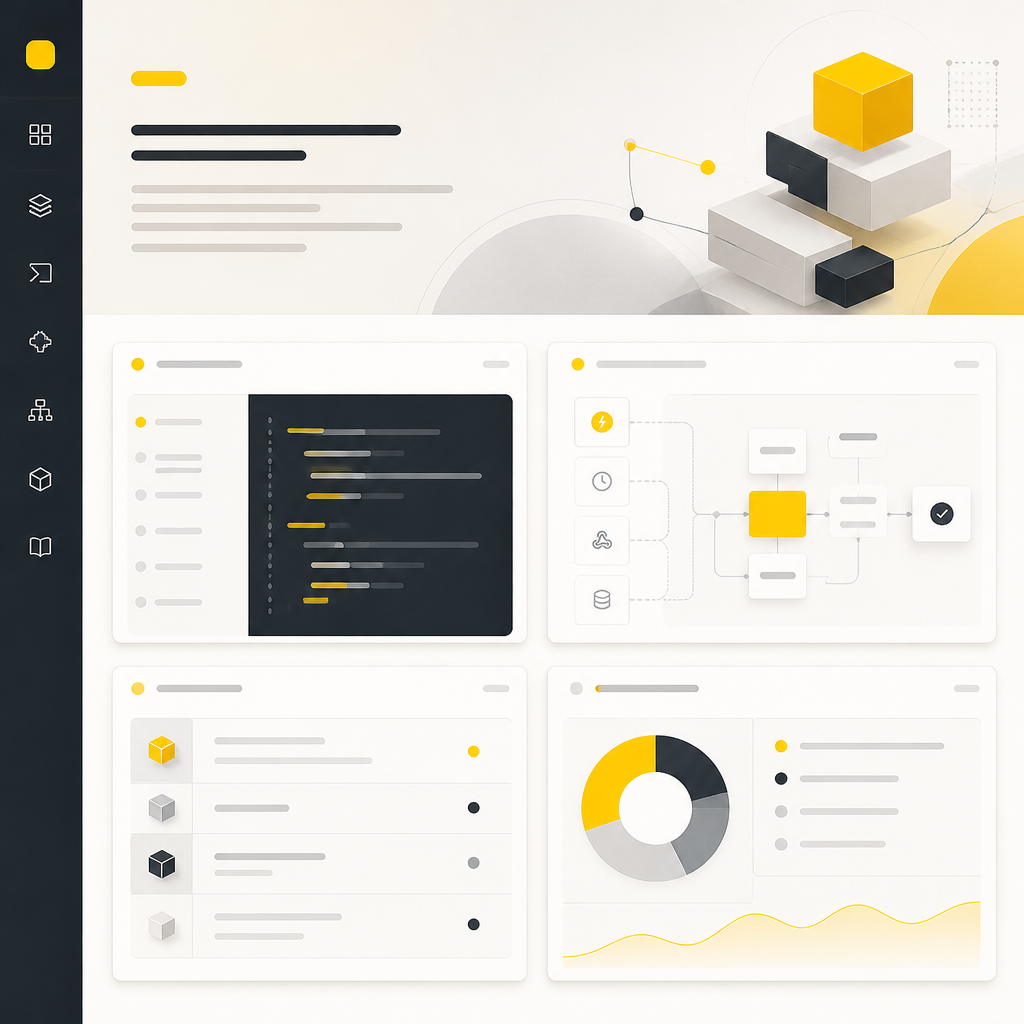
Wide editorial depiction of a developer documentation hub with abstract panels for configuration, triggers, and API-style sections using brand accent colors, with no readable text.

Where a Developer Website Fits In

A Developer Website is the place where your configurable workflows become understandable, usable, and repeatable.

It acts as a single source of truth for:

  • How workflows are structured and configured
  • What inputs are required (variables, environment settings, metadata)
  • How to request or trigger workflow runs
  • How to interpret outcomes (statuses, approvals, errors)
  • Reference documentation for APIs, webhooks, and integrations
  • Examples/templates for common workflow scenarios

This is especially important for teams launching digital products, improving customer-facing applications, or adding new features—because workflow knowledge needs to be accessible beyond the original builder.

Learning from “Stack”-style Developer Ecosystems

Across developer ecosystems, successful tooling commonly shares two traits:

  1. Repeatable setup instructions
  2. Documentation sites that reduce onboarding time

When you design your workflow platform, borrow the same principles:

  • Make configuration predictable and validated (so “setup” is repeatable)
  • Publish workflow documentation where teams can self-serve (your developer website)

This alignment helps innovation teams move from “idea” to “running workflow” with fewer surprises.

How to Set Up Configurable Workflows (Step-by-Step)

Step 1: Choose the first workflow to configure

Start with one high-impact process, such as:

  • Idea intake → experiment creation
  • Feature build → test gate → approval → release
  • Customer incident triage → investigation → resolution → communication
  • Rollout strategy (canary / staged rollout) with approvals

Tip: Pick a workflow with clear stages and measurable success criteria.

Step 2: Map workflow states, ownership, and exit criteria

For each stage, define:

  • State name
  • Entry conditions
  • Exit/transition conditions
  • Responsible role (PM, engineering lead, QA, security, operations)
  • Definition of done (tests, reviews, checklists)

This is where PM input matters most: it turns product intent into operational reality.
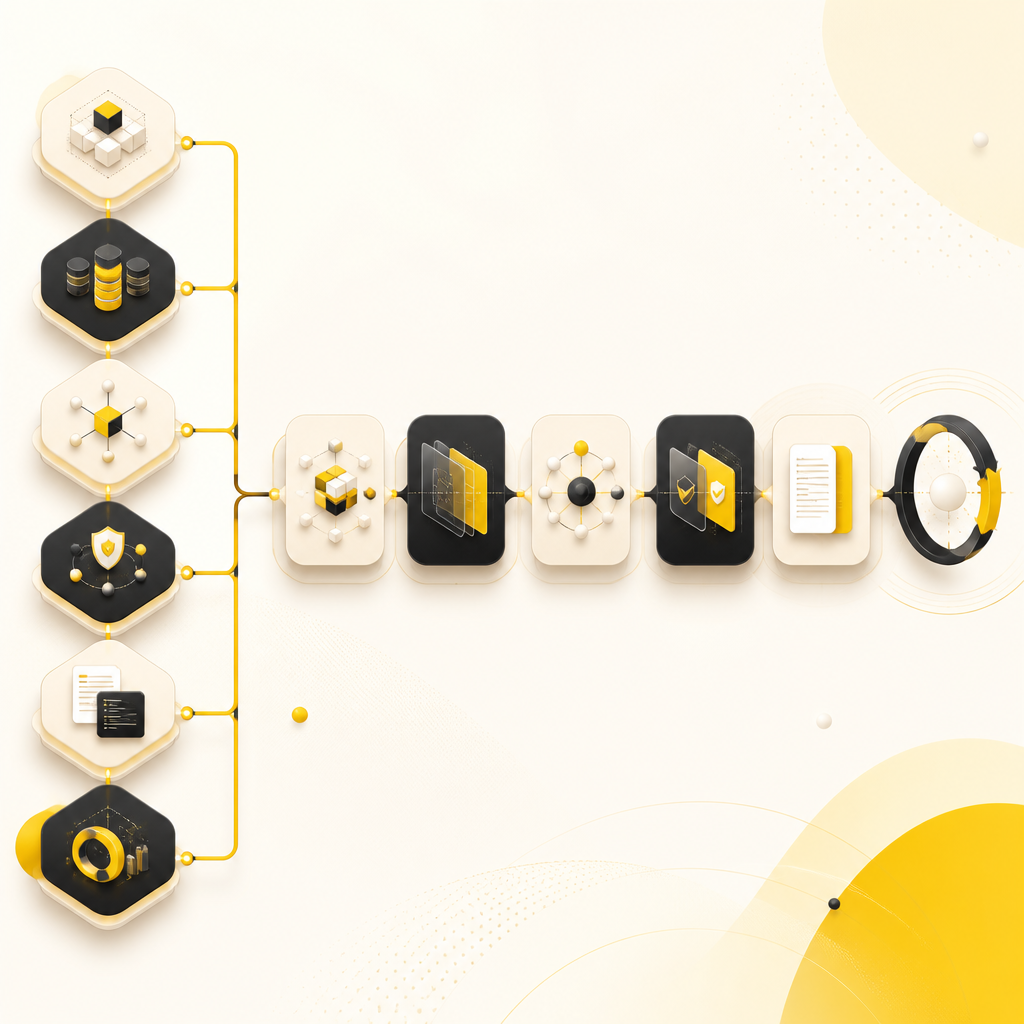
Wide editorial composition illustrating a workflow setup journey with abstract blocks for schema, environments, integrations, permissions, developer documentation, and observability using brand accent colors, with no readable text.

Step 3: Define the configuration schema (so teams can reuse it)

To keep workflows truly configurable, define what can change safely:

  • Variables (e.g., product name, environment, customer segment)
  • Policy knobs (e.g., required approvals based on risk)
  • Integration endpoints (e.g., issue tracker, CI provider, notification channels)
  • Templates (e.g., “standard release workflow,” “hotfix workflow”)

Your goal is to avoid “configuration chaos.” A schema creates guardrails.

Step 4: Set up environments and versioning

Configurable workflows need predictable deployment and rollback behavior.

Plan for:

  • Environments: development, staging, production
  • Versioning: workflow configuration versions tied to releases
  • Promotion: move validated workflow configs between environments
  • Change control: who approves configuration changes

Step 5: Connect triggers and actions to real systems

Common integrations include:

  • CI/CD (builds, deployments, smoke tests)
  • Issue trackers (tickets, status updates)
  • Messaging (notifications, routing to the right channel)
  • Webhooks (event-driven workflow starts)
  • Datastores/logging (audit and reporting)

This is where full-stack and API integration capabilities matter.

Step 6: Add permissions, approvals, and policy gates

To support customer-facing quality, configure:

  • Role-based access controls (who can edit vs execute)
  • Approval gates (e.g., QA required before release)
  • Risk-based rules (e.g., security review for certain components)
  • Automated validations (e.g., failing tests block transitions)

Step 7: Build the Developer Website around the workflow lifecycle

Your developer website should teach teams how to use the system end-to-end.

Include:

  • Overview: what configurable workflows are and how they work
  • Setup: prerequisites and “how to get started”
  • Workflow reference: states, triggers, actions, variables
  • Developer guides: common workflows with examples
  • API & webhook docs: request/response formats and examples
  • Troubleshooting: common errors, failed transitions, retry behavior
  • Changelog: what changed between configuration versions

The developer website turns workflow “tribal knowledge” into repeatable onboarding.

Step 8: Add observability and feedback loops

A workflow platform should be measurable.

Track:

  • Run success rate
  • Mean time in each state
  • Approval bottlenecks (where work stalls)
  • Automation coverage (what % is handled by workflow vs humans)
  • Error categories (retryable vs blocked)

Then iterate on configuration and documentation so teams improve continuously.

Common Configurable Workflow Patterns for Innovation Teams

Idea → Experiment → Decision

  • Intake form triggers workflow
  • Route to correct domain team
  • Define experiment duration and evaluation criteria
  • Output: continue / pivot / stop

Feature Rollout with Risk-Based Approvals

  • Staging readiness checks
  • Security gates based on risk level
  • Canary rollout automation
  • Auto rollback workflow on defined thresholds

Customer Issue Triage → Resolution → Communication

  • Trigger by ticket labels or event signals
  • Assign and prioritize via rules
  • Automate reproduction steps
  • Generate status updates through templates

What to Measure After You Set Up Configurable Workflows

Use these outcome metrics to show impact to leadership:

  • Lead time / cycle time (how quickly work reaches release)
  • Deployment frequency (without increasing failures)
  • Rework rate (how often issues return to earlier workflow states)
  • Approval throughput (time spent waiting on reviews)
  • Adoption (how many teams use the workflow via the developer website)

FAQs

What does “configurable” mean in workflows?

It means the workflow’s stages, rules, triggers, and actions can be updated through configuration (with validation and governance), rather than requiring a full software rewrite.

Who should define configurable workflows—PMs or engineers?

Both. PMs typically define stages, outcomes, and acceptance criteria; engineers define execution, integrations, permissions, and technical guardrails.

What should the developer website include for workflow setups?

At minimum: setup steps, workflow reference (states/triggers/actions), required variables, example configurations, API/webhook docs, and troubleshooting guidance.

How do we prevent workflow configuration from becoming messy?

Use a configuration schema, environment/versioning strategy, permission controls, validation rules, and a documented promotion process.

Do configurable workflows require AI to be useful?

No. AI can optionally enhance decisions (e.g., prioritization), but configurable workflows provide value through standardization, automation, and clear governance first.

Conclusion

Setting up Configurable Workflows helps innovation teams standardize how product work moves from idea to release—while still allowing safe customization. Pair that with a well-organized Developer Website, and you give teams a clear, self-serve path to adopt, configure, and troubleshoot workflows without relying on individual experts.

If you want help designing configurable workflow systems, integrating the systems that trigger them, and publishing the documentation on a developer website, explore how Shakir Ansari – Full Stack Developer & AI Automation Solutions can support your digital product roadmap.