SHAKIR ANSARI

Custom Membership Portals & Knowledge Bases

Membership and community platforms are more than a website—they’re a system for onboarding, engagement, learning, and retention. A custom portal connects the member experience (login, gated content, directories, discussions) with the operational layer (subscriptions, permissions, knowledge management, and automations).

This pillar page explains how to plan and build custom portals, incorporate a knowledge base, and create custom web apps that support community workflows—so your platform becomes a long-term business asset.

What Is a Custom Membership Portal?

A custom membership portal is a dedicated web experience where verified members can access resources and community features based on their role, subscription, or membership status.

Unlike template-based sites, a custom portal is built around your exact workflows, such as:

  • Member onboarding and account setup
  • Login and role-based access control
  • Gated content and permissions
  • Subscription or membership tiers
  • Member directories and profile management
  • Forums, discussions, and messaging tools
  • Knowledge base articles with structured categories and search

For organizations, creators, associations, and businesses, this means the portal can scale as your community grows—and remain flexible as your product evolves.

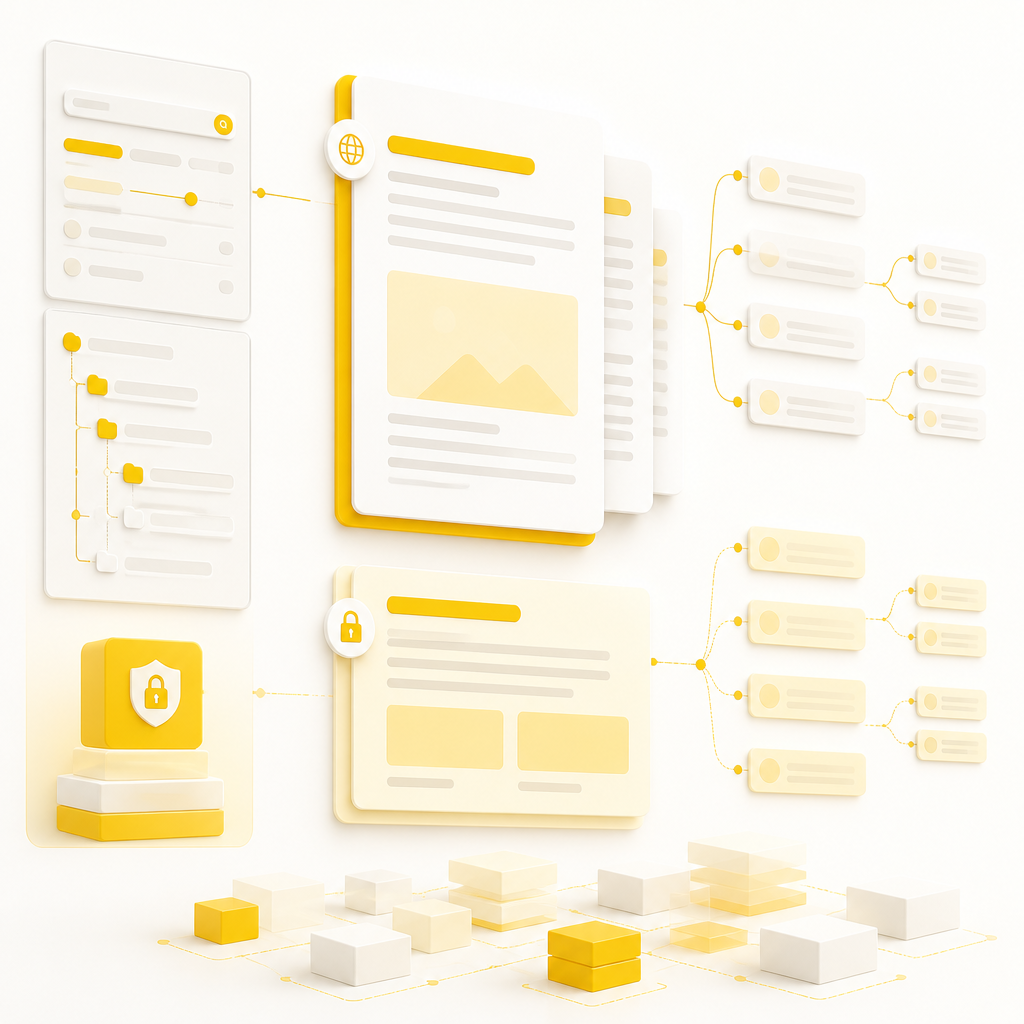
A premium editorial website scene suggesting member onboarding, access control, and gated content through abstract connected panels in warm gold and near-white tones.

Why Custom Portals Beat Template-Based Websites

Template platforms can look complete on day one, but they often limit what you can automate, customize, or integrate as requirements change. A custom-built portal is designed for your realities—content rules, membership logic, and integrations with your existing tools.

Custom portals typically offer:

  • Custom user permissions (by role, tier, or activity)
  • More control over gated content and access rules
  • A better member journey (faster navigation, clearer paths)
  • Integrations with APIs, CRMs, payments, and internal systems
  • Scalability for directories, discussions, and knowledge content

This is where Shakir Ansari – Full Stack Developer & AI Automation Solutions helps teams build member platforms that support growth, operations, and automation.

Core Features Your Membership Portal Should Include

Every community has different needs, but most membership platforms succeed with a strong foundation of core portal capabilities.

Member Login & Role-Based Access

  • Secure authentication (member login, account management)
  • Role-based access control (admin/moderator/member)
  • Permission rules for pages, resources, and features

Gated Content & Subscription Support

  • Membership tiers and access levels
  • Gated articles, downloads, templates, recordings, or courses
  • Rules that automatically update access based on status

Member Directory & Profiles

  • Searchable directory (filters and categories)
  • Member profiles with optional fields
  • Moderation controls where needed

Community Discussions & Engagement

  • Discussion boards, topics, threads, and replies
  • Moderation workflows (approve/remove/report)
  • Notification patterns that keep members active

Admin Dashboard & Management Tools

  • Manage content, categories, and access
  • Track member activity (membership status, engagement signals)
  • Operational tools for moderators and admins

A premium editorial scene showing knowledge base structure with abstract category groupings, visibility layers, and connected article flow in warm gold and soft near-white tones.

Building a Knowledge Base Inside Your Portal

A Knowledge Base is often the difference between a community that struggles and a community that scales. When members can self-serve answers, support demand drops and engagement rises.

Knowledge Base Benefits for Membership Communities

  • Faster onboarding for new members
  • Consistent documentation across the community
  • Reduced repeated support questions
  • Better trust through clear, structured guidance

Knowledge Base Features to Plan

A well-structured knowledge base typically includes:

  • Categories, tags, and article hierarchy
  • Member-specific visibility rules (public vs gated)
  • Search with filters (topics, difficulty, product area)
  • Article versioning (when policies or processes change)
  • “Related articles” to keep members moving through content

Making It SEO-Friendly and Member-Friendly

Even though your portal may be partly gated, you can still organize knowledge content for discoverability:

  • Clean URLs for articles
  • Logical headings and internal linking
  • Search UX that works for both casual browsing and targeted lookup

Custom Web Apps That Power Community Workflows

A membership portal often needs custom tools beyond “pages and posts.” That’s where custom web apps come in—web-based applications built to solve specific workflow problems for your community.

Examples of Custom Web Apps for Membership Platforms

  • Onboarding flows (intake forms → role assignment → access provisioning)
  • Membership management tools (tier upgrades, renewals, admin controls)
  • Application portals (member applications, approvals, status tracking)
  • Resource request workflows (submit → review → deliver)
  • Community analytics dashboards (engagement trends, content performance)
  • Automation-driven tasks (e.g., assignments, reminders, access updates)

Because these tools are custom, they can be built to match your membership rules instead of forcing your team to adapt to generic features.

Integrations & Automation Opportunities (API-Connected Portals)

Most membership platforms are part of a bigger digital ecosystem. Connecting your portal to other systems reduces manual work and improves member experience.

Common integration targets include:

  • CRMs for lead/member tracking
  • Email services for onboarding, notifications, and updates
  • Payment systems for subscriptions and tier changes
  • Storage/CDN for documents and media
  • Third-party tools via APIs for custom workflows

Automation is especially valuable for:

  • Provisioning access after payment or approval
  • Updating member statuses automatically
  • Triggering notifications based on activity
  • Syncing data between systems to keep records accurate
A premium editorial website scene illustrating API integrations and automation through abstract connected modules and flowing links in gold and near-white tones.

Security & Scalability Considerations

Membership and community platforms handle user accounts, access rules, and often sensitive content. A custom portal should be built with security and performance in mind from the start.

Key considerations include:

  • Secure authentication and session handling
  • Strong access control for gated content
  • Admin/moderator permissions and moderation rules
  • Performance optimization for search, directories, and knowledge browsing
  • Scalable architecture as members and content increase

Conversion, Engagement, and Retention: Make the Portal Work

A portal should not only function—it should guide members toward outcomes:

  • Clear navigation for knowledge and community features
  • Fast loading pages and mobile-friendly layouts
  • UX that supports onboarding, learning, and interaction
  • Content organization that helps members find what they need quickly

When your portal supports real member goals, you naturally improve retention and reduce churn.

How Shakir Ansari & the RTP Team Build Custom Portals

Shakir Ansari – Full Stack Developer & AI Automation Solutions and the RTP team focus on custom-coded digital systems for organizations that need reliable portals and web apps.

A typical development approach includes:

  1. Discovery & requirements mapping Define member roles, access rules, content types, and workflows.
  2. Portal UX and information architecture Design member journeys for learning, community participation, and access.
  3. System planning (access, data, and integrations) Plan how login, permissions, subscriptions, and automations work together.
  4. Custom development of the portal + knowledge base + web apps Build the features your community requires—cleanly and maintainably.
  5. Testing for functionality, security, and performance Verify permissions, content visibility, search, and user flows.
  6. Launch support and ongoing improvements Evolve the platform based on how members actually use it.

What to Decide Before You Start (Quick Checklist)

To scope your custom portal effectively, clarify:

  • Who are the member roles (member, admin, moderator, etc.)?
  • What content is gated—and how is access determined?
  • Do you need subscriptions or tier-based access?
  • How will members discover knowledge articles?
  • Do you need directories, discussions, or community tools?
  • What systems should integrate with your portal (CRM, email, payments, APIs)?

If you answer these, your portal becomes easier to build and easier to scale.

FAQs

1) What’s the difference between a custom portal and a standard website?

A standard website mainly publishes content. A custom portal provides member-specific access, login, gated content, and tools for community engagement—often with custom workflows and admin dashboards.

2) Can a membership portal include gated knowledge base articles?

Yes. A knowledge base can be built into your portal with structured categories and search, while also enforcing visibility rules (public or member-only).

3) Do you build custom web apps for community workflows?

Yes. Many membership platforms need custom tools like onboarding flows, approval systems, admin dashboards, analytics, and automation-driven tasks—those are typically implemented as custom web apps connected to the portal.

4) Can the portal support subscriptions and tier-based access?

Yes. A portal can implement membership tiers, access logic, and subscription-related access rules, including integration with payment systems and role updates.

5) How do integrations and automations help membership platforms?

Integrations connect your portal to systems like CRMs, email tools, storage, and third-party services. Automation helps keep member access accurate, reduces manual updates, and improves the member experience.

6) Is a knowledge base good for both SEO and member engagement?

It can be. Even if parts are gated, a well-structured knowledge base improves internal discoverability and supports search-friendly organization, which helps members find answers faster.

Conclusion

A custom membership portal combines member login, gated content, community tools, and a knowledge base designed for self-serve learning. When you add custom web apps for onboarding and operational workflows—and connect everything through APIs and automations—you create a platform that supports both engagement and business operations.

If you’re building or upgrading a membership and community system, explore how custom portal development fits into your broader digital plan through Website Development—especially if your portal needs custom functionality, integrations, and scalable performance.

CTA: Explore Website Development to build a custom portal, knowledge base, and custom web apps tailored to your membership platform requirements.