
SHAKIR ANSARI

DIY vs Pro for Custom Squarespace Design

DIY vs Pro: Custom Squarespace Design That Converts

If your business has outgrown template-based website builders, the next step isn’t just “a nicer homepage”—it’s a site built to perform. For companies migrating from DIY platforms like Wix or Squarespace, the decision often comes down to one question:

Do you keep customizing templates (DIY), or invest in a custom-developed website experience (Pro)?

This pillar page breaks down the differences, highlights what Custom Squarespace Design can and can’t fix, and gives you a DIY vs Pro: Quick Comparison Table to help you choose the right direction.

Why businesses outgrow DIY website builders

DIY builders are great for getting online fast. But as your business grows, common limitations start to affect results like lead volume, conversion rates, and site speed.

You may be ready to migrate if you’re dealing with one or more of these:

  • Your site feels “generic” (visitors can’t tell what makes your business unique)
  • You need custom functionality (dynamic sections, custom forms, advanced routing, complex layouts)
  • Performance is slipping as pages and scripts grow
  • SEO work is restricted by template limitations
  • Design updates are slow or risky, because every change depends on the builder’s constraints
  • Integrations aren’t working well (CRM, email workflows, payments, booking, internal tools, or APIs)
  • Your team spends too much time maintaining rather than improving the business

A professionally built website becomes a long-term business asset—built for speed, clarity, conversion, and scalability.

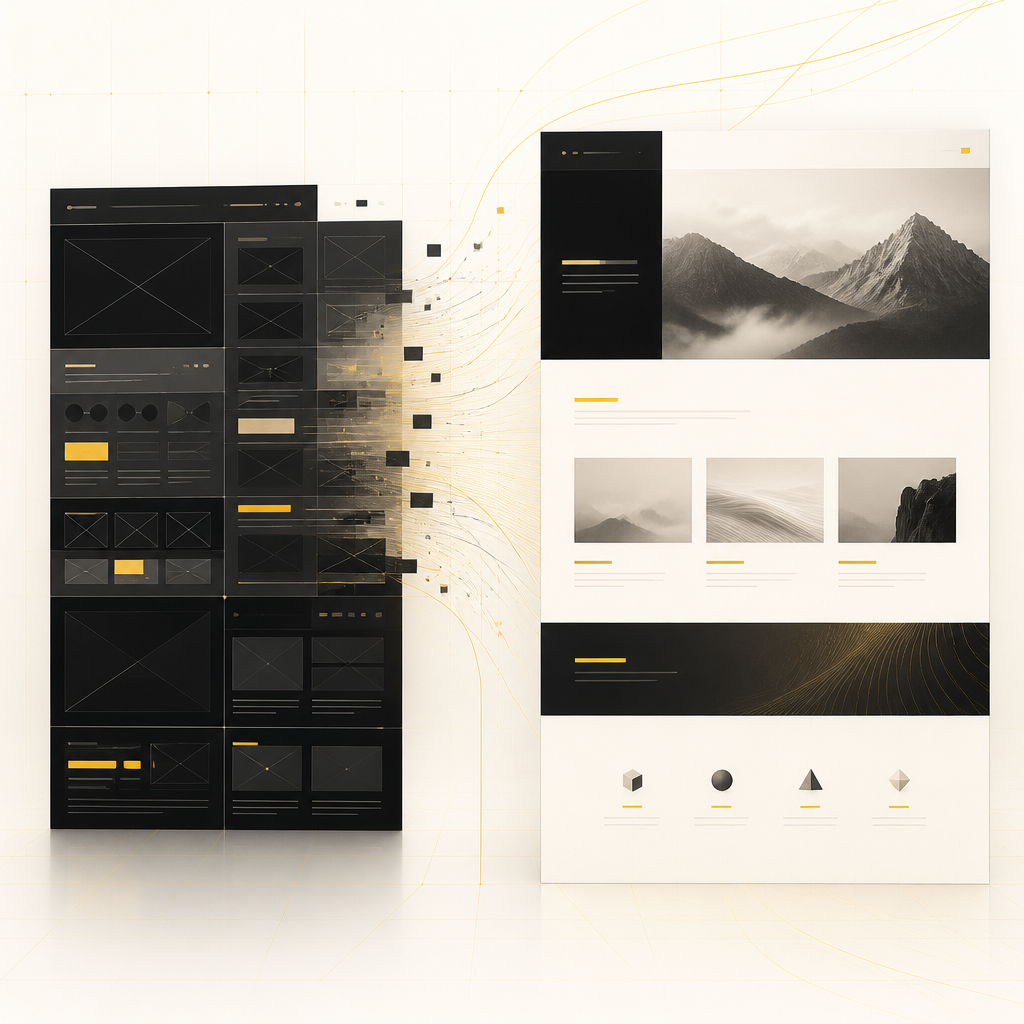
A premium editorial wide layout concept showing a generic template shifting into a cleaner custom website structure with warm golden accents and deep charcoal design lines.

What “Pro” really means for migrating from templates

When businesses choose Pro over DIY, they typically get:

  • Clean, flexible front-end design that supports your brand and messaging
  • Custom-coded structure that isn’t trapped in template rules
  • SEO-friendly architecture (so pages are easier to crawl, understand, and rank)
  • Conversion-focused page flows (clear CTAs, fast experiences, improved lead capture)
  • Reliable integrations with the tools your business already uses
  • Maintainable code and scalable foundations for future updates

For many teams, “Pro” also means choosing a better platform strategy—sometimes that includes Custom Squarespace Design, and sometimes it means moving beyond Squarespace entirely.


A premium editorial wide modular layout concept representing reusable website sections and controlled design structure with warm gold highlights on a soft neutral background.

Custom Squarespace Design: when it’s a strong option (and when it isn’t)

Custom Squarespace Design is best when you like Squarespace for certain reasons (workflow familiarity, content editing, built-in CMS features) but you need more control over design, structure, and functionality than templates typically allow.

Where Custom Squarespace Design helps most

  • Improving layout and visual hierarchy without redesigning everything from scratch
  • Building reusable sections aligned to your brand system
  • Enhancing performance by optimizing scripts, assets, and page structure
  • Making forms and pages more conversion-oriented
  • Connecting Squarespace pages to external tools (when the integration path is clear and reliable)

Where template-based Squarespace customization may fall short

  • Highly complex web applications or multi-logic user flows
  • Deep personalization that requires advanced data handling
  • Large-scale sites with heavy content automation or custom CMS logic
  • Advanced integrations that need custom API orchestration and workflow automation

In those cases, a custom web development approach may provide better long-term results—especially if you’re building for growth, not just a brochure site.

DIY vs Pro: Quick Comparison Table

Use this quick comparison to decide whether your next step should be additional template tweaking or a custom build.

FactorDIY (Wix / Squarespace Templates)Pro (Custom Squarespace Design & Custom Development)
Design uniquenessOften limited by templates; harder to stand outBrand-led, flexible design systems and custom sections
Page performanceCan degrade as plugins/scripts accumulateDesigned for speed with optimized assets and structure
SEO structureMay restrict technical SEO optionsSEO-friendly architecture, cleaner page structure, better control
Conversion optimizationUsually generic CTA patternsLead-first UX: stronger flows, clearer offers, better form experiences
Functionality“Works if the template allows it”Custom functionality for your exact workflows
IntegrationsOften limited or fragileReliable connections to CRMs, payments, APIs, and automation tools
ScalabilityGrowth can feel painful and inconsistentBuilt to scale with maintainable updates
Maintenance effortChanges can break layouts or require workaroundsMore predictable updates and cleaner foundations
Ownership of capabilityRestricted by platform constraintsMore control over your site’s behavior and future direction

Signs you should switch from DIY to Pro (practical checklist)

If you’re answering “yes” to several of these, it’s usually time to plan a migration:

  • You need custom pages or layouts that templates can’t handle cleanly
  • Your site must integrate with CRM, payments, booking, or internal tools
  • Your team wants faster iteration without template workarounds
  • You’re investing in content/SEO and want the site to support it better
  • You’re tracking leads and want improved conversion performance
  • You want a website that won’t require constant fixes as you grow

What a professionally developed website should include

A migration isn’t just a redesign—it’s a rebuild of the experience. When you move beyond DIY, a strong website development plan typically covers:

  • Custom responsive design (mobile-first UX that looks great everywhere)
  • Speed and performance optimization (fast load, smooth interactions)
  • SEO-friendly structure (so content can rank effectively)
  • Conversion optimization (forms, CTAs, trust signals, page flow)
  • Clean front-end and scalable structure for future changes
  • Integrations and automation (connect your site to business systems)
  • Ongoing maintainability (so improvements don’t create new issues)

This matches the goal of building a website that supports growth—not just an online brochure.

How Shakir Ansari & the RTP team approach website development

When businesses need a more flexible foundation, the RTP team focuses on custom-built outcomes such as:

  • Custom-coded websites and landing pages tailored to your business goals
  • Squarespace enhancements when Custom Squarespace Design is the right fit
  • API integrations and connection to third-party platforms
  • Automation workflows that reduce manual effort
  • SEO-friendly build structure to support long-term visibility
  • Full-stack, modern experiences that remain stable as your needs expand

If you’re migrating from Wix/Squarespace templates, this approach helps ensure you don’t just “re-skin” the site—you upgrade the capabilities.

A premium editorial wide technical integration concept showing connected workflow nodes and scalable website architecture with warm gold accents on a dark background.

FAQs

1) Is Squarespace good enough for growing businesses?

Squarespace can work well for many businesses, but growth often demands more flexibility—especially for custom layouts, performance tuning, and deeper integrations. That’s where Custom Squarespace Design or a broader custom development approach becomes valuable.

2) What does Custom Squarespace Design typically include?

It usually involves custom page/section design, stronger layout control, performance improvements, and targeted enhancements for conversions and functionality—within the bounds of what Squarespace supports.

3) Can a Pro redesign improve SEO and lead generation?

Yes. A professionally developed structure can improve technical SEO readiness and create conversion-focused page flows (clear CTAs, better forms, and faster user experiences).

4) Will I lose my current content when migrating?

Not necessarily. A well-planned migration can preserve your content strategy and carry over existing pages, then rebuild templates and layouts for better performance and usability.

5) Can the new website integrate with CRM, payments, or automation tools?

Yes. Website development often includes API integrations and automation connections so your site can trigger workflows, sync data, and reduce manual steps.

6) Do I need a full custom build, or can we start with Squarespace customization?

It depends on your requirements. If your needs are mostly design/structure/targeted enhancements, Custom Squarespace Design may be enough. If you need complex functionality or app-like behavior, a broader custom build may be the better long-term choice.

Conclusion: Choose the path that supports scalable growth

DIY template builders can help you launch. But once you need better performance, stronger conversion, and integrations that support real operations, template constraints become the bottleneck.

Use the DIY vs Pro: Quick Comparison Table to decide what matters most for your business today—and plan your next website step accordingly. Whether you start with Custom Squarespace Design or move into deeper custom development, the goal is the same: build a website that becomes a business asset.

CTA: Contact us

Ready to discuss your migration and website development goals? Contact us to explore a custom plan for a faster, more scalable, conversion-focused website.