SHAKIR ANSARI

Customer Analytics Reporting Systems & Dashboards

Data-driven teams don’t just need dashboards—they need a complete reporting system that turns raw data into trusted, repeatable customer analytics and insights. This pillar guide explains how to design that system end-to-end: from database models and analytics logic to automated reporting and keeping results aligned with current events (product changes, campaign shifts, market volatility).

What “Systems” Mean in Customer Reporting (and Why It Matters)

A system is a set of components that work together to achieve an outcome. In software and analytics, that outcome is usually consistency, visibility, and decision speed.

In practice, a customer analytics reporting system typically includes:

  • Inputs (events, CRM updates, transactions, support tickets)
  • Processing (data cleaning, transformations, metrics calculations)
  • Storage (databases and analytics-ready models)
  • Outputs (dashboards, scheduled reports, alerts, exports)
  • Feedback loops (monitoring, quality checks, and iteration)

This “systems thinking” approach helps teams avoid fragile dashboards that break when data changes—and instead build reporting that’s scalable, maintainable, and easier to improve.

The Core Components of a Data-Driven Reporting System

If you’re building for data-driven teams that need clear performance and operational visibility, design your system around these layers:

1) Data Sources (Where the customer truth lives)

Common sources include:

  • Website/app events (clicks, sign-ups, purchases)
  • E-commerce platforms (orders, refunds)
  • CRM (leads, pipelines, customer attributes)
  • Support tools (tickets, resolution times)
  • Marketing platforms (campaign spend, channels)
  • Database and internal operations data

2) Data Ingestion & Normalization

You convert many formats into one consistent model:

  • Schema mapping
  • Deduplication
  • Time-zone normalization
  • Identity resolution (customer/user matching)

3) Database & Analytics Model

You store data in a way that supports fast reporting:

  • Fact tables (events, orders)
  • Dimension tables (customer, product, channel, date)
  • Aggregations designed for dashboard queries

4) Analytics & Metrics Layer

This is where your customer analytics and insights are defined:

  • KPIs (conversion rate, retention, churn, LTV)
  • Segmentation (cohorts, channels, customer tiers)
  • Attribution rules and definitions

5) Reporting Outputs

You deliver insights where teams work:

  • Interactive dashboards
  • Automated scheduled reports (daily/weekly/monthly)
  • Executive summaries and anomaly notifications

Customer Analytics & Insights: Turning Data into Meaningful KPIs

Most teams struggle not because they lack data, but because metrics aren’t consistently defined. A robust reporting system documents definitions and implements them in a metrics layer.

KPI examples data teams commonly need

  • Acquisition: conversion rate by channel, cost per qualified lead
  • Activation: onboarding completion rate, time-to-first-value
  • Retention & churn: cohort retention curves, churn by segment
  • Revenue: LTV (lifetime value), ARPU/ARPA, refund impact
  • Customer behavior: repeat purchase rate, support-to-purchase effects
  • Funnel health: drop-off points, step conversion rates

Where Computer Science & Mathematics fit in

Customer analytics often uses:

  • Statistics & probability: confidence intervals, significance testing
  • Time series logic: trends, seasonality, lag effects
  • Modeling: regression for drivers, clustering for segmentation
  • Ranking/scoring: propensity scoring, lead prioritization
  • Anomaly detection: identifying unusual conversions or churn spikes

A strong reporting system treats metrics like code: versioned, testable, and traceable—so your numbers remain trustworthy as data and business logic evolve.

Automated Reports: Consistency, Speed, and Less Manual Work

To support data-driven teams, automated reporting should do more than schedule PDFs. It should ensure reliability and context.

A good automated reporting setup includes:

  • Scheduled generation (e.g., morning daily dashboards, weekly performance packs)
  • Metric freshness checks (data completeness and delay detection)
  • Automatic rollups (precomputed aggregates for fast load)
  • Context sections (what changed vs. last period)
  • Anomaly flags (e.g., sudden retention drops or channel surges)

This reduces “spreadsheet chaos” and helps teams focus on decisions, not compilation.

An abstract editorial scene showing automated reporting tiles flowing through a structured pipeline with warm gold highlights and clean neutral backgrounds.

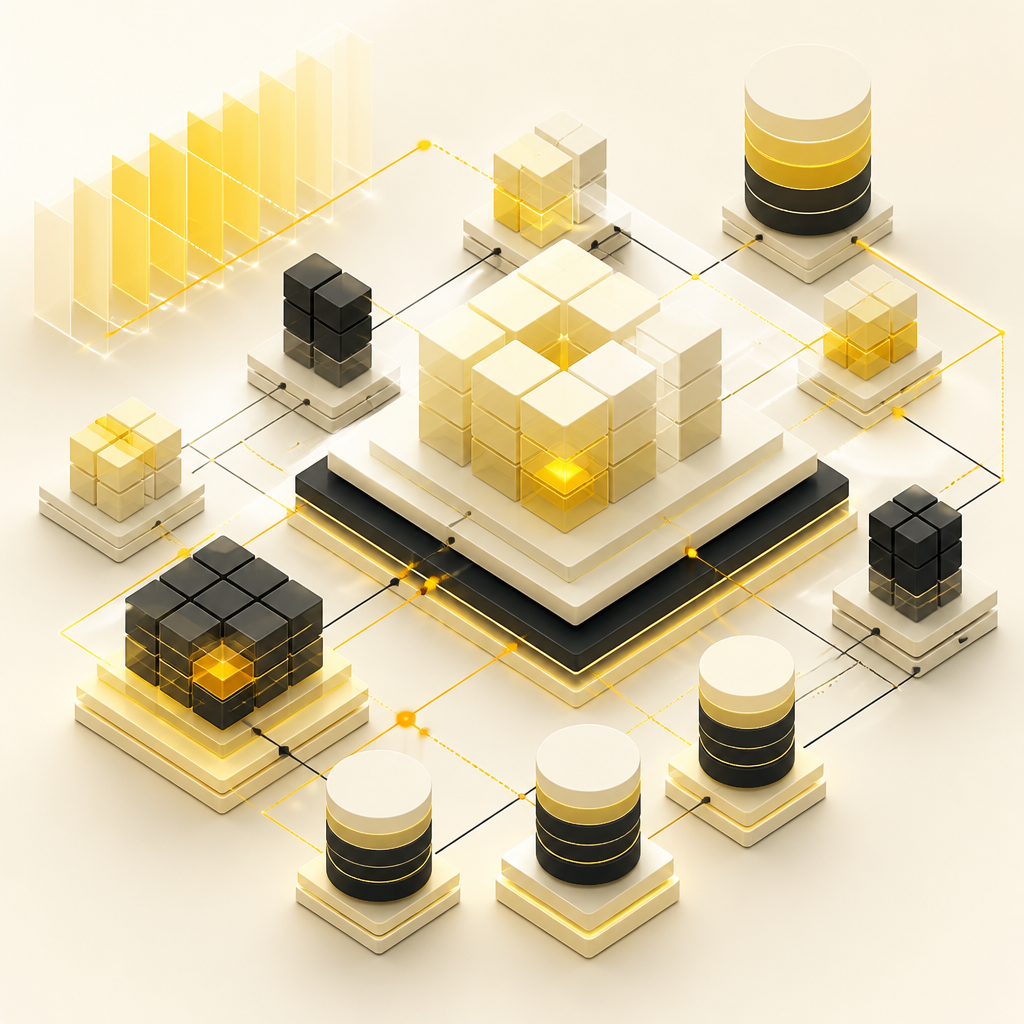
A stylized editorial composition representing dimensional data modeling with connected blocks and segmented time partitions using warm gold and neutral tones.

Database Systems & Data Modeling for Dashboards That Don’t Break

Dashboard performance often fails due to poor data modeling, not poor visualization.

Common best practices:

  • Use a dimensional model for analytics (fast filtering and grouping)
  • Design for query patterns (what dashboards need most frequently)
  • Separate raw data from analytics-ready tables
  • Track schema changes and metric definition changes over time
  • Implement indexing and partitioning for time-based reporting

When reporting depends on operational data, your system should also manage data lifecycle:

  • Backfills and corrections
  • Late-arriving events
  • Versioned metric logic

Dashboard Design: Clarity for People, Not Just Data

A dashboard isn’t successful because it displays data—it’s successful when it answers questions quickly.

Focus on:

  • Information hierarchy: what users must see first
  • Drill-down paths: overview → segment → detail
  • Consistent filters: date range, channel, region, customer tier
  • Definition transparency: tooltips and metric documentation
  • Comparisons: vs. previous period, vs. target, vs. cohort baseline

For data-driven teams, clarity reduces time-to-insight and prevents misinterpretation.

Keeping Reports Aligned with Current Events

Customer behavior changes when the world changes—marketing campaigns launch, policies change, competitors react, product releases land.

To reflect current events in reporting, your system should support:

  • Event-aligned views: compare before/after product updates or campaign dates
  • Change logs: annotate dashboards with release milestones and major operational shifts
  • Monitoring: detect sudden metric shifts tied to data quality issues vs. true business changes
  • Time-window controls: rolling windows for fast-moving performance

This ensures analytics remain relevant, not just “historical.”

An abstract editorial timeline scene showing before-and-after change alignment with warm gold event accents and neutral background tones.

AI-Powered Reporting Automation (Without Losing Trust)

AI is most useful when it helps teams interpret data—not when it replaces definitions.

Examples of AI-ready capabilities to integrate into a reporting system:

  • Insight summaries (e.g., “Retention dropped for Cohort B; likely related to onboarding step 2.”)
  • Anomaly explanations using correlated signals
  • Automated metric narratives for weekly business reviews
  • Assisted segmentation (“customers who show X behavior often churn after Y.”)

To keep trust high, AI outputs should be:

  • Grounded in your metric definitions
  • Traceable to underlying data
  • Reviewed with clear confidence and evidence

This is where AI automation and analytics engineering meet.

Implementation Roadmap (What Teams Should Build First)

A practical build plan for a customer analytics reporting system:

  1. Discovery & requirements
    • Identify decisions teams need to make
    • Define KPI ownership and metric rules
  2. Data mapping
    • List data sources, event schemas, and identifiers
    • Determine transformation requirements
  3. Prototype dashboard + metric layer
    • Build one end-to-end slice (source → database → KPI → dashboard)
  4. Production data pipelines
    • Implement ingestion, transformations, and analytics-ready storage
  5. Automation & rollout
    • Add scheduled reports, alerts, and access controls
    • Validate results with stakeholders
  6. Iteration & optimization
    • Improve performance, add segments, refine models

How Shakir Ansari Builds Reporting Systems for Real Business Outcomes

Shakir Ansari – Full Stack Developer & AI Automation Solutions helps businesses build the systems behind dashboards: custom web apps, analytics tools, automated report workflows, database-backed reporting, and API integrations—so teams get reliable visibility into customer performance and operations.

With 10+ years of experience and 1300+ web applications delivered, the RTP team focuses on scalable, custom-coded solutions tailored to your metrics, data sources, and reporting workflows—not generic templates.

CTA (learn more)

If your team needs a reporting system that’s built for accuracy, speed, and clarity, explore custom dashboard and analytics development with Shakir Ansari and the RTP team.

FAQs

1) What’s the difference between a dashboard and a reporting system?

A dashboard is the output (the UI). A reporting system includes everything that makes the output reliable: data ingestion, database models, metric logic, automation, monitoring, and governance.

2) How do we ensure customer analytics numbers are consistent across teams?

Define KPI rules once (metrics layer), version the logic, document definitions, and enforce the same calculations across dashboards and automated reports.

3) What database structure works best for customer analytics?

Many teams use dimensional modeling (fact/dimension tables) and analytics-ready aggregations to support fast filtering and reporting queries.

4) Can automated reports include commentary or “what changed” insights?

Yes. Automated reporting can include context generated from comparisons (vs. prior period/cohorts) and anomaly detection—optionally enhanced with AI for narrative summaries.

5) How do we incorporate current events into reporting?

Annotate and align analytics to business milestones (campaign dates, releases, policy changes), use before/after windows, and monitor for metric shifts caused by both real changes and data quality issues.

6) Do we need advanced math to get good customer insights?

Not always. But as you mature, concepts from statistics, time series, and modeling help improve segmentation, forecasting, and confidence in decision-making.

Conclusion

A customer analytics reporting system is a complete, reliable pipeline—from data ingestion and database modeling to KPI logic and automated dashboard outputs. When built with systems thinking, it gives data-driven teams clear visibility, trustworthy insights, and reporting that stays relevant as current events unfold.

CTA (get started)

To build or upgrade your customer analytics reporting system with custom dashboards, database-backed metrics, API integrations, and automation workflows, learn more about Shakir Ansari’s full-stack and AI automation services.