
SHAKIR ANSARI

ERP Connectors for Syncing Disconnected Business Systems

ERP Connector Integration Guide for Disconnected Tools

If your business runs on multiple platforms that don’t communicate well, you likely feel it in day-to-day operations: mismatched order status, incorrect inventory, duplicate customer records, and limited workflow visibility. ERP connectors help solve this by connecting your ERP to the other systems you already use—so data stays accurate, workflows run automatically, and teams see the same source of truth. This guide explains what ERP connectors are, how they work, what to plan before implementation, and how to get started with a practical Quick Start guide.

What Are ERP Connectors?

ERP connectors are integration components that connect your Enterprise Resource Planning (ERP) system with external tools (e.g., e-commerce, CRM, shipping, ticketing, POS, marketing automation, and warehouse systems). They handle the data movement needed to keep processes in sync.

Typical responsibilities of an ERP connector include:

  • Data synchronization: orders, customers, products, inventory, invoices, payments, and shipping updates
  • Event handling: reacting to updates via webhooks or scheduled jobs
  • Data mapping: translating fields and formats between systems
  • Error handling: validating data and logging failed syncs for resolution
  • Workflow visibility: tracking sync status and integration health
Abstract integration network connecting an ERP core to multiple business system nodes using warm accent lines.

Why Disconnected Tools Cause Real Business Problems

When systems don’t share data reliably, manual fixes become routine—and mistakes scale quickly. Common issues include:

  • Operational delays: orders can’t flow to fulfillment or accounting fast enough
  • Inventory inaccuracies: overselling or stockouts due to stale data
  • Accounting inconsistencies: invoices and payments don’t match customer/order records
  • Duplicate records: customer and product data gets re-created instead of updated
  • Limited reporting: teams can’t trust analytics because data isn’t unified

ERP connectors reduce these problems by making synchronization consistent and automated.
Where ERP Connectors Fit in Your Integration Stack

Most businesses integrate through one of these patterns:

  1. Direct API integrations (ERP ↔ each tool)
  2. Middleware / integration layer (ERP ↔ integration layer ↔ tools)
  3. Connector services (specialized components for each workflow)

For disconnected software tools, the strongest approach is often a connector + integration layer model, because it centralizes mapping, validation, monitoring, and workflow orchestration.

Core Use Cases for ERP Connectors

Here are high-impact scenarios where ERP connectors typically deliver measurable value:

Sync orders end-to-end

  • E-commerce/POS → ERP (order creation & updates)
  • ERP → shipping (fulfillment status)
  • ERP → accounting (invoice/payment updates)

Keep inventory accurate across systems

  • Warehouse/WMS updates → ERP
  • ERP stock levels → e-commerce storefront
  • Backorders and allocations synchronized automatically

Centralize customer records

  • CRM/website leads → ERP customer records
  • ERP updates → CRM for consistent customer profiles
  • Prevent duplicates with identity rules and merge strategies

Streamline billing and invoicing

  • ERP invoices → accounting/finance tools
  • Payment confirmations → ERP order status updates
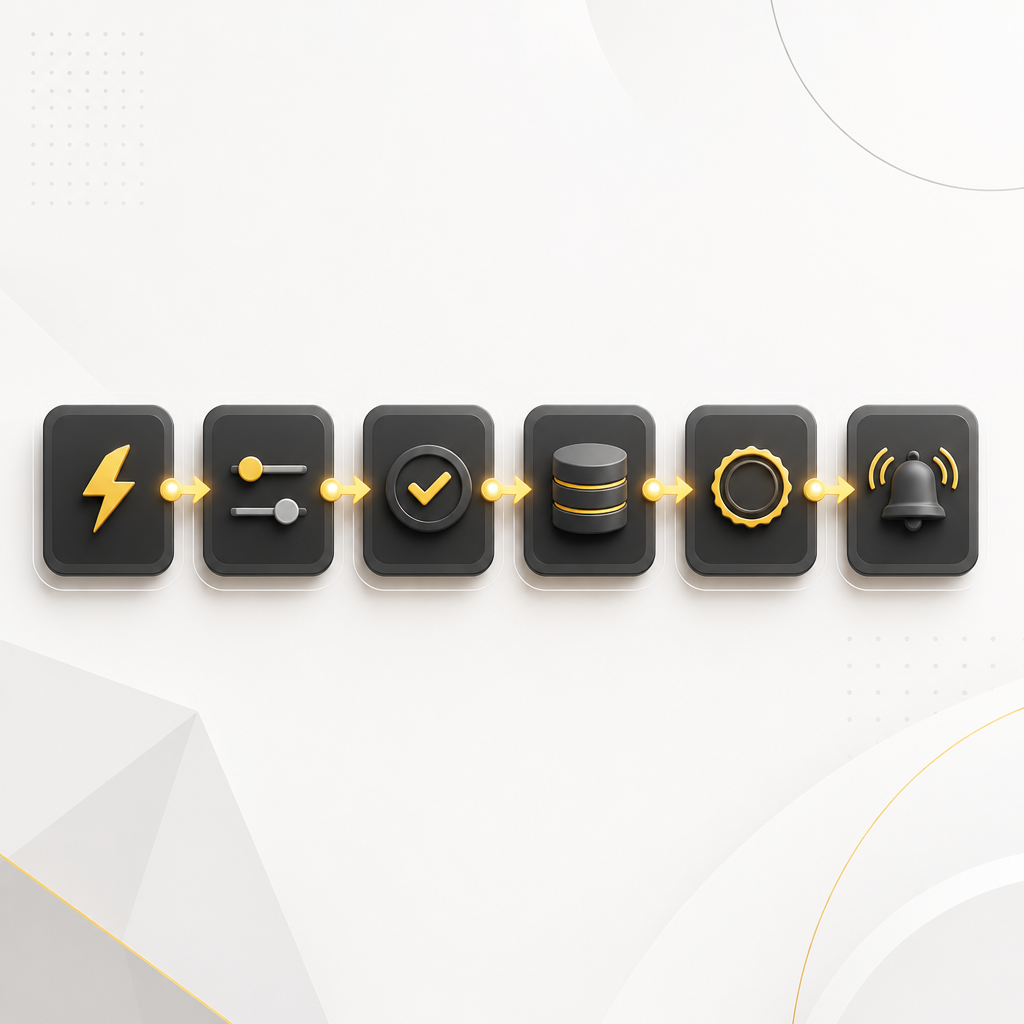
A clean unlabeled flow of connected integration steps, represented by distinct generic icons and gold accent connections.

How ERP Connectors Work (A Practical Overview)

An effective ERP connector implementation usually includes:

  • Trigger: detects a change (webhook, polling, or scheduled job)
  • Transform: maps and normalizes fields (e.g., SKU format, currency, tax codes)
  • Validate: checks required fields and business rules
  • Sync: creates or updates records in the target system
  • Confirm: records success/failure status for audit and troubleshooting
  • Monitor: integration dashboards and alerts for failures or backlog

This structure is what keeps integrations reliable when data gets messy in real-world operations.

Data Mapping & Sync Strategy (The Part That Makes or Breaks Integrations)

Before you build, define your sync strategy:

Decide the source of truth per data type

For example:

  • Product catalog: ERP-first or e-commerce-first?
  • Inventory: WMS-first or ERP-first?
  • Order status: e-commerce-first, ERP-first, or fulfillment-first?

Choose a synchronization direction

Common options:

  • One-way (ERP → tool, or tool → ERP)
  • Two-way (with strict conflict rules)
  • Event-driven for near real-time updates

Add conflict handling rules

When updates happen in both systems, you need rules like:

  • last-write-wins vs. priority-based updates
  • timestamp-based reconciliation
  • manual review queues for mismatched data

Reducing Errors in ERP Connector Integrations

Integration errors often come from validation gaps, inconsistent identifiers, and incomplete mapping. To reduce errors, implement:

  • Field-level validation (required fields, data types, allowed values)
  • Idempotency keys (avoid duplicate creates when the same event is retried)
  • Retry logic with backoff for temporary failures
  • Dead-letter handling (capture failed payloads for review)
  • Audit logs (what changed, when, and why)

The result is fewer broken workflows and easier debugging.

Workflow Visibility: Making Integrations Transparent

A connector should not be a “black box.” For visibility, look for:

  • Sync status per entity (order, customer, product)
  • Error messages with payload context
  • Integration health metrics (latency, failure rate, backlog)
  • Clear operational reports for business users and engineers

This is especially important for businesses that rely on multiple teams and approvals.

ERP Connector Quick Start Guide

Use this Quick Start guide to plan your integration without getting overwhelmed.

Step 1: List the systems and the workflows

  • Start with 1–2 high-impact workflows, such as:
  • Orders from e-commerce → ERP → fulfillment
  • Inventory from WMS → ERP → storefront

Step 2: Identify the key data objects

  • Write down the data you must sync:
  • Orders, Order Line Items
  • Products/SKUs
  • Customers
  • Inventory/Stock
  • Invoices/Payments
  • Shipping/Fulfillment Status

Step 3: Define identifiers and matching rules

  • Examples:
  • How do you match a product across systems (SKU, internal ID, barcode)?
  • How do you match customers (email, external customer ID)?
A premium desk planning scene with blank checklist elements and gold-accent sticky notes representing an integration quick-start workflow.

Step 4: Choose triggers

  • Webhooks for immediate updates
  • Polling for systems without reliable webhooks
  • Scheduled syncs for low-change datasets

Step 5: Map fields and validate

Create a mapping document:

  • Source field → target field
  • Transform rules (format, currency, tax logic)
  • Validation rules (required fields and constraints)

Step 6: Implement and monitor

  • Build the connector endpoints/events
  • Add logging and failure handling
  • Test with real sample data (including edge cases)

If you want this done end-to-end, a custom integration approach typically includes API integration, workflow automation, and connector logic tailored to your stack.

Implementation Options: Build vs. Customize

Depending on your tooling and business processes, you may use:

  • Prebuilt connectors where available (best for standard workflows)
  • Custom-coded connectors for unique data models, naming conventions, or ERP customization
  • A hybrid approach (standard pieces + targeted custom logic)

For businesses with complex operations and non-standard data, custom-coded connector logic often reduces rework and lowers error rates over time.

View All Resources

Explore more integration help related to building ERP connectors and reliable data sync:

  • Integration planning checklists
  • API integration patterns
  • Workflow automation concepts
  • Data mapping and sync best practices
  • Connector monitoring and troubleshooting guides

CTA: Visit View all Resources to browse connector-focused guides and technical references.

FAQs

1) What’s the difference between an ERP connector and an API integration?

An ERP connector is an integration pattern that bundles synchronization logic (triggers, mapping, validation, error handling, and monitoring). An API integration is a narrower concept—making calls to APIs. Connectors typically provide the full “sync experience.”

2) Can ERP connectors handle real-time updates?

Yes—if the connected tools support webhooks or event streams. Where that’s not available, connectors can use polling or scheduled sync with near-real-time results depending on your needs.

3) How do you prevent duplicate records during retries?

A well-built connector uses idempotency so repeated events don’t create duplicate rows. It also logs sync attempts and outcomes to support safe reprocessing.

4) What data should we sync first?

Start with the workflow that creates the most operational pain—commonly orders and inventory. Then expand to customers, billing, and reporting once those foundations are stable.

5) How do you resolve conflicts when both systems update the same field?

You define a source of truth per data type and set conflict rules (priority-based or timestamp-based). For uncertain cases, the connector can queue items for review.

6) Do ERP connectors improve workflow visibility?

They should. Connector implementations typically include dashboards/logs that show sync status, failures, and integration health—so teams can trust the process.

Conclusion

ERP connectors are the practical way to connect your ERP with disconnected tools—so orders, inventory, customers, and billing stay accurate across platforms. With the right mapping, sync strategy, and monitoring, you can reduce errors, automate workflows, and gain visibility across your operations.

CTA: Learn more about building ERP connectors and API integrations tailored to your business systems with Shakir Ansari – Full Stack Developer & AI Automation Solutions.

CTA: Use the Quick Start guide above to plan your first sync workflow and align teams around data accuracy and integration reliability.