
SHAKIR ANSARI

Full-Stack Development for Nonprofit Donation, Volunteer, and Member Platforms

Full-Stack Development for Nonprofit Digital Platforms

Nonprofits run on mission—but most day-to-day operations still depend on manual workflows, scattered tools, and outdated websites. A modern Digital Customer Experience for donors, volunteers, members, and event attendees requires more than a template site. It requires a custom-built digital system that connects payments, data, communications, and internal workflows in one place.

This pillar page covers how custom full-stack development helps nonprofits launch scalable donation platforms, volunteer and event systems, member dashboards, and automated communication tools—often using WooCommerce Development Services when your donation and membership needs fit an e-commerce-style workflow.

Why nonprofits need more than a “website”

A website is a front door. But nonprofits need digital infrastructure that supports every step of the journey, such as:

  • Donors searching campaigns and donating quickly on mobile
  • Volunteers signing up, being screened, and receiving confirmations
  • Event attendees registering and receiving reminders
  • Members accessing their profile, renewals, and updates
  • Staff managing donations, participants, and communications from one workflow

When these processes live in separate tools (spreadsheets, email threads, disconnected forms), nonprofits lose time and consistency. Full-stack development solves this by building a unified experience with the right front-end (what users see) and back-end (how data and workflows work behind the scenes).

What a full-stack nonprofit platform typically includes

A nonprofit-focused full-stack build can include:

Donation and giving features

  • Donation forms and campaign pages
  • Donation processing and confirmation pages
  • Donor profiles (optional)
  • Automated receipts and follow-up emails
  • Admin tools to view and manage giving activity

Volunteer and engagement portals

  • Volunteer application intake
  • Availability tracking and assignment workflows
  • Automated onboarding communications
  • Staff dashboards for reviewing and managing applicants

Events and registration systems

  • Event listings and registration flows
  • Ticketing-style checkout (when applicable)
  • Reminder and follow-up communications
  • Admin views for attendance and participant management

Member dashboards and internal admin panels

  • Member logins and profiles
  • Membership renewals or subscriptions (optional)
  • Communication preferences and activity history
  • Role-based access for staff and volunteers
  • Centralized admin panels to manage the organization’s operations

Digital Customer Experience: how nonprofits improve donor and volunteer journeys

Digital Customer Experience isn’t only design—it’s performance, clarity, and trust across every interaction. Full-stack development supports a better experience by focusing on:

  • Mobile-first UX: donation and registration that work on any device
  • Accessibility: clear structure, readable layouts, and usable forms
  • Speed and reliability: fast pages, stable checkout/registration flows
  • Personalization: tailored messages based on interests or actions
  • Consistency: accurate confirmation pages and unified data records

With custom development, you can remove friction (too many steps, confusing fields, slow pages) and create a smoother experience that supports retention and repeat engagement.
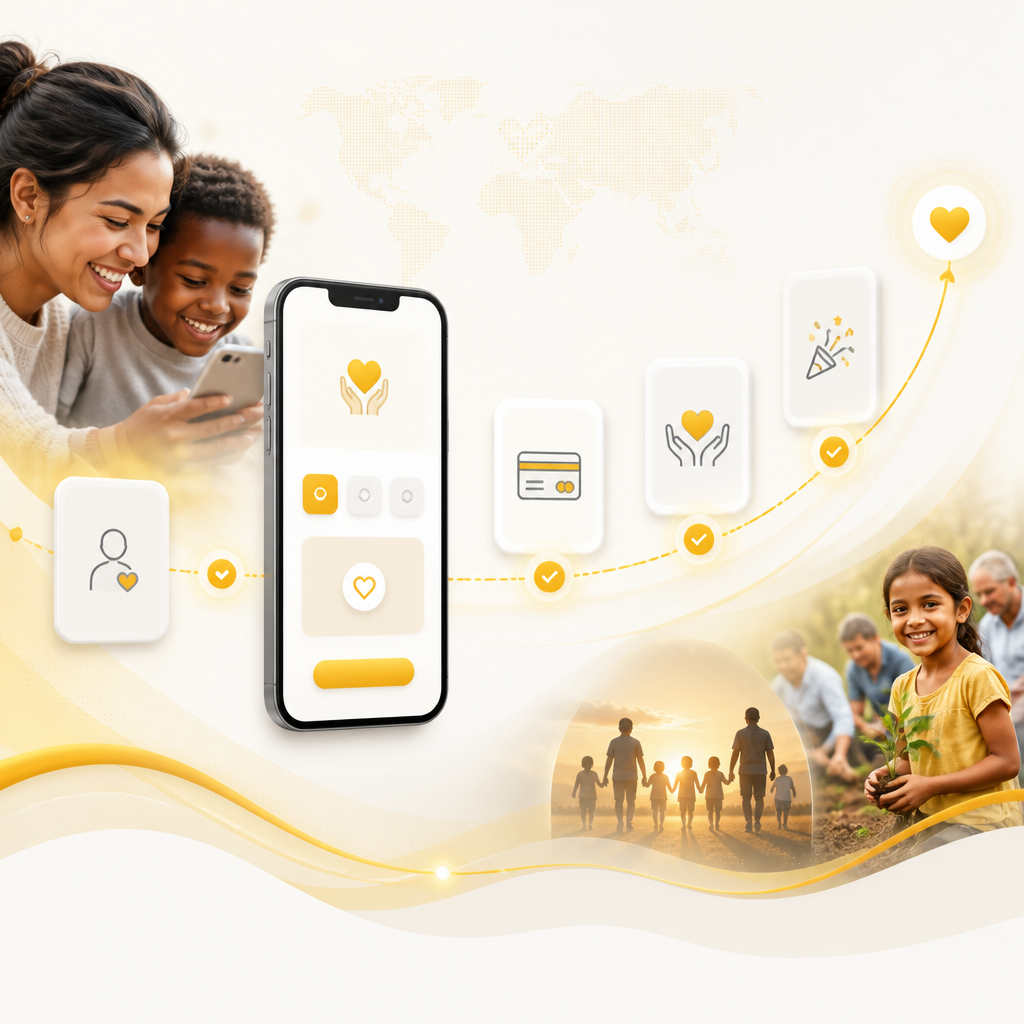
Abstract editorial scene showing a mobile-first nonprofit donation and registration journey represented with icon-only tiles and connected confirmation nodes in warm brand colors.

WooCommerce Development Services for nonprofit giving and memberships

Some nonprofits benefit from an e-commerce-style approach—especially when you need structured transactions for donations, memberships, events, or recurring support. WooCommerce Development Services can help you adapt WooCommerce workflows for nonprofit use cases, such as:

  • Donation products and campaign-based checkout flows
  • Recurring giving via subscriptions (where applicable)
  • Membership tiers with account features
  • Event registration tied to products (tickets, spots, add-ons)
  • Automated order-based emails and confirmations
  • Integrations that sync donors and supporters to your CRM/email platform

A custom agency can tailor WooCommerce templates, design, and checkout behavior so the experience still feels nonprofit-focused—not like a generic storefront.
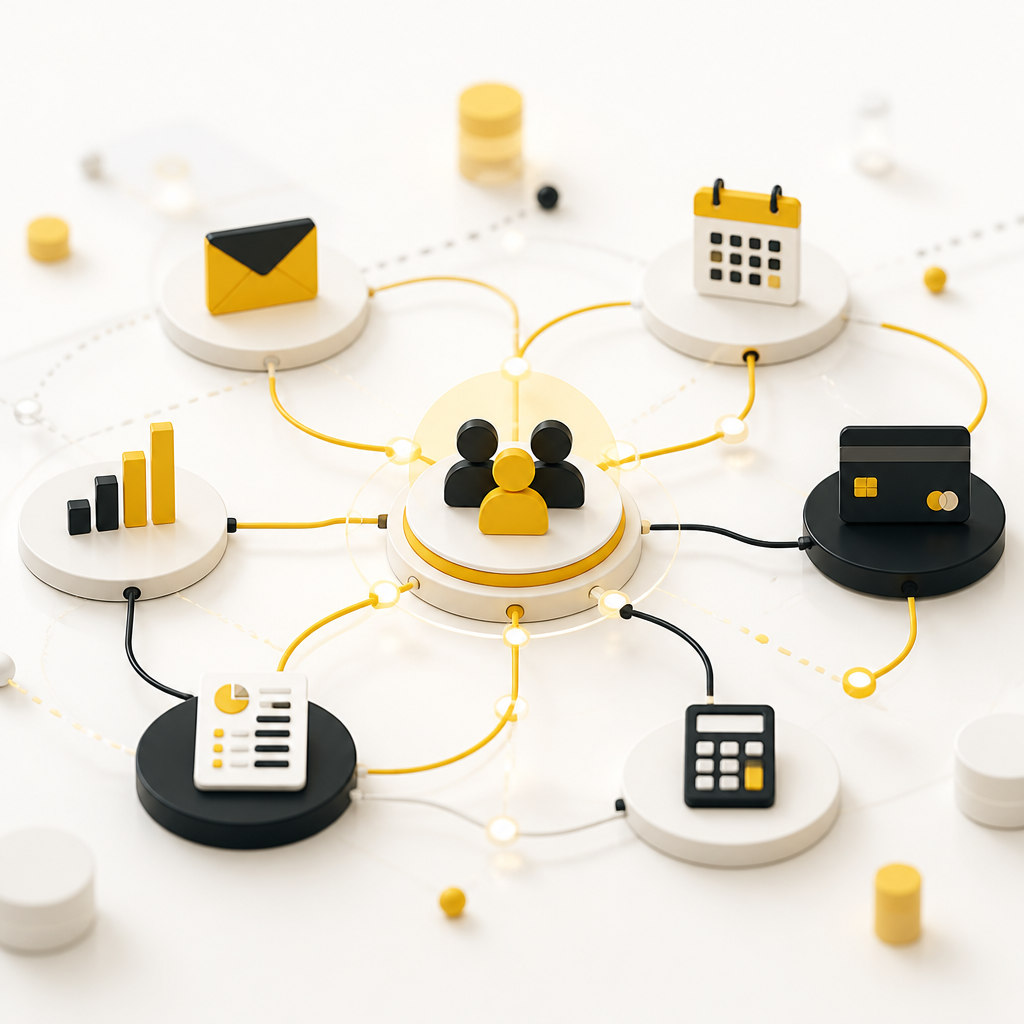
Abstract editorial scene of interconnected integration nodes showing automated nonprofit system syncing using icon-only shapes and connector lines in brand colors.

Integrations that make the platform “work” for your team

A donation or volunteer portal becomes powerful when it connects to the tools nonprofits already rely on. Full-stack development supports integrations using APIs and automation so data stays consistent.

  • CRM and donor databases (sync contacts, tags, and giving history)
  • Email marketing and automation platforms (trigger campaigns from actions)
  • Payment gateways (secure, reliable transaction processing)
  • Internal tools (ticketing, spreadsheets-to-systems migrations, reporting)
  • Scheduling and calendars (volunteer shifts, event schedules)
  • Accounting/reporting workflows (based on nonprofit reporting needs)

Instead of copying data between systems, your platform can automate the flow of information from user action → database update → staff view → communication triggers.

Automation and AI-ready workflows for nonprofit operations

Nonprofits often need to do more with limited capacity. Full-stack systems can automate routine work, such as:

  • Sending confirmation emails after donation or registration
  • Segmenting donors/volunteers based on behavior
  • Routing volunteer applicants to the right staff workflow
  • Generating communication drafts or support responses (AI-ready patterns)
  • Admin notifications for special cases (e.g., high-value gifts, event changes)

AI can be used thoughtfully to support operational efficiency—like assisting with categorization, answering common questions, or improving internal workflows—while keeping humans in control where it matters.

Security, privacy, and trust (especially for donations)

Donation and member data require careful handling. Full-stack development should include security best practices such as:

  • Secure authentication and role-based access
  • Data encryption practices (as appropriate for your stack)
  • Payment handling aligned with payment processor requirements
  • Input validation and protection against common web vulnerabilities
  • Privacy controls for donor/member data and consent management

For nonprofits, trust is part of the experience—protecting donor information supports credibility and long-term relationships.

Why custom development beats off-the-shelf templates

Generic platforms can get you live quickly, but they often fall short when your nonprofit needs grow. Custom full-stack development helps you avoid limitations like:

  • Rigid workflows that don’t match your internal processes
  • Difficulty integrating multiple tools and data sources
  • Performance bottlenecks as you add users, pages, and campaigns
  • UX constraints that reduce conversion for donations and registrations
  • Limited control over admin dashboards and reporting

With a custom approach, your digital system is built around your organization’s goals and real-world operations—not the other way around.

What to look for in a custom web software agency

When choosing custom web software agencies (or a full-stack partner) for nonprofit digital platforms, prioritize:

  • End-to-end capability: front-end + back-end development under one roof
  • Integration experience: APIs, third-party systems, and automation workflows
  • Nonprofit familiarity: donation/member/event workflows and admin needs
  • Digital Customer Experience focus: performance, UX, accessibility
  • Scalability planning: architecture that supports future campaigns and growth
  • Ongoing maintenance: updates, monitoring, and feature improvements

This is how you get a platform that’s not only built well, but also stays reliable as your organization evolves.

Example nonprofit platform use cases

Here are practical ways full-stack development supports real nonprofit needs:

  • Donor-first donation experience: campaign landing pages + frictionless checkout + automated thank-you emails and receipts
  • Volunteer portal that reduces admin work: applications captured in one system + onboarding sequences + staff dashboard for review and scheduling
  • Event system with reminders: registration + participant lists + automated email reminders + staff attendance views
  • Member dashboard for renewals and updates: profiles, membership tiers, and communications preferences managed in one place
  • WooCommerce-powered giving and memberships: tai­lored checkout and product flows that match your nonprofit brand and transaction requirements

Development workflow (what the process can look like)

A full-stack build usually follows a structured process:

Abstract editorial scene showing a full-stack nonprofit development workflow using layered diagram panels and icon-only stage markers in warm brand colors.

  1. Discovery & requirements: map donor/volunteer/member journeys and staff workflows
  2. Experience and UI design: information architecture, page layouts, and conversion-focused UX
  3. Architecture & database setup: data modeling for donors, events, volunteers, and memberships
  4. Front-end and back-end development: user-facing features + admin panels + logic
  5. Integrations & automation: CRM/email/payment connections and workflow triggers
  6. Quality assurance: testing forms, checkout/registration, roles, and edge cases
  7. Launch & optimization: performance tuning and UX improvements based on feedback
  8. Maintenance & enhancements: updates, monitoring, and new features over time

Nonprofit platform checklist (quick self-audit)

If you want to know whether you need custom full-stack development, consider:

  • Are donations/registrations handled through multiple systems?
  • Do staff members spend time copying data between tools?
  • Are your donation or registration experiences slow or inconsistent on mobile?
  • Do you lack a unified view of donors, volunteers, and event participants?
  • Can you’t easily launch new campaigns, memberships, or events without building workarounds?
  • Do you need more automation for confirmations, reminders, and internal operations?

If you answered “yes” to multiple items, a custom platform can significantly reduce manual effort and improve user experience.

FAQs

1) What is full-stack development for nonprofits?

Full-stack development builds both the user experience (front-end) and the system behind it (back-end), including databases, admin panels, integrations, and automation—so nonprofits can manage donations, volunteer intake, events, and member workflows in one connected platform.

2) How does full-stack development improve donation conversion?

It improves conversion by making donation flows faster, easier to complete on mobile, more trustworthy (clear confirmations), and more streamlined (fewer steps, better UX, and accurate routing of donor data for follow-up).

3) Can WooCommerce be used for nonprofits?

Yes. Many nonprofits use WooCommerce-like workflows for structured transactions such as memberships, recurring giving, event registration, or donation products—especially when tailored through design and integration.

4) What integrations should a nonprofit platform include?

Common integrations include a CRM/donor database, email automation tools, payment gateways, and reporting or internal systems—so user actions automatically update records and trigger communications.

5) Do nonprofit platforms require admin dashboards?

In most cases, yes. Admin dashboards help staff manage donations, volunteer applications, event registrations, member access, and communication workflows without manual coordination.

6) How do you handle security for donation and member data?

Security should include secure authentication, role-based access, protection against common web vulnerabilities, and careful handling of transaction workflows through payment processor requirements.

Conclusion

Nonprofits don’t just need a website—they need a digital system that supports donors, volunteers, members, and staff with a seamless Digital Customer Experience. With custom full-stack development, you can build donation platforms, volunteer portals, event systems, and member dashboards that connect data, automate communications, and scale as your mission grows. When the use case fits, WooCommerce Development Services can provide a structured foundation for giving and memberships—customized to your nonprofit’s needs.

Call to Action

  • Explore full-stack development for nonprofit platforms—to build a connected system for donations, volunteers, events, and member dashboards.
  • Learn about WooCommerce development services for nonprofits—to support donation, membership, or event workflows with tailored UX and integrations.
  • Discuss your digital system goals with Shakir Ansari’s team to plan a custom build that improves operations and user experience end-to-end.