
SHAKIR ANSARI

Full-Stack Event Platform for Registration & Ticketing

What is a full-stack event platform?

A full-stack event platform is a complete digital system that helps you plan, promote, run, and monetize events—without forcing your team to stitch together multiple disconnected tools.

For event planners and organizations, it typically includes:

  • A modern event “Digital Experience” website (event pages, sessions, speakers, schedule)
  • Registration & Ticketing flows (forms, ticket types, capacity rules, confirmations)
  • Attendee experiences (dashboards, QR codes/tickets, check-in-ready pages)
  • Admin tools (manage attendees, orders, check-ins, refunds, notifications)
  • Payment integrations (card payments, confirmations, receipts, invoices)
  • The integrations and automation your team needs (emails, CRM/ERP, reporting, internal workflows, AI-assisted support)

This is where full-stack development matters: your front-end experience and back-end systems are built to work together—reliably, securely, and at the scale your events require.

Why event planners outgrow “template” event builders

Modern event website builders (including drag-and-drop tools) are excellent for creating event marketing pages quickly. They often help you launch an event site fast—but they may not handle complex workflows such as:

  • Ticketing rules (multiple ticket types, add-ons, capacity limits, waitlists)
  • Dynamic attendee dashboards (personal schedules, resources, personalized access)
  • Admin-level event operations (staff roles, check-in workflows, bulk actions)
  • Deep integrations (payment → attendee → CRM/Email → analytics)
  • Custom automation (workflows that remove manual steps)

If you need a seamless Digital Experience from first registration to day-of access, you’ll usually need a custom full-stack platform designed for your exact Event Planner process.
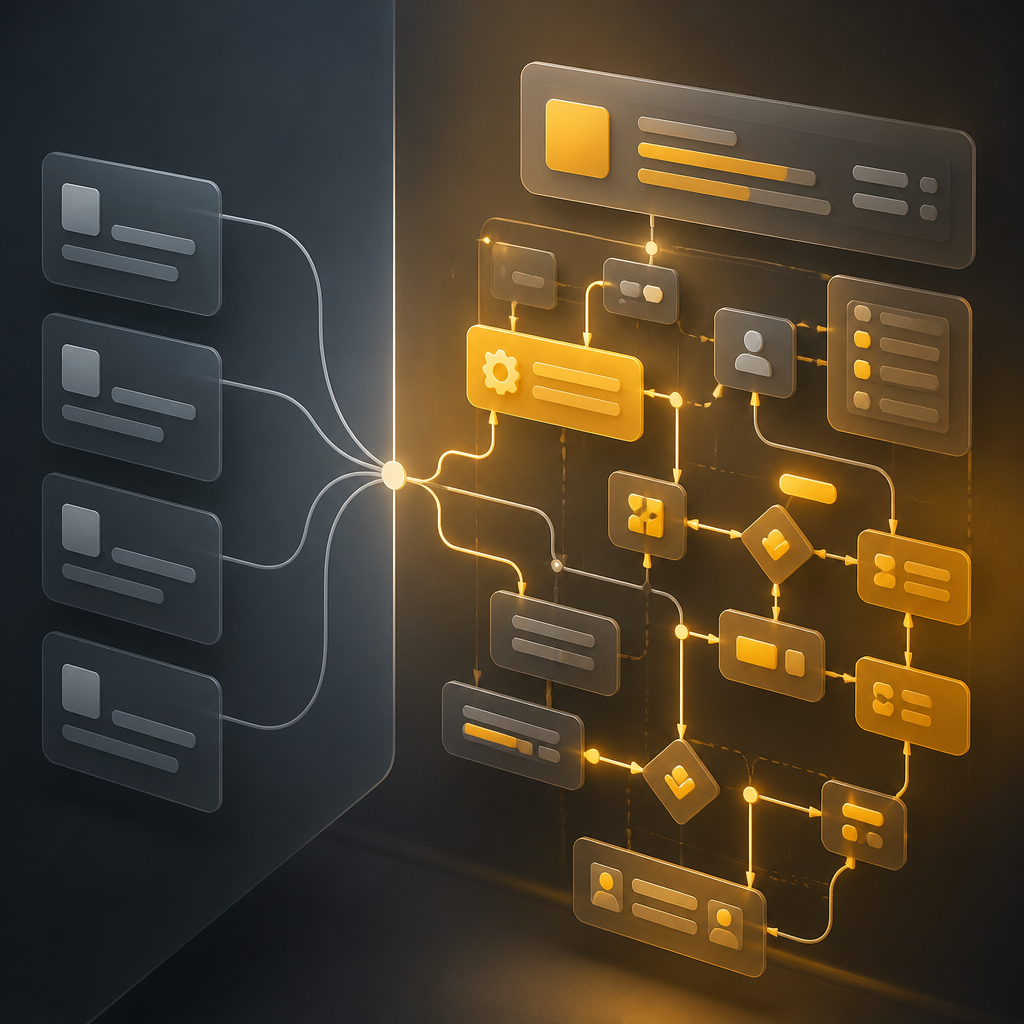

Abstract editorial graphic showing modular interface panels connected by glowing workflow nodes in warm brand colors, representing complex event operations beyond templates.
Premium editorial scene showing a ticket-like card and scanning frame with floating resource cards in warm gold and neutral tones, representing a frictionless attendee digital experience.

The digital experience your attendees actually expect

A strong event platform isn’t only about a landing page—it’s about reducing attendee friction at every step.

1) Registration & Ticketing that converts

Your Registration & Ticketing system should handle the full journey:

  • User-friendly registration forms (fields that match real event needs)
  • Ticket selection (types, pricing rules, capacity, limits)
  • Automated confirmations (email/SMS and order records)
  • Clear status updates (registered, paid, refunded, waitlisted)
  • Accessible ticket delivery (digital tickets, QR codes, check-in data)

2) Attendee dashboards that keep people engaged

Attendees should be able to “do things” without emailing your team:

  • View personal ticket details and event schedule
  • Access resources (links, documents, recordings)
  • Manage profile and session preferences (if applicable)
  • Receive personalized updates (session changes, logistics notes)
  • Access reminders and event-day instructions

3) Day-of operations that don’t break under pressure

For staff and organizers, your system should support:

  • Check-in workflows (QR scan / validation)
  • Real-time attendee status views
  • Quick search and bulk actions
  • Role-based access (different permissions for admins, staff, volunteers)

Payment integrations that keep your event operations accurate

A payment integration should do more than “take money.” It should power your entire event workflow:

  • Payment gateway integration and order tracking
  • Automatic status updates (paid/unpaid/failed)
  • Receipt generation and ticket issuance logic
  • Refund handling (if your policy requires it)
  • Audit-friendly records for reconciliation and reporting

With full-stack development, these payment events can automatically trigger the next step—registration status, attendee dashboard updates, and internal notifications—so fewer tasks remain manual.

Admin panels and workflow tools (where event teams save the most time)

Event platforms become valuable when organizers can run them efficiently.

A full-stack event admin panel commonly includes:

  • Attendee management (search, filters, exports)
  • Ticket/orders management (statuses, refunds, invoices/receipts)
  • Check-in oversight (staff performance, scan logs, attendance tracking)
  • Communications (message templates, automated emails)
  • Event settings (capacity, sessions, ticket rules)
  • Reporting dashboards (sales, conversion, attendance)

This turns your Event Planner workflow into software—not spreadsheets.

How full-stack development connects everything (via APIs)

Event platforms rarely work in isolation. Full-stack architecture makes it easier to connect systems through APIs so data stays consistent across tools.

Common integrations include:

  • Email/SMS providers (confirmations, reminders, updates)
  • CRM/ERP systems (lead sync, customer lifecycle updates)
  • Analytics and tracking (conversion and engagement insights)
  • Support tools (ticketing/support automation)
  • Custom internal tools (admin workflows, reporting pipelines)

When your front-end, back-end, and integrations are built together, you get a more reliable Digital Experience—and less “manual glue work” for your team.
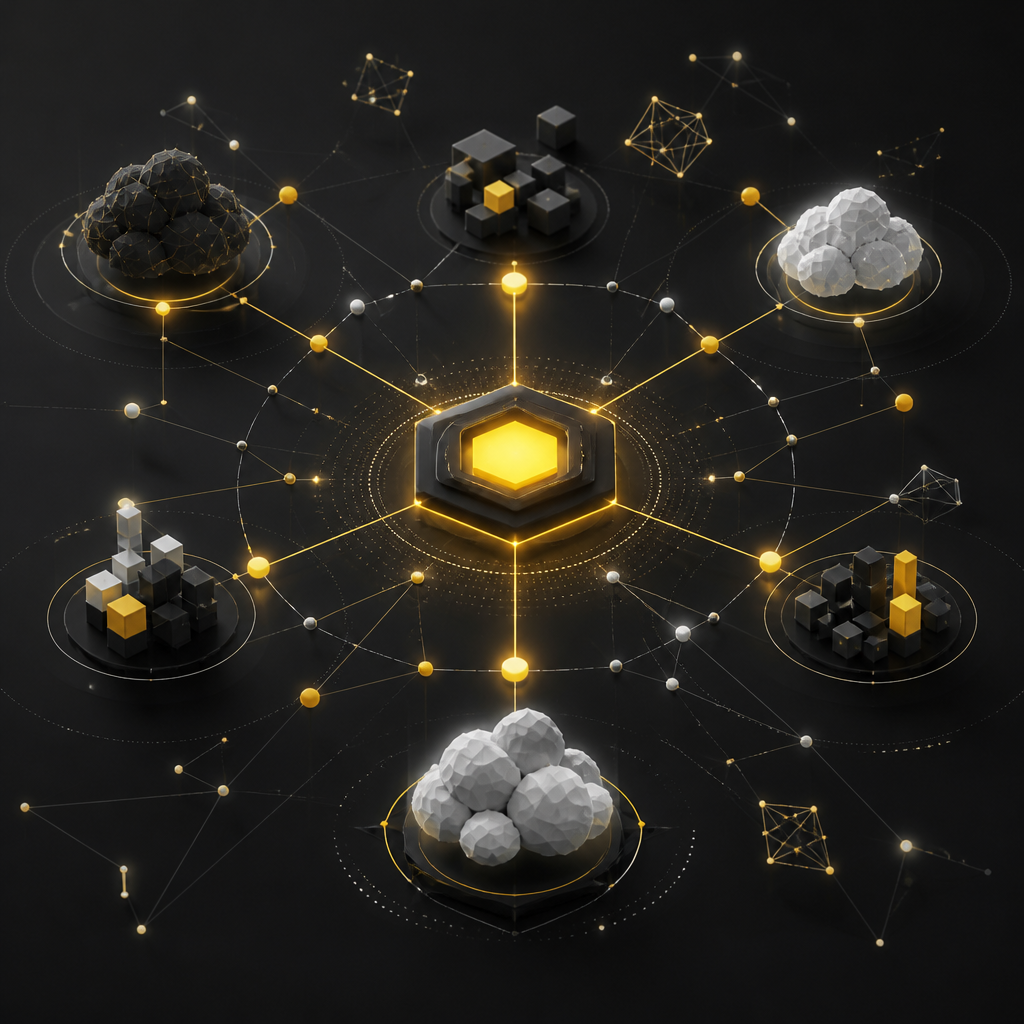
Editorial-style network visualization of interconnected nodes and abstract system shapes in gold and neutral tones, representing API connections and consistent data flow.

Where AI automation can enhance event operations

For organizations running recurring or high-volume events, AI-powered automation can reduce repetitive workload, such as:

  • Automated attendee FAQs and routing
  • Ticket/support triage suggestions for your team
  • Smart scheduling recommendations (based on attendee preferences)
  • Personalized event content (resources, updates, next-session prompts)
  • Internal workflow assistance (drafting messages, summarizing attendee status changes)

AI is most useful when your platform has clean data structures and reliable back-end logic—another reason full-stack systems win over disconnected tools.

Full-stack architecture: what you’re really paying for (in quality)

A custom-built event platform is designed for performance and reliability, typically including:

  • Modern front-end for the event site and attendee dashboard
  • Back-end services for registration, ticketing, payments, and admin workflows
  • Database design for attendee/ticket/order integrity
  • API development for integrations and automation-ready data flows
  • Security improvements (access control, secure payment flows, audit logs)
  • Performance optimization for peak traffic during registration

Custom event platform vs drag-and-drop event websites: a practical decision guide

Choose custom full-stack development when you need most of the following:

  • Complex Registration & Ticketing logic (rules, multiple ticketing paths, capacity controls)
  • Attendee portals/dashboards (not just “view-only” pages)
  • Payment workflows that automatically power admin operations
  • Role-based admin tools for check-in and event management
  • Integrations across your stack (CRM, email, analytics, internal systems)
  • Automation and customization that go beyond template limitations

Use drag-and-drop or builder tools when your needs are mostly:

  • Basic event marketing pages
  • Simple registration forms
  • Minimal admin workflows
  • Limited ticketing complexity

Most organizations eventually need custom systems once their operational requirements grow.

Development roadmap: from Event Planner requirements to launch

A typical full-stack build for event platforms follows a structured path:

  1. Discovery & requirements
    • Ticket types, registration rules, attendee journeys, admin workflows
  2. Experience design
    • Event pages, registration flow UX, attendee dashboard UX
  3. Platform development
    • Front-end + back-end systems, database, admin panels
  4. Registration & ticketing implementation
    • Capacity rules, confirmations, ticket issuance logic
  5. Payment integration
    • Checkout, order status handling, receipts, refunds
  6. Integrations
    • Email/CRM/analytics/API connections
  7. Security, testing, and performance
    • Access control, validation, peak-load testing
  8. Launch & ongoing improvements
    • Maintenance, feature upgrades, reporting enhancements

Common use cases (who this is built for)

This full-stack approach works well for:

  • Event companies running conferences, virtual/hybrid events, and workshops
  • Communities managing recurring meetups and membership-backed events
  • Educators hosting multi-session programs with controlled access
  • Organizations that need consistent registration, ticketing, and reporting across departments

FAQs

1) What makes an event platform “full-stack”?

A full-stack event platform includes both the attendee-facing experience (event pages, registration, dashboards) and the server-side systems (registration logic, ticketing rules, payment workflows, admin panels, databases, and integrations).

2) Can a full-stack event platform still have a great event website?

Yes. Your event site can be designed for conversions and engagement, then connected directly to your registration, ticketing, and attendee dashboard systems.

3) Is custom “Registration & Ticketing” necessary for every event?

Not always. If you have simple needs, a basic setup might work. Custom Registration & Ticketing becomes important when you need advanced rules, automation, dashboards, and reliable payment-driven workflows.

4) How do payment integrations affect registration?

When payment events are connected to your back-end, your system can automatically update attendee status, issue tickets, generate receipts, and trigger admin workflows—reducing manual steps and errors.

5) Will my organizers/admin team need special tools?

Usually, yes. Admin panels and check-in workflows help staff manage attendees, tickets, refunds, sessions, and reporting without relying on spreadsheets.

6) Do I need integrations like CRM or email tools?

If you want confirmations, reminders, lead tracking, or synchronized attendee data, integrations help keep your event operations consistent and automated.

Conclusion: build the event platform your Event Planner workflow needs

A high-performing Digital Experience for events requires more than a great landing page. When registration, ticketing, attendee dashboards, payments, and admin operations are built as one connected system, your team spends less time managing and more time running successful events.

If you want an event platform built end-to-end—from front-end experience to back-end registration, Registration & Ticketing, dashboards, and integrations—explore Full Stack Development with Shakir Ansari – Full Stack Developer & AI Automation Solutions.