
SHAKIR ANSARI

Performance Optimization for Full-Stack Apps

Full-Stack Performance Optimization: Test & Evaluate for Faster Apps

Slow websites and applications can quietly cost your business: leads drop, users abandon tasks, and operations slow down. For businesses building or scaling custom digital products, performance optimization shouldn’t be a one-time fix—it should be a repeatable system built into your development workflow.

This pillar page explains how full-stack development teams can test, evaluate, and improve performance end-to-end—front end, back end, and database—using practical tooling and a developer-focused process like Developer Dashboard monitoring and Learn Performance methodology.

Why Performance Optimization Matters for Business Growth

When your app is slow, it impacts more than “page speed.” It affects revenue, customer experience, and team efficiency.

Common business impacts of poor performance

  • Lost conversions: Users don’t wait for slow dashboards, checkout flows, or booking pages.
  • Operational delays: Admin panels and internal portals feel unreliable, causing more manual work.
  • Higher support load: Bugs and timeouts increase tickets.
  • Infrastructure waste: You scale servers instead of fixing bottlenecks.
  • SEO and discoverability issues: Faster sites tend to perform better in search results.

Performance optimization is also part of building a stronger technical foundation for SaaS platforms, CRMs, internal tools, and e-commerce systems.

Abstract editorial performance growth funnel showing a transition from smooth upward momentum to a downward curve in warm brand colors.

The Full-Stack Performance Problem (and Why Templates Fall Short)

Many performance issues come from interactions across the stack:

  • heavy front-end code and inefficient rendering
  • slow API endpoints and unoptimized business logic
  • database queries that don’t scale
  • inefficient caching strategies
  • missing observability, making issues hard to detect early

Off-the-shelf templates rarely provide the control you need to fix those causes systematically. Custom full-stack development gives you the ability to tune the system where it actually bottlenecks.
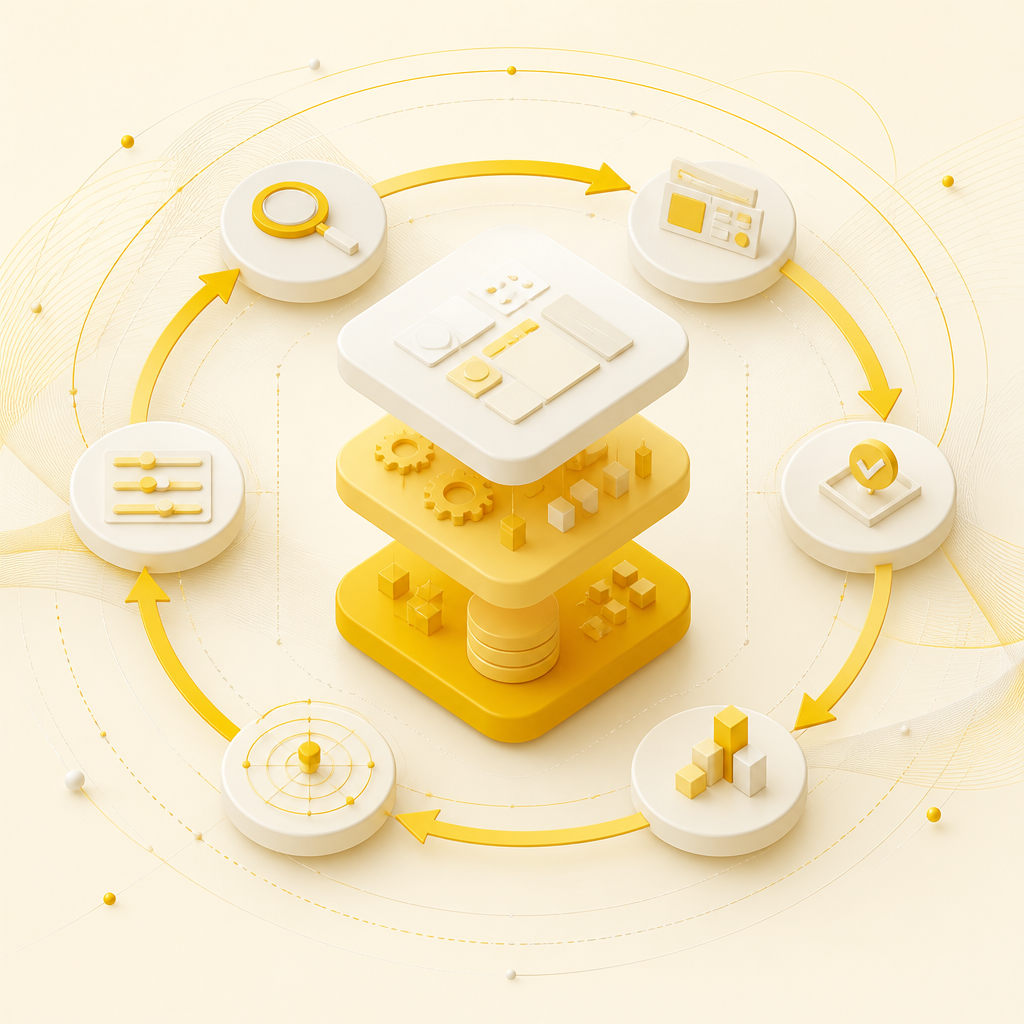
Abstract circular test and evaluation workflow with connected nodes and timing arcs in warm SHAKIR ANSARI brand colors.

What “Test & Evaluate” Means in Full-Stack Development

Performance optimization works best when you measure first, then apply targeted improvements.

A practical Test & Evaluate workflow

  1. Define performance goals
    • What matters most for your product? Dashboard responsiveness? Checkout latency? API throughput?
  2. Measure baseline performance
    • Capture real user behavior and technical metrics (where time is spent).
  3. Identify bottlenecks
    • Front end (rendering, network payloads)
    • Back end (request handling, server time)
    • Database (query time, locks, indexing)
  4. Implement focused fixes
    • Clean code changes that reduce overhead
    • Database and query improvements
    • Caching and API response optimization
  5. Re-test and compare
    • Confirm improvements and check for regressions.
  6. Document and standardize
    • Turn fixes into repeatable practices your team can reuse.

This approach supports continuous improvement—critical for products that evolve through features, integrations, and growing user traffic.

Performance Optimization Areas Your Team Should Cover

A real performance plan should span the entire product lifecycle.

1) Front-End Performance (Faster UI, Less Waiting)

For React-based UIs, slowdowns often come from:

  • large JavaScript bundles
  • unnecessary re-renders
  • excessive client-side work
  • inefficient loading patterns for images and data

Common full-stack fixes include:

  • code splitting and lazy loading
  • optimizing component rendering
  • reducing payload size and improving asset delivery
  • improving perceived performance with better UX patterns

2) Back-End Performance (API Speed and Reliability)

Back-end bottlenecks commonly include:

  • slow request handling
  • synchronous blocking work
  • inefficient business logic
  • missing timeouts and resilience patterns

Full-stack improvements may include:

  • optimizing endpoints and reducing unnecessary processing
  • better request/response design for dashboards and portals
  • performance-aware workflows for automation systems

3) Database Performance (Indexes, Queries, and Data Flow)

Database performance is often the hidden cause of slow dashboards and admin panels.

Typical causes:

  • missing or inefficient indexes
  • queries that fetch too much data
  • N+1 query patterns
  • expensive joins without optimization
  • poor data modeling for real access patterns

Improvements often include:

  • query tuning and indexing strategies
  • designing endpoints around how users actually access data
  • caching for frequently used reads
  • cleaning up legacy data access patterns

Using a Developer Dashboard to Monitor Performance

A Developer Dashboard turns performance optimization from guesswork into actionable insights. Instead of waiting for user complaints, you can track the health of your app and pinpoint where delays begin.

What to monitor in a developer dashboard

  • API latency (per endpoint and per feature area)
  • error rates and timeouts
  • slow database queries
  • response size and throughput
  • key user journey timings (dashboards, checkout, booking, sign-in)

A strong dashboard also supports team collaboration: developers can connect performance issues to specific changes and reproduce problems faster.
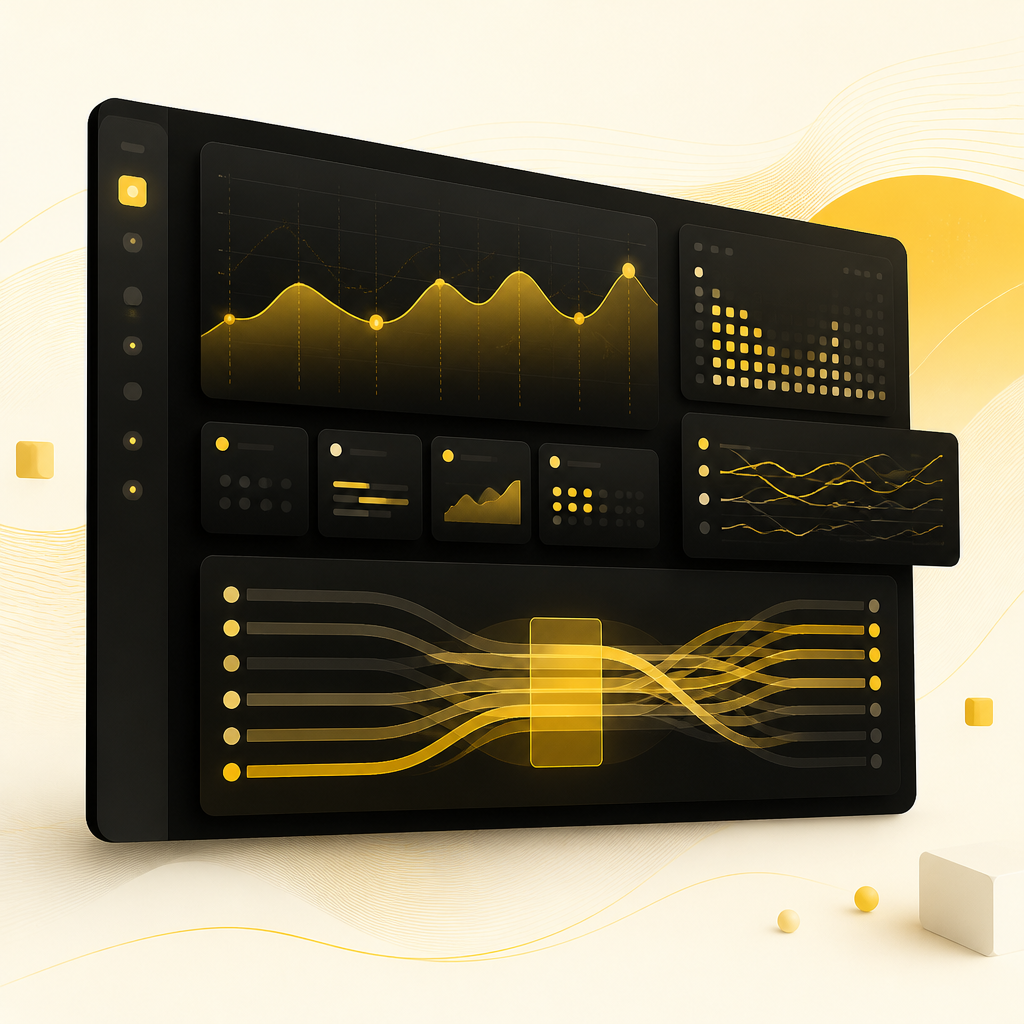
Abstract dashboard panels with glowing performance curves and flowing lines in warm brand colors.

Clean Code and Strong Technical Foundations Improve Performance

Performance isn’t only about “speed.” Clean architecture supports long-term efficiency.

How cleaner code helps performance

  • reduces unnecessary computation
  • improves maintainability (fewer regressions)
  • makes bottlenecks easier to detect and fix
  • enables safer scaling as features grow

Full-stack development teams can design systems so performance improvements stay consistent—even after adding integrations, new modules, or automation flows.

Learn Performance: A Repeatable Improvement System

“Learn Performance” is the mindset of treating performance work like a learning loop—not a one-off task.

What the continuous loop looks like

  • Learn: review metrics and user behavior
  • Plan: choose the next highest-impact bottleneck to address
  • Build: implement targeted improvements across front end, APIs, and database
  • Test: compare results against baseline
  • Repeat: keep the system fast as the product evolves

This is especially important for SaaS platforms, admin-heavy web apps, and e-commerce systems where performance directly impacts revenue and retention.

How Full-Stack Development Powers Performance Optimization

When one team handles both front-end and back-end development, performance work becomes more coordinated and effective.

Benefits of end-to-end full-stack optimization

  • Faster diagnosis (UI slowness can be traced to APIs and queries)
  • Cleaner interfaces between front end and back end
  • More efficient APIs designed for real UI needs (dashboards, portals, workflows)
  • Better performance-aware integration design (CRM, ERP, payment, marketing tools)
  • One architecture for security, scalability, and speed

This coordination is essential for businesses upgrading from basic websites to full digital systems.

Real Examples: Performance Optimization in Business Systems

Custom booking platforms

  • optimize calendar loading and availability queries
  • speed up confirmation flows
  • reduce server work during peak traffic

Business dashboards and portals

  • improve data loading and reduce heavy queries
  • paginate and cache strategically
  • ensure UI stays responsive during updates

CRM and internal management tools

  • streamline API endpoints for frequent operations
  • tune database reads for search and listing views
  • monitor errors and slow routes in the developer dashboard

SaaS platforms with subscriptions and admin panels

  • scale endpoints for billing events and user provisioning
  • optimize multi-tenant data access patterns
  • keep admin dashboards fast as usage grows

How Shakir Ansari – Full Stack Developer & AI Automation Solutions Supports Performance

Businesses that need performance optimization often need more than isolated fixes—they need systems built for speed, scalability, and smooth operations.

With 10+ years of experience and 1300+ web applications delivered, RTP team provides custom-coded full-stack solutions that support:

  • performance optimization across front end, back end, and databases
  • cleaner codebases that are easier to maintain and improve
  • scalable architectures for dashboards, portals, SaaS products, and e-commerce
  • API integrations that work reliably with external business tools
  • automation-ready platforms that reduce manual processing

If your product includes user dashboards, admin panels, API-driven workflows, or e-commerce checkout paths, full-stack optimization can make those systems feel faster and more dependable for your customers and internal teams.

FAQs

What is “Test & Evaluate” in performance optimization?

It’s a measurement-first approach where you capture performance baselines, identify bottlenecks, apply targeted improvements, and re-test to confirm results—repeatably over time.

How do I know whether the problem is front-end or back-end?

A Developer Dashboard (plus performance measurements) helps isolate where time is spent—UI rendering, API latency, server processing, or slow database queries.

What does full-stack performance optimization include?

It covers front-end responsiveness, API speed, back-end reliability, database query performance, caching, and developer monitoring—so improvements address root causes.

Do clean code changes really improve performance?

Yes. Clean, efficient code reduces unnecessary work, helps avoid regressions, and makes bottlenecks easier to detect and fix consistently.

How often should we test performance?

For most growing applications, performance testing should be continuous or at least part of every major release—especially when you add features, integrations, or increased traffic.

Next Step: Explore Full-Stack Performance Optimization

If you want your business web app or platform to load faster, run smoother, and scale reliably, explore how Full Stack Development can support performance optimization from UI to database—and keep improving through a Test & Evaluate workflow with developer monitoring.

CTA: Explore full-stack development services that improve performance, strengthen technical foundations, and enable automation-ready digital systems.