
SHAKIR ANSARI

Logistics Web Design Cost: Features & Build Guide

For logistics and transportation companies, your website isn’t just an online brochure—it’s a sales and operations tool. Buyers expect fast service info, clear pricing or quoting paths, and real-time tracking. That’s why logistics web design differs from generic “template” builds and falls under website design by industry.

What “Logistics Web Design” Really Includes

In this guide, we’ll break down what drives transportation websites – cost, what features you should plan for, and how to structure a build that supports lead capture, customer experience, and growth.

A transportation website is typically a multi-purpose system. Depending on your business model (freight, courier, delivery, logistics brokerage), your site may need:

  • Service pages that clearly explain shipping lanes, timeframes, and coverage
  • Lead capture that routes requests to the right team
  • Quote requests (forms, RFQs, rate cards, or integrations)
  • Tracking pages (for shipments and tickets)
  • Customer portals (for ongoing accounts, invoices, documents, or booking)
  • Integrations with CRMs, email/SMS tools, and operational systems

When you plan for these elements upfront, you avoid redesigns later—which is one of the biggest ways budgets increase.

Transportation Websites – Cost: The Main Factors That Change the Budget

Instead of focusing on a single price, logistics site cost is usually shaped by scope and complexity. Here are the most common cost drivers:

A premium wide editorial layout showing connected scope and complexity cards for logistics website planning in warm near-white tones with gold accents.

1) Site scope (pages vs. platforms)

  • A simple marketing site (few pages) costs differently than a site with:
    • Quote/RFQ workflows
    • Tracking interfaces
    • Customer login and portal modules
    • Admin dashboards for operations

2) Design complexity (industry UX + trust signals)

Transportation users want clarity and confidence. Design often includes:

  • Quote form UX and step-by-step flows
  • Tracking page layout and status presentation
  • Customer portal navigation and role-based views
  • Responsive layouts for mobile users (drivers, dispatch, and shippers)

3) Custom functionality vs. templates

Template websites can be faster to launch, but custom-coded builds often reduce future friction—especially when you need:

  • tailored workflows
  • automation triggers
  • API-driven features
  • scalable page templates for multiple locations/services

4) Integrations and data connections

Integrations are frequently the largest variable. Common ones include:

  • Tracking API or carrier integrations
  • CRM (lead routing, pipelines, status updates)
  • Email/SMS automation for confirmations and updates
  • Payment or invoicing tools (if applicable)
  • Document handling (PODs, invoices, shipping documents)

5) Content volume and localization

If you serve multiple regions, you’ll likely need:

  • service pages per geography
  • industry-specific messaging
  • consistent templates for scaling content

6) SEO requirements for logistics lead generation

SEO isn’t just “install a plugin.” A logistics build often includes:

  • clean information architecture
  • keyword-driven landing pages
  • technical SEO setup for performance and indexing
  • structured data where appropriate (FAQs, services)

7) Security, roles, and portal requirements

If you add a customer portal, cost increases due to:

  • login and access control
  • admin panels
  • secure data handling and audits

8) Performance expectations

Transportation websites are often accessed in motion or under time pressure. Performance needs can include:

  • fast page loads
  • image and asset optimization
  • clean front-end architecture

Core Features Logistics Websites Should Plan For

Below are the most common modules transportation companies include. Not every business needs all of them—your budget depends on which ones are essential.

Quote Requests & Lead Capture

Typical components:

  • Quote/RFQ form with conditional fields (type of shipment, route, weight/volume, timeline)
  • Captcha and spam protection
  • routing logic (by region, service type, or customer type)
  • confirmations + follow-up automation

Conversion goal: turn “How much?” into a submitted request.

Tracking Page (Self-Serve Status)

A tracking page should support:

  • shipment lookup by tracking number, reference, or order ID
  • clear status stages (e.g., booked → in transit → delivered)
  • helpful fallback messaging when tracking isn’t found

Conversion goal: reduce support tickets while increasing trust.

Customer Portal (Optional, but powerful)

If you serve recurring customers or need account visibility, portals may include:

  • login for account users
  • shipment history and status
  • documents (invoices, labels, PODs)
  • request updates or manage bookings

Conversion goal: operational efficiency + retention.

Service Pages Built for Trust

Effective logistics service pages usually include:

  • what you transport (industries, cargo types)
  • coverage area and lanes
  • timelines and SLA expectations (when appropriate)
  • process overview (how the shipment moves)
  • FAQs and compliance notes

Template vs. Custom Logistics Web Design (Cost and Growth Impact)

Many teams compare template vs custom during planning. Here’s how it affects cost over time:

Template builds may be enough when:

  • you only need basic service info
  • you don’t require tracking or portal workflows
  • you can standardize content and UX without heavy customization

Custom builds are typically better when:

  • you need integrations (tracking, CRM, automation)
  • you want an exact quote and tracking experience
  • you need scalable structures for many services/locations
  • you want cleaner long-term maintainability and growth

A custom-coded approach may cost more upfront, but it often reduces redesign and manual workflow work later.

SEO That Supports Logistics Lead Generation (Not Just Rankings)

For transportation businesses, SEO should directly support quote and tracking usage patterns.

A logistics SEO-friendly structure typically includes:

  • landing pages for each key service (and often each region)
  • strong internal linking from service pages to quote forms
  • technical performance and mobile-first UX
  • content that matches search intent (pricing/quotes, lanes, timelines, tracking)

Important: the website needs to be built to convert visitors into leads after they find you.

A premium wide editorial network-style web layout showing connected integration nodes and data-flow paths in warm gold and near-white tones.

Integrations That Can Raise (or Reduce) Total Cost

A well-planned integration strategy helps prevent costly rework.

Common integration examples:

  • Tracking integration: pulls status updates into your site or workflow
  • CRM integration: auto-creates lead records and organizes requests
  • Email/SMS automation: confirms RFQs, notifies status changes, supports follow-ups
  • API-connected workflows: routes leads, logs events, and triggers updates

When these are planned during the build (rather than after), the development effort is usually more efficient.

Logistics Website Build Checklist (Use This to Scope Your Project)

Use this checklist to align stakeholders and understand what affects the logistics web design cost:
  1. Business goals: quotes, tracking, portal adoption, repeat customers
  2. Required pages: services, industries, tracking, quote/RFQ, contact, account/admin needs
  3. Core workflows: quote intake, lead routing, support paths
  4. Integration list: tracking, CRM, automation tools, payments/invoicing (if needed)
  5. Content plan: service descriptions, locations, FAQs, compliance notes
  6. Design requirements: brand, trust signals, mobile UX
  7. SEO structure: page templates and indexing strategy
  8. Performance needs: speed targets and media handling
  9. Security needs: forms protection, portal access rules
  10. Launch + measurement: analytics and conversion tracking
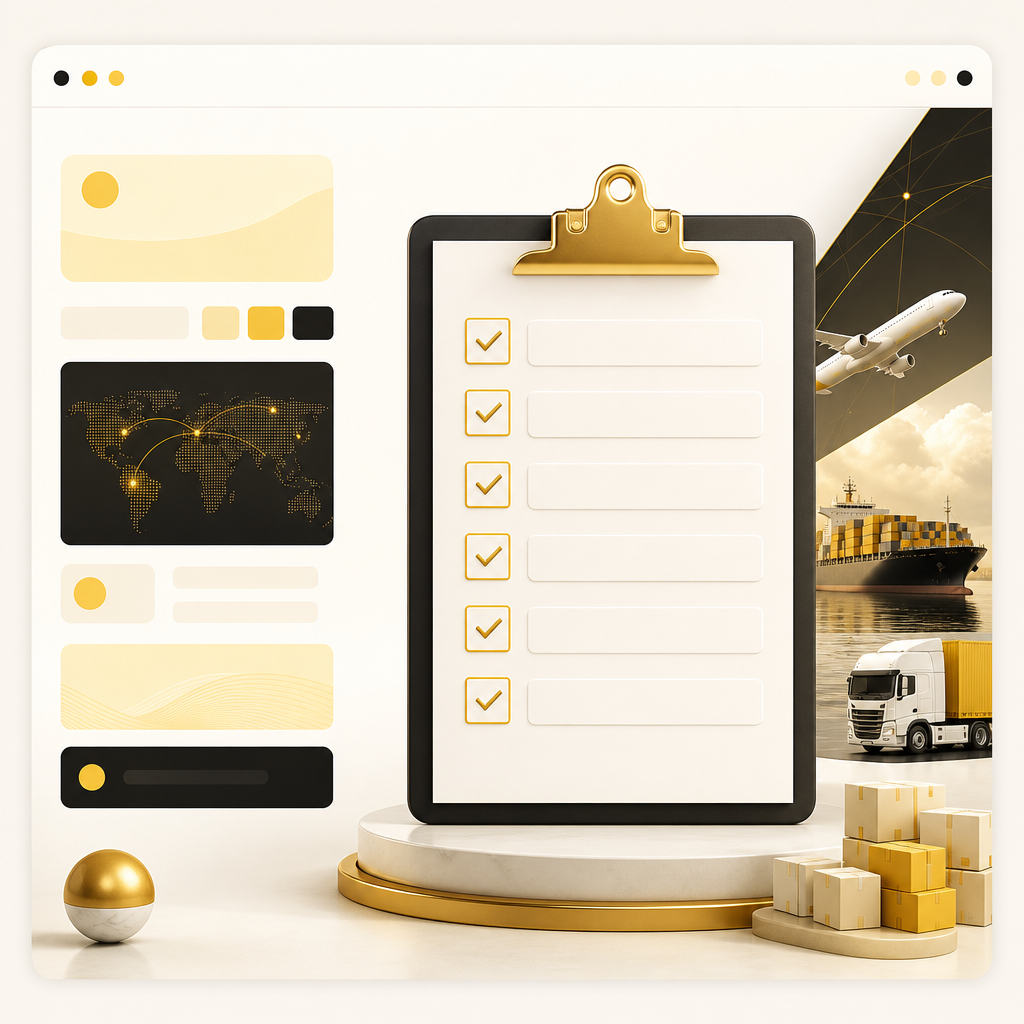
A premium wide editorial layout showing a checklist-board style structure with blank box sections and subtle gold accents for scoping logistics website work.

FAQs About Logistics Web Design Cost

1) Why does transportation website cost vary so much?

Because logistics sites often include variable components like tracking, quote workflows, customer portals, admin dashboards, and third-party integrations—each adds scope and complexity.

2) Do we need custom development for a tracking page?

If you need a tracking experience that matches your workflows and integrates cleanly with your systems, custom development is usually the best fit. If you rely on a basic embed or simple lookup, options may be lighter—but it depends on your data source and requirements.

3) How do integrations affect the timeline?

Integrations require planning, testing, and sometimes ongoing adjustments depending on the API behavior, data mapping, authentication, and error handling.

4) Will SEO increase the cost of a logistics website?

SEO typically increases cost when it requires dedicated page templates, structured content planning, technical setup, and performance-focused development. However, SEO is often part of building the right structure—so it’s not “extra” when planned correctly.

5) Is a customer portal always necessary?

No. Portals are most valuable for recurring customers, high-volume operations, document access, or account-based workflows. If your business doesn’t need that capability yet, you can phase it in later.

6) What should we prepare before starting a logistics web project?

A clear list of services, target regions, lead and tracking workflows, integration requirements, and content owners (who will provide text, FAQs, and service details).

7) Can you design a site that scales to new locations and services?

Yes—scalable logistics web design usually relies on reusable page templates, structured content blocks, and an information architecture built for expansion.

8) What does “conversion-focused” mean for transportation websites?

It means the website guides visitors to the right action—usually submitting a quote request or using tracking—through clear UX, trust elements, and friction-reducing forms.

Conclusion

When you’re evaluating logistics web design cost, the real question isn’t “How much is a website?”—it’s “Which features and workflows must the site support now, and which can be phased later?”

For logistics and transportation companies, the biggest drivers are usually:

  • quote and lead capture workflows
  • tracking UX and integration needs
  • customer portal requirements (if applicable)
  • SEO structure and performance
  • CRM and automation integrations

If you want a logistics website built as a growth-focused business asset, explore Website Development with Shakir Ansari – Full Stack Developer & AI Automation Solutions to plan and build the features your operations need.

CTA: Learn more about custom website development for logistics workflows and integrations—so your site supports both leads and day-to-day operations.