SHAKIR ANSARI

Member Portal Development for SaaS & Membership Businesses

If you’re running a membership-based business—or building a SaaS product—you need more than a marketing website. You need a working system for member registration, protected content, subscription billing, user dashboards, community features, and account management.

That’s where Member Portal Development comes in, and why full-stack development is the most reliable approach for building a portal that’s secure, scalable, and automation-ready.

Why membership businesses need more than a basic website

A basic site usually can’t handle the core responsibilities of a membership platform, such as:

  • Keeping members authenticated across devices
  • Restricting content behind roles and subscriptions
  • Automating access changes when billing renews or fails
  • Providing personalized dashboards and account controls
  • Supporting communities, messaging, groups, and activity feeds

With custom full-stack development, you can replace manual processes (spreadsheets, emails, manual access updates) with a connected system that runs your membership workflows automatically.

What a modern member portal includes

A strong member portal is typically built from these capabilities:

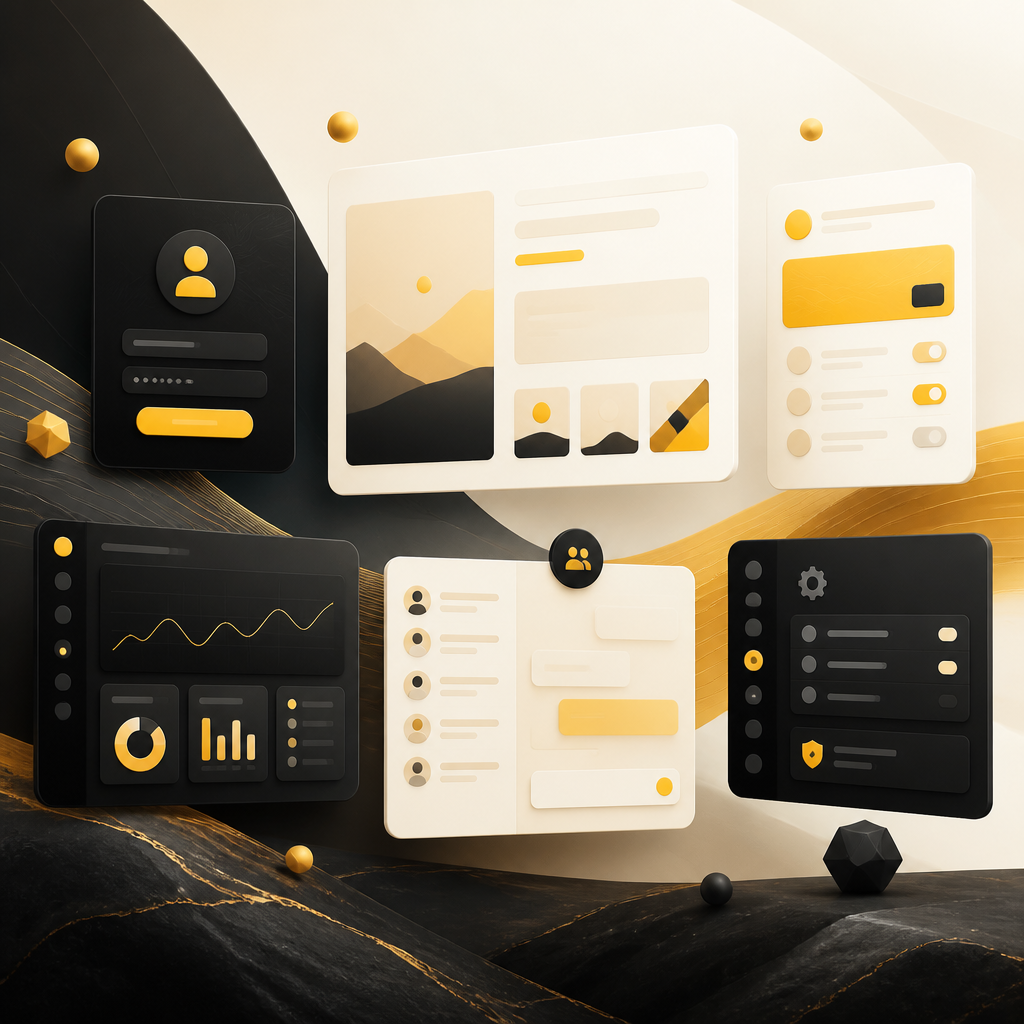
Abstract modular portal panels in warm gold and off-white tones representing secure authentication, protected content, subscription billing, dashboards, community features, and admin management without any readable text.

1) Member registration & secure authentication

  • Email/password login, social login (optional)
  • Role-based access control (admin, member, moderator, etc.)
  • Session management and secure account flows

2) Protected content delivery

  • Gated pages, videos, documents, and learning modules
  • Permission checks on every request (not just “hiding” content in the UI)
  • Audit-friendly access patterns for compliance needs

3) Subscription billing & plan management

  • Membership tiers and plan rules
  • Billing lifecycle handling (new subscription, renewal, cancellation)
  • Automatic access updates based on payment status

4) User dashboards & account management

  • Member overview (subscription status, activity, preferences)
  • Saved items, progress tracking, and personalized reports
  • Self-serve account settings and profile updates

5) Community features (optional but common)

  • Forums, groups, comments, announcements
  • Moderation tools and reporting workflows
  • Notifications for community activity

6) Admin panels & internal management

  • Membership management (users, roles, permissions)
  • Content management workflows (including scheduling/publishing)
  • Support tools (view member status, resolve issues)

Member Portal Development for SaaS companies (not just “membership sites”)

Many teams start with a membership site and later realize they’re building a SaaS product. The difference is how the platform behaves:

  • SaaS products need repeatable workflows, data-driven dashboards, and API-connected features
  • Membership platforms need robust access rules, billing integration, and member lifecycle automation

Custom full-stack development supports both directions—so your portal can grow from community access into a scalable SaaS platform without rebuilding from scratch.

Headless CMS + full-stack portals: a practical approach

One effective pattern for membership platforms is pairing a portal frontend with a content system (often headless). This helps teams manage content independently while keeping the portal logic secure.

For example:

  • Use a CMS to manage pages, articles, courses, and assets
  • Use your portal application to enforce permissions and deliver content to the right users
  • Keep member data and billing logic inside your application for control and security

This approach can improve speed for content teams while maintaining the strong access control required for membership access.
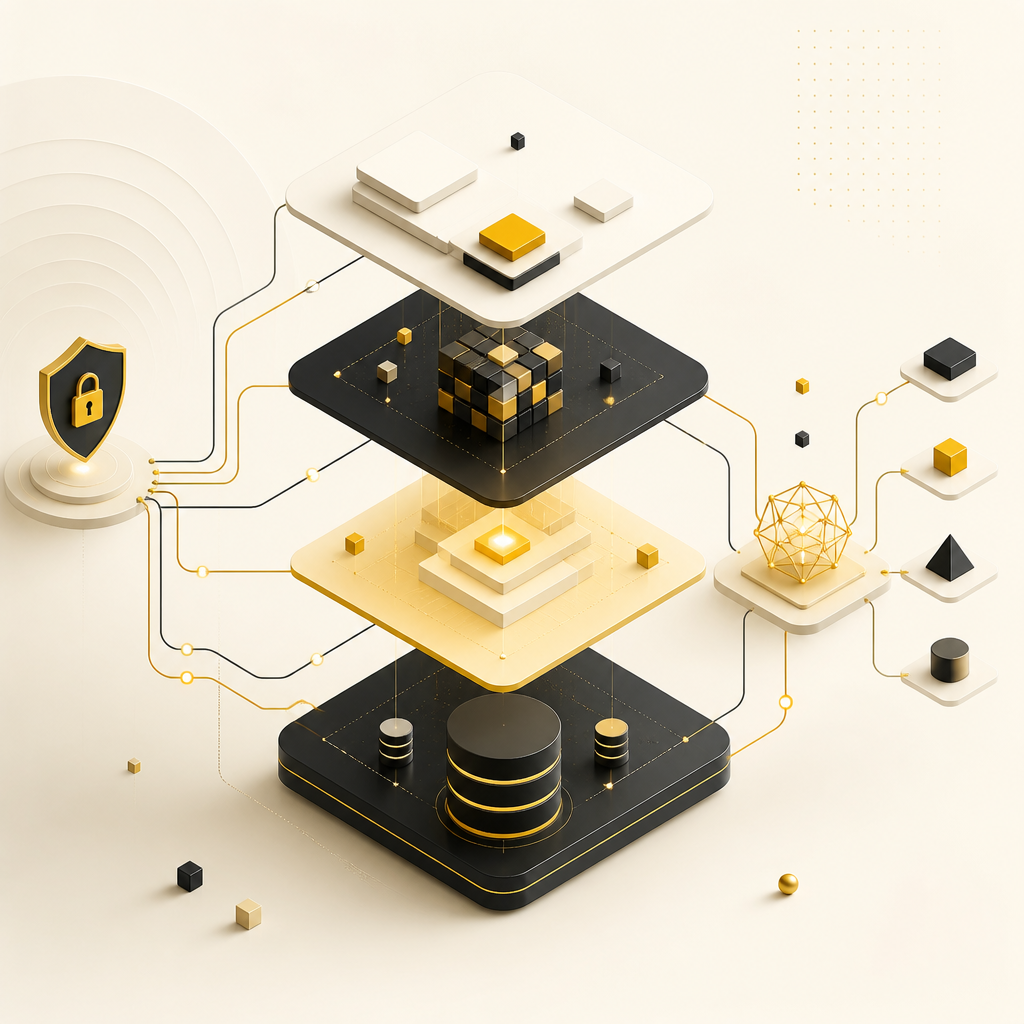
Abstract full-stack architecture layers connected by flowing lines in gold-accented off-white tones, representing front-end, back-end, database, and API integration without any readable labels.

Full-stack architecture for a secure member portal

A well-built Member Portal Development solution usually includes:

Front-end (portal UI)

  • Member login, onboarding, dashboards, and navigation
  • Responsive design for web (and potentially mobile)

Back-end (business logic + security)

  • Authentication/authorization
  • Member lifecycle rules tied to billing events
  • Permission checks for protected resources

Database (member + content + access data)

  • Tables/collections for users, subscriptions, roles, permissions
  • Audit/logging where required
  • Data models that support future features (not just today’s needs)

APIs (integration layer)

  • Connect payments, CRMs, marketing tools, support systems
  • Sync data across internal services
  • Enable automation workflows and external tooling

Building a member portal with automation in mind

When membership access is tied to billing, your system must respond to events consistently. Custom full-stack development enables automation such as:

  • Automatically granting or revoking access on subscription changes
  • Syncing member profiles to CRM/ERP systems
  • Triggering emails and notifications based on behavior
  • Creating support tickets or internal alerts when billing fails
  • Powering onboarding sequences and progress tracking

This is where a custom portal saves real time and reduces operational errors.
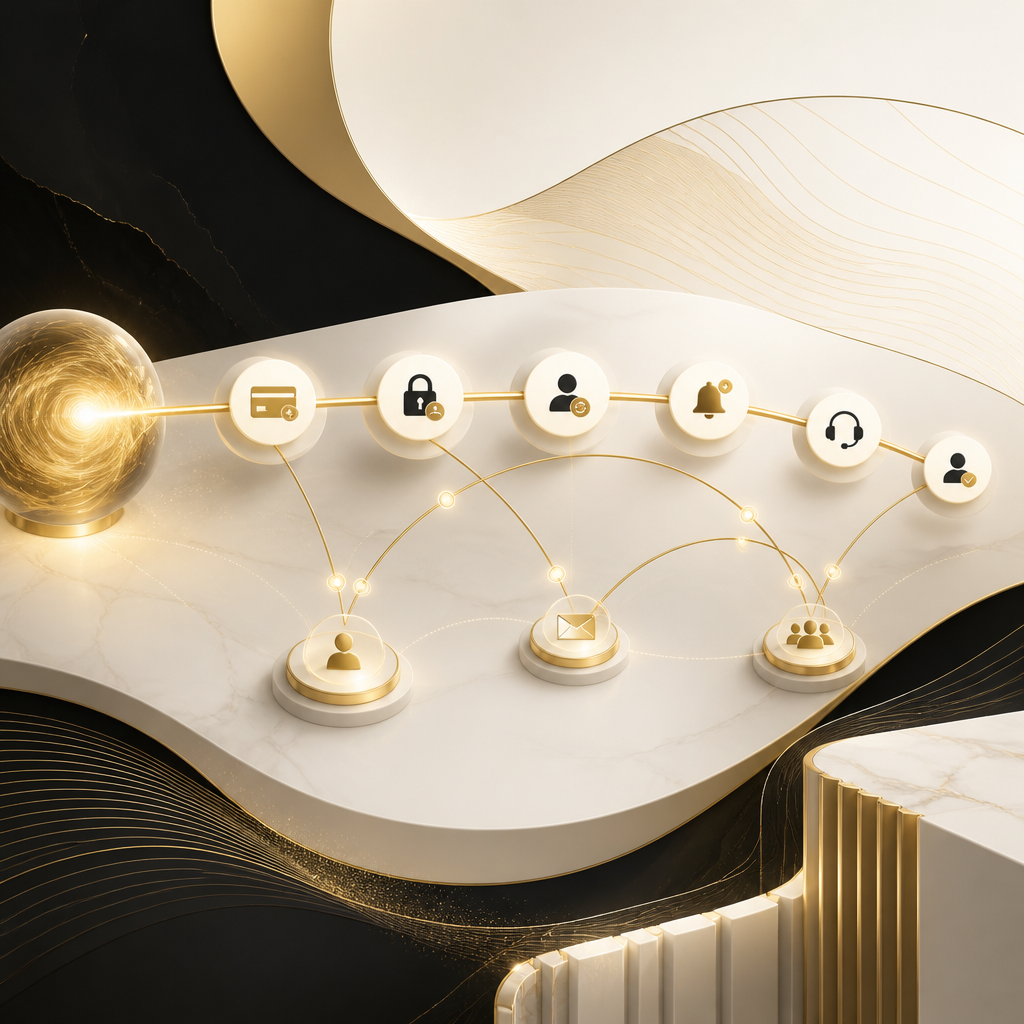
Abstract automation workflow with connected nodes, timeline arcs, and notification-like shapes in gold and off-white tones representing billing-driven access, profile syncing, alerts, and onboarding progress without readable text.

API integrations that make your portal “work” with your business

A membership portal becomes significantly more valuable when connected to your broader business stack. Common integrations include:

  • Payment providers (subscriptions, invoices, billing status)
  • CRM/ERP platforms (lead/member syncing)
  • Email/marketing automation (welcome flows, re-engagement)
  • Support/helpdesk tools (ticketing + user context)
  • Analytics and reporting (member engagement insights)
  • Internal tools and workflow systems (task creation, approvals)

A full-stack team can design these connections so they’re reliable, secure, and maintainable.

Security and performance: essential for protected member experiences

Protected portals must handle real-world risks and traffic patterns. Full-stack development focuses on:

  • Secure authentication and authorization
  • Protection against common vulnerabilities (e.g., improper access checks)
  • Performance optimization for dashboards and content loading
  • Scalability planning for growth in members and activity
  • Ongoing maintenance patterns for reliability

Why custom تطوير الموقع (website development) is best for portals

When you’re building تطوير الموقع for memberships, templates and generic plugins often fall short because:

  • Access control must be exact (and enforced consistently)
  • Billing logic requires careful lifecycle handling
  • Dashboards and workflows depend on your unique data model
  • Integrations need custom mappings and reliable event handling

Custom development ensures your portal matches your membership rules, business processes, and growth plans.

How Shakir Ansari & RTP team approaches full-stack member portals

For membership businesses and SaaS teams, the goal is end-to-end delivery—from front-end portal experiences to back-end systems and integrations.

Typical engagement areas include:

  • Portal UI development (dashboards, account management, member workflows)
  • Back-end development for authentication, roles, and protected content
  • Subscription billing integrations and lifecycle logic
  • Admin panels for content and membership operations
  • API development and third-party integrations
  • Security, performance optimization, and future-ready architecture

FAQs about Member Portal Development

What is Member Portal Development?

It’s the process of building the authenticated web experience where members register, access protected content, manage their accounts, and interact with features like dashboards or community tools—often connected to subscription billing and APIs.

Do I need a custom portal for my membership business?

If you require protected content, subscription-based access, dashboards, and account management with automation and integrations, custom portal development is usually the best long-term option.

What’s the difference between a website and a web application for members?

A website is typically public and mostly static, while a member web application includes login, role-based access, gated content, billing-driven access control, personalized dashboards, and internal admin tooling.

Can a portal be built as a SaaS platform?

Yes. Many membership portals evolve into SaaS products as they add workflows, data-driven dashboards, and API-connected features. A custom full-stack build supports that evolution.

What should I consider for security?

Focus on strong authentication, server-side authorization checks, secure session handling, and careful permission enforcement for every protected resource—not only on the UI.

How do APIs help membership portals?

APIs connect your portal to payments, CRM/ERP systems, marketing platforms, analytics, and internal tools—so member events and data stay synchronized and your operations can be automated.

Next step: build your member portal with full-stack development

If you’re planning Member Portal Development for a membership program or SaaS product, the right path is an end-to-end build that covers the UI, secure back-end systems, billing logic, dashboards, and integrations.

Explore our Full Stack Development services to design and build a scalable, secure member portal tailored to your exact workflows.

Learn more about how we develop automation-ready web platforms, user dashboards, admin panels, and SaaS-compatible systems for membership businesses.