
SHAKIR ANSARI

Restaurant Booking & Reservation App Website for Drive Orders

Restaurant Booking & Reservation App Website

Restaurants don’t win on menus alone—they win when guests can book, order, and get answers instantly. A well-built Restaurant Booking and Reservation app experience (typically powered by a custom website and supporting backend) helps your customers reserve tables, manage waitlists, and place orders for pickup or drive orders without the back-and-forth.

This guide covers what to build, the key features that matter, and how custom development turns your restaurant website into an operational growth asset.

What is a Restaurant Booking and Reservation app (for a restaurant website)?

A Restaurant Booking and Reservation app for restaurants is a reservation + ordering experience that runs as part of your digital presence, usually including:

  • Online reservations (date/time, party size, seating preferences)
  • Confirmation flows (email/SMS notifications)
  • Waitlist options when slots are unavailable
  • Admin tools to manage reservations and capacity
  • Optional “Drive Orders” ordering flow for pickup/drive-thru-style service

Instead of relying only on calls or generic widgets, a custom solution can be tailored to your venue, seating rules, and service model.

Why restaurants need online reservations and instant drive orders

1) Fewer missed bookings

When guests can book instantly, you reduce “we’ll call you back” drop-off.

2) Cleaner operations for your team

Reservations and order data should be structured, not scattered across spreadsheets or multiple tools.

3) Better guest experience across devices

Guests browse menus, location details, and hours on mobile—your booking and order flow must be fast and frictionless.

4) More revenue opportunities

A booking system can support upsells like:
  • pre-arrival notes (allergies, special occasions)
  • add-ons tied to time windows
  • event-based seating
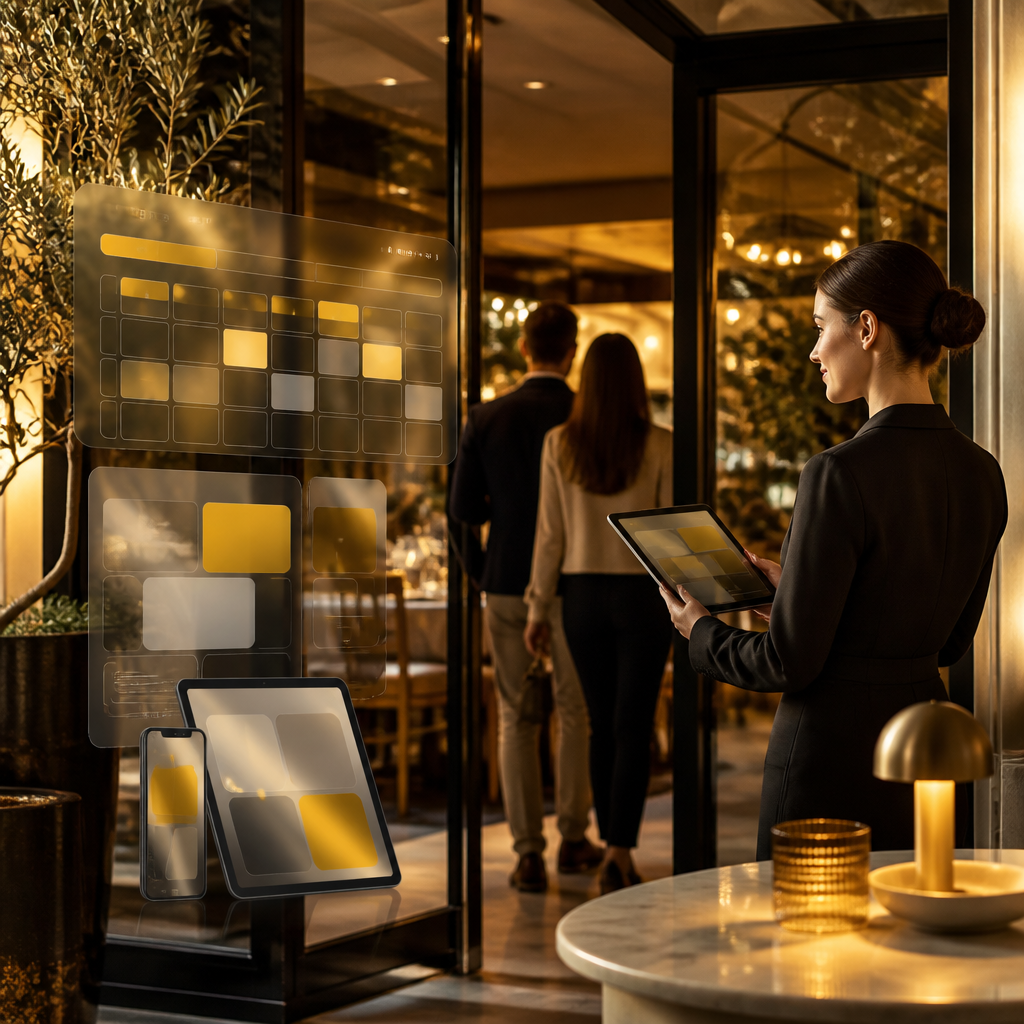
Warm-lit restaurant entrance scene symbolizing instant online booking and smoother ordering workflows, with abstract mobile-glow reflections and golden accent tones

Core sections every restaurant website should have (before bookings)

To support a reservation app experience, your website should clearly include:

  • Menus (categories, item descriptions, images, dietary tags)
  • Restaurant location and hours (including map and directions)
  • Gallery (food + atmosphere + dining areas)
  • Events / catering info (inquiry forms and availability rules)
  • Customer inquiries (contact form with routing)
  • Booking & reservation entry points (visible CTAs throughout the site)

A reservation system works best when guests can answer the basics instantly—where you are, what you serve, and what the dining experience looks like.

Reservation features that matter most (table, timing, and capacity)

When you’re creating a restaurant website with a reservation component, these features reduce support requests and improve booking accuracy:

  • Real-time availability by date/time and seating rules
  • Party size handling (and seating constraints)
  • Booking status management (confirmed, pending, canceled)
  • Waitlist (optional) with notifications when tables open
  • Guest information capture (name, phone/email, notes)
  • Confirmation messaging (email/SMS) with booking details
  • No-show handling logic (where applicable to your process)

If you operate multiple locations, your system should support location-specific capacity and rules.
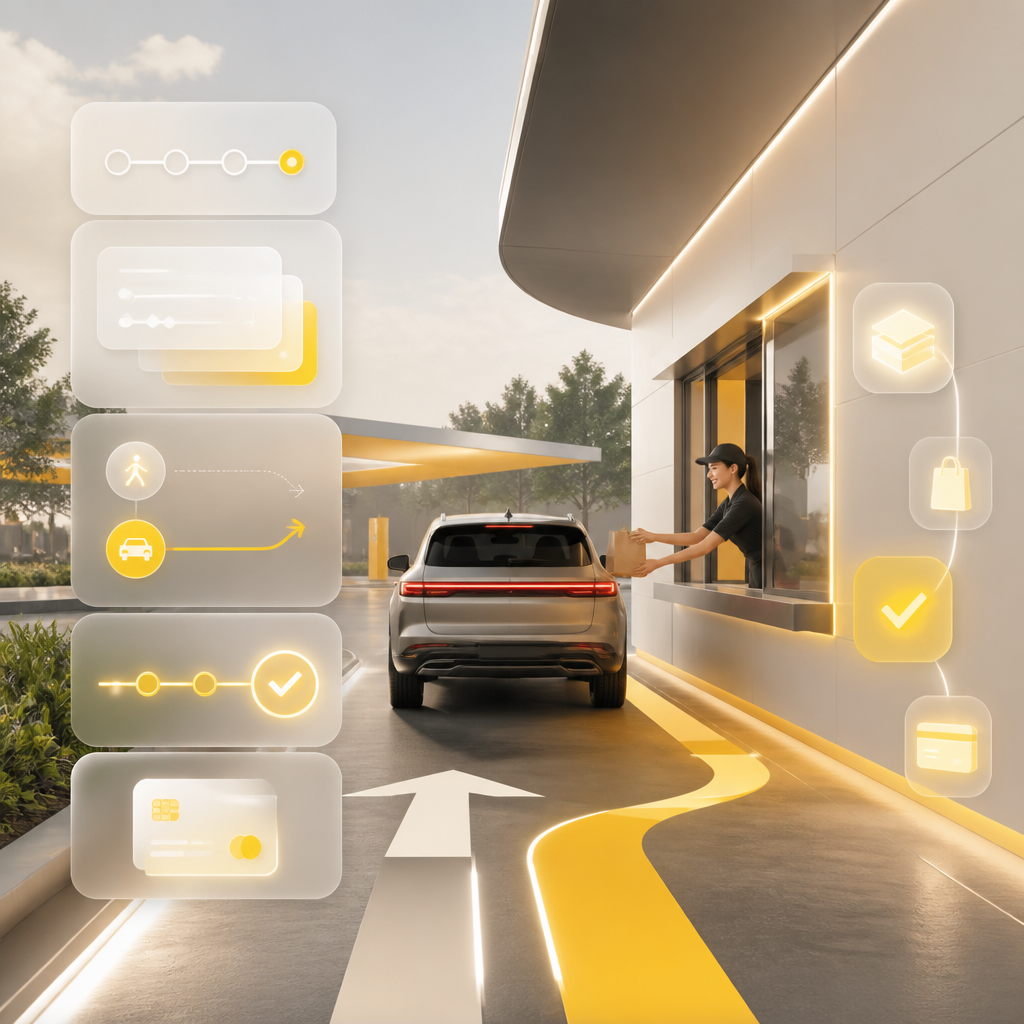
Modern drive-thru scene with abstract glowing interface panels symbolizing an instant, step-by-step ordering experience without readable text

Drive Orders: how to add ordering that feels “instant”

Inspired by custom ordering experiences seen in restaurant kiosks and drive workflows, your Drive Orders setup should focus on speed, clarity, and continuity:

Recommended Drive Orders flow

  1. Menu-first experience (large categories, quick item access)
  2. Customization UI (modifiers, add-ons, exclusions)
  3. Clear fulfillment choice (pickup/drive)
  4. Order tracking (status updates after checkout)
  5. Payment integration (when supported by your process)

Key UX details

  • Large buttons and short steps (fewer taps)
  • Accessibility-friendly design
  • Clear “edit order” behavior
  • Confirmation screen with order reference

This keeps customers moving—without confusion—and reduces load on your staff at peak times.

Template website vs. custom-built reservation + drive ordering

Many restaurants start with a website builder because it’s fast. But once you need scheduling rules, reservation capacity logic, and a tailored drive ordering flow, limitations show up:

Website builders often struggle with:

  • advanced booking rules and operational workflows
  • deep integrations with POS/CRM systems
  • custom admin dashboards for staff
  • performance and complex UI needs at scale

Custom development is a better fit when you need:

  • a booking experience designed around your service model
  • API integrations for automation
  • scalable features as you add locations, events, or new ordering types

A custom approach is what turns “a restaurant website” into a system that supports day-to-day operations.

Integrations that make your system run automatically

A modern reservation + drive ordering experience should connect to the tools you already use. Common integrations include:

  • POS / ordering systems (sync orders and statuses)
  • Payments (secure checkout flows)
  • Email/SMS providers (booking confirmations and updates)
  • CRM or lead tracking (customer inquiries and marketing follow-ups)
  • Google Business Profile (local visibility and updates)
  • Analytics (to measure conversion and drop-off points)

For restaurants, automation reduces manual work—so bookings, notifications, and order states stay consistent.
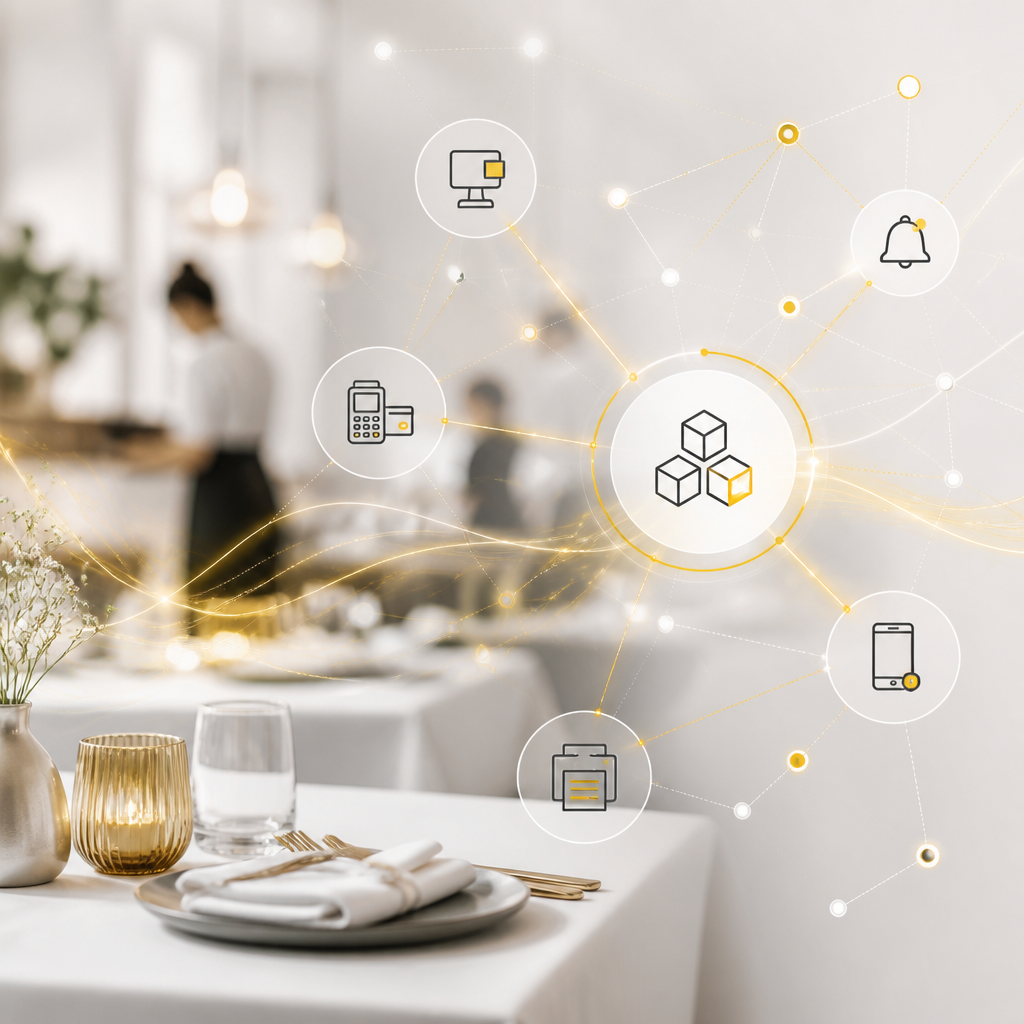
Abstract interconnected system diagram over a subtle restaurant context, symbolizing automated integrations for bookings, payments, notifications, and analytics without readable text

SEO for reservation pages (so guests can actually find you)

Even the best reservation flow won’t help if people can’t find your restaurant online. Focus on:

  • Fast loading pages (especially on mobile)
  • Clean page structure for booking, menus, and location
  • Local SEO signals (consistent address, hours, and venue details)
  • Proper internal linking (menus → reservation/ordering CTAs)
  • Event pages and dining updates that match real search intent

If you want guests to book, your site needs to rank for the right “near me / reservation / restaurant booking” searches—and deliver a smooth booking experience once they land.

What “good tech” looks like for a reservation + drive orders platform

A reservation experience should be reliable under real demand. Your solution should support:

  • Responsive UI across phones, tablets, and kiosks
  • Performance optimization for quick menu browsing and checkout
  • Security for customer data and payment flows
  • Scalable backend to handle peak booking times and order volume
  • Clean admin tools for staff workflows

Custom-coded development helps you avoid bottlenecks when usage increases.

How Shakir Ansari and RTP team support restaurant booking experiences

Shakir Ansari – Full Stack Developer & AI Automation Solutions helps restaurants build and improve digital systems through custom website development and application work—especially when a simple brochure site isn’t enough.

Depending on your needs, the RTP team can support:

  • creating a restaurant website with conversion-focused booking CTAs
  • building Restaurant Booking and Reservation app experiences tailored to your seating/capacity logic
  • implementing Drive Orders and pickup ordering flows with clear UX
  • integrating booking/order data with APIs, payment tools, and operational systems
  • improving performance, SEO structure, and long-term scalability

Launch checklist (practical next steps)

Before going live, confirm:

  • Booking flow works on mobile and supports your party size rules
  • Availability updates correctly and confirmations are sent reliably
  • Menu pages load fast and modifier selection is clear
  • Drive Orders flow captures the right fulfillment choice
  • Admin dashboard covers reservation management and status changes
  • Location pages include hours, map, and booking/ordering entry points
  • Tracking is set for conversions (bookings and orders)

FAQs

1) Do I need a separate app for restaurant booking?

Not always. Many restaurants achieve a strong reservation experience by embedding booking functionality into a custom website experience. A dedicated “app-like” flow can still be built without forcing customers to download something.

2) What’s the difference between reservations and a Restaurant Booking and Reservation app?

A reservation process handles the booking itself (date/time, party size, confirmations). A “Restaurant Booking and Reservation app” implies a more complete, interactive system—often with waitlists, capacity logic, notifications, and staff/admin management.

3) Can Drive Orders be integrated with my existing ordering or POS setup?

Yes, that’s often the best approach. With API integrations, your booking/ordering system can sync order status and reduce manual work for your team.

4) How do multi-location restaurants manage reservations?

Your system should support location-specific availability, seating rules, and reporting—so guests see the correct options for each venue.

5) Will a custom solution help with SEO?

It can. A custom build can be optimized for mobile speed, clean page structure, and strong internal linking—so reservation and menu pages are easier to discover and convert.

Conclusion

A restaurant website becomes significantly more valuable when it doesn’t just display information—it books guests and supports Drive Orders with fast, reliable user experiences. By combining a reservation system, a clear menu journey, and ordering workflows (plus the right integrations), you can reduce friction for guests and lighten operational load for staff.

To build or upgrade your reservation and ordering-focused restaurant platform, explore Website Development with Shakir Ansari and the RTP team—custom, responsive, and built for real-world restaurant workflows.

CTA

Explore Website Development for your restaurant’s custom booking and drive ordering experience.